



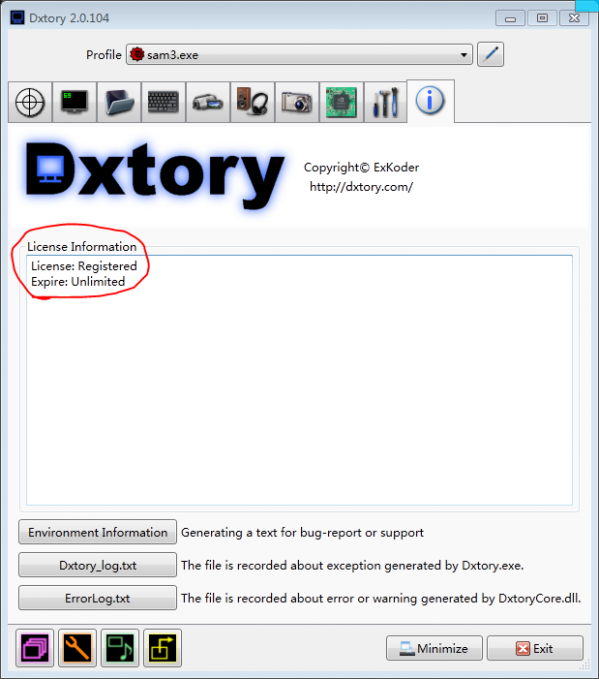
This software requires the support of [.net framework4.0 Simplified Chinese version].
Features:
1. Frame Rate: This is how many frames per second are set. Generally speaking, 30 is enough. The higher the number, the smoother the picture, but the greater the computer load and the larger the space.
2. Clipping: There is no need to set it here. If you want to record only part of the picture, you can set it yourself. Otherwise, skip it.
3. Scaling: The resolution after recording, the default is 100%, that is, if your game resolution is 1366x768, the recorded video will be 1366x768, and the corresponding video will be larger, so if you want to make it smaller, set it to 50%. The size next to it is to directly specify the size!
4. Output: Just choose avi, rawcap is used for raw compression, and most people can’t use it.
5. Include Cursor: If you want to record the game mouse together, if you need it, just check it! !









Useful
Useful
Useful