





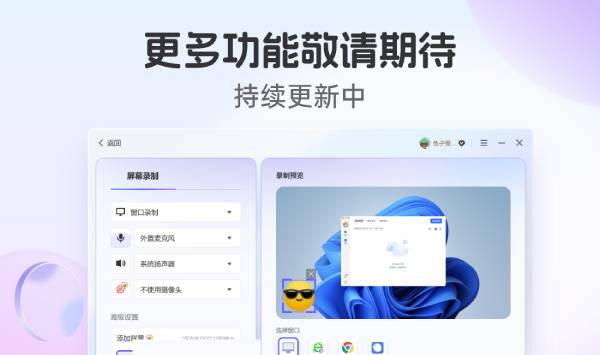
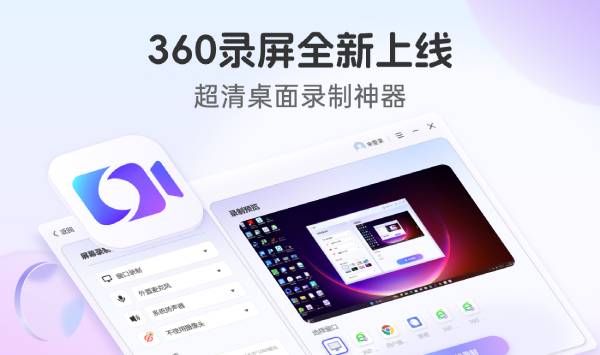
Features of 360 screen recording software
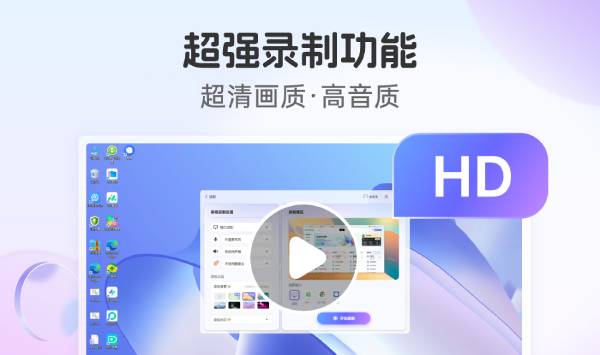
Original picture-level high frame rate recording: Capture every delicate moment, whether it is game competition, teaching demonstration or live broadcast sharing, it can present smooth and stutter-free ultra-high-definition picture quality.
Personalized watermark customization: Supports customized image watermarks and text watermarks, easily add your brand logo, copyright statement or personal label to protect content copyright and highlight your personality.

Camera embedding function: Embed the camera image into the recorded video in real time. Whether it is showing operation demonstrations when recording tutorials or showing the image of the anchor during live broadcast, it can achieve rich and diverse presentation effects.
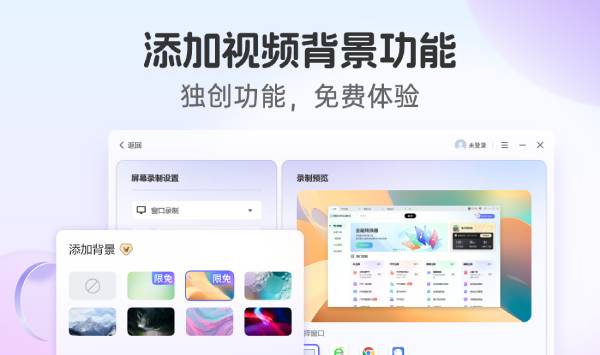
Original video background addition: Breaking through the limitations of traditional screen recording, innovatively providing the video background addition function to make your recording content more vivid and interesting. Whether it is a static background or a creative scene, you can set it as you like.
Frequently Asked Questions about 360 Screen Recording
Prompt "An exception occurred during recording, error code: 1,-28"
Cause: The disk where the path is saved in the browser may be out of memory.
Solution: Change the save path to a location with sufficient disk space, and set it in "Settings-Basic Settings-Download Save Location". After restarting the browser, try recording the screen again.
360 screen recording update log:
1: Optimized performance
2: We are serious about solving bug problems
Huajun editor recommends:
360 screen recording is a very practical and simple tool. Interested users can download and use it from the Huajun Software Park. There are also many similar software available for download, such as:Aoruan screen recording,Minimal screenshot tool (FastStone Capture),Screen recording software,B station recorder,zh-u1led display control softwareWait.




Useful
Useful
Useful