




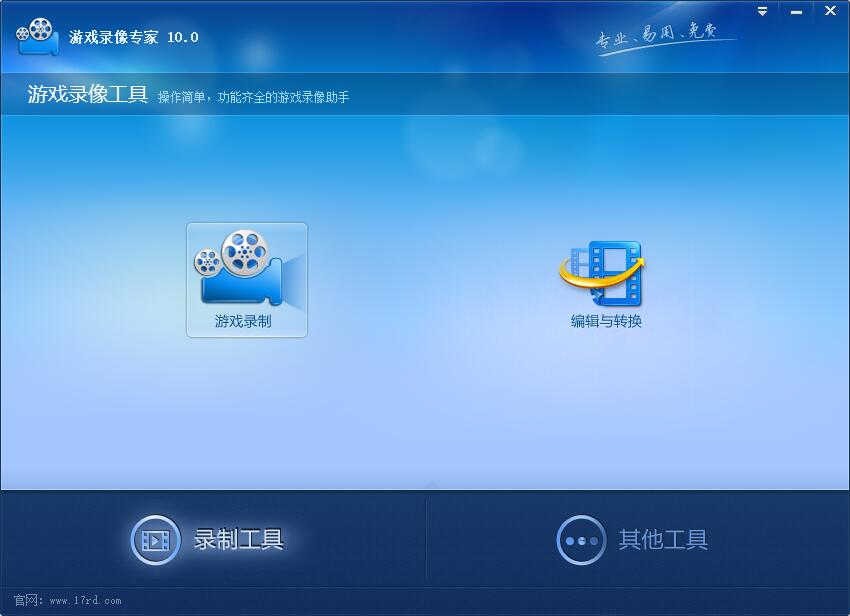
Game Recording Expert Function Introduction
1. Game recording: The official version of Game Video Expert can record most games on the market into FLV or AIV format videos, and supports simultaneous recording of games and cameras.
2. Game live streaming: Most games on the market can be recorded and broadcast live to the Internet in real time. Supports simultaneous recording of games and cameras.
3. Editing and conversion: Supports functions such as intercepting, splitting, merging, and adding dubbing and subtitles to video files.
Game Video Expert Installation Instructions
1. Unzip the latest software package of Game Video Expert official version downloaded from Huajun Software Park, enter the welcome installation interface, and click [Next]
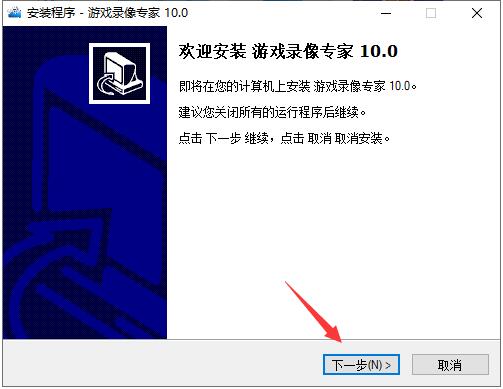
2. The software is installed in "C:/Program Files (x86)/Ruidong World/Game Video Expert" by default. The editor recommends clicking [Browse] to select a location other than the C drive for installation.
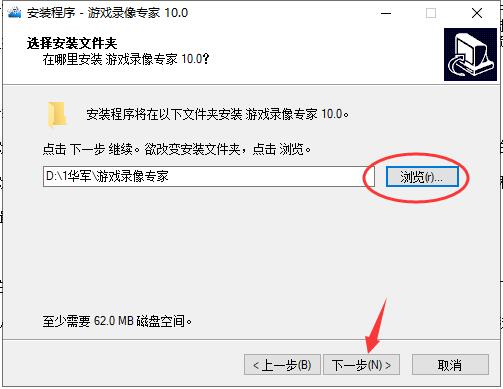
3. Here the user can choose the start menu location, the default is OK
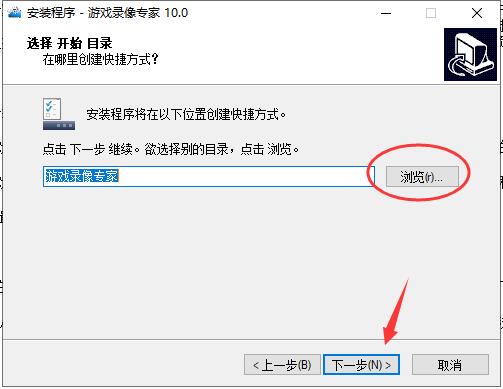
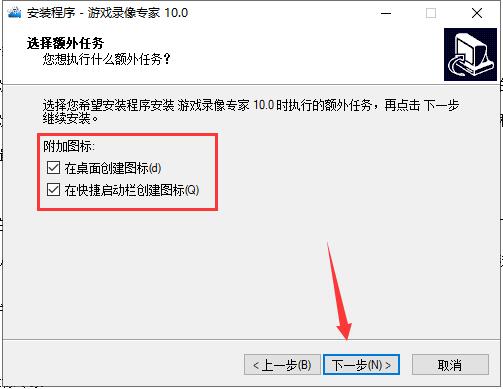
4. Choose whether to create icons on the desktop and shortcut launch bar, and click [Next]
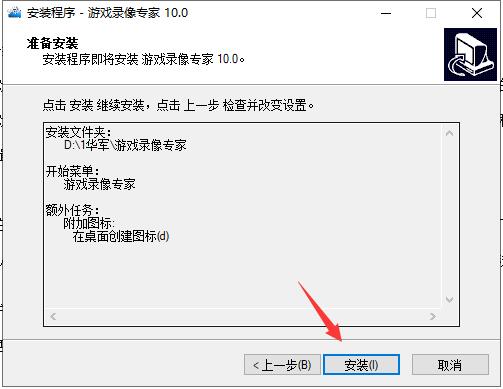
5. After confirming that the installation settings are correct, click [Install]
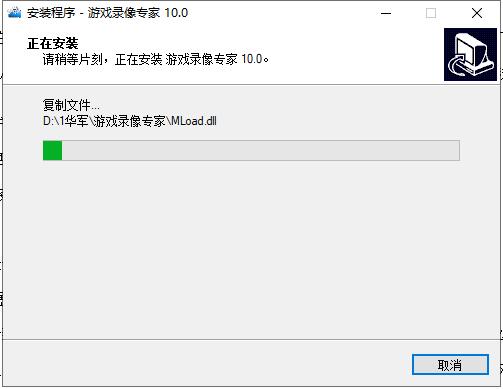
6. The software is being installed, please wait.
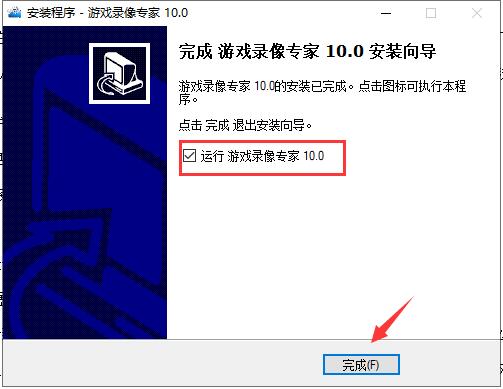
7. If the software is installed successfully, choose whether to start the software immediately as needed, and click [Finish] to exit the installation wizard.
Game Video Expert Instructions
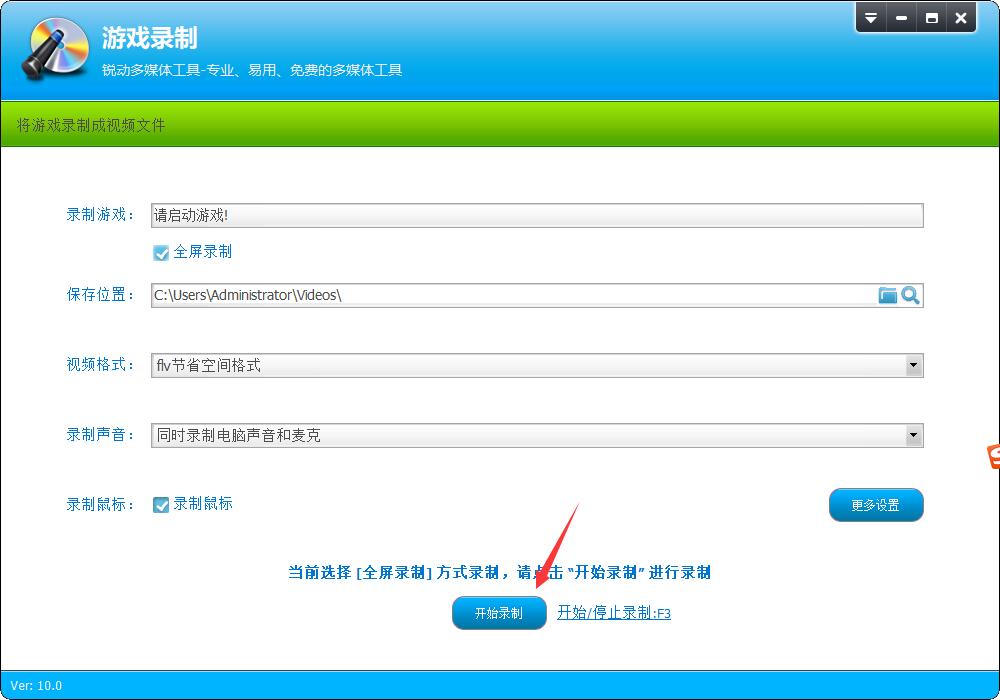
1. Open Game Recording Expert and select Game Recording
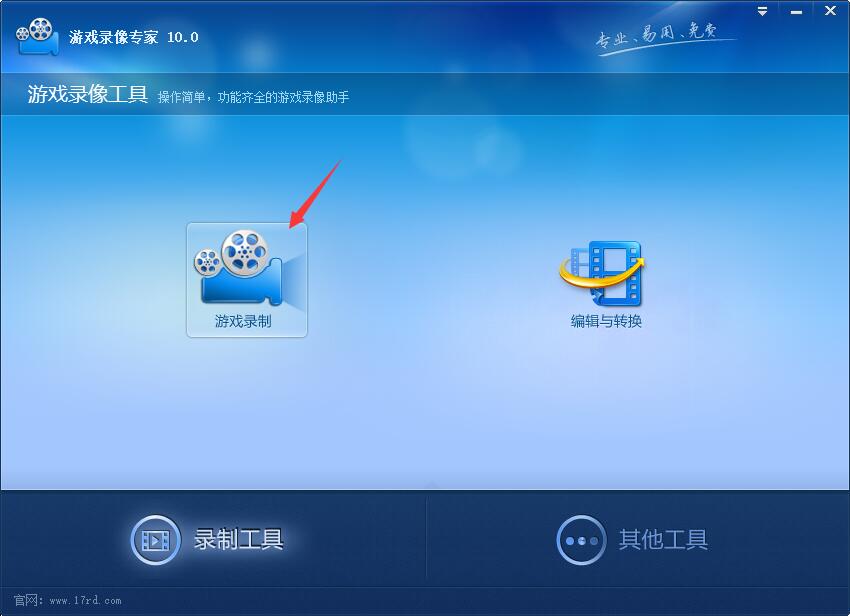
2. Edit settings: Go to the recording target page to set.
If the game you want to record is not in full screen mode, select "Range" and directly drag the range mark to select the range you want to record. If you don’t know how to operate, please click the help button
If the game you want to record is full screen and you can press the shortcut key to start recording after the game starts, you can select "Full Screen"
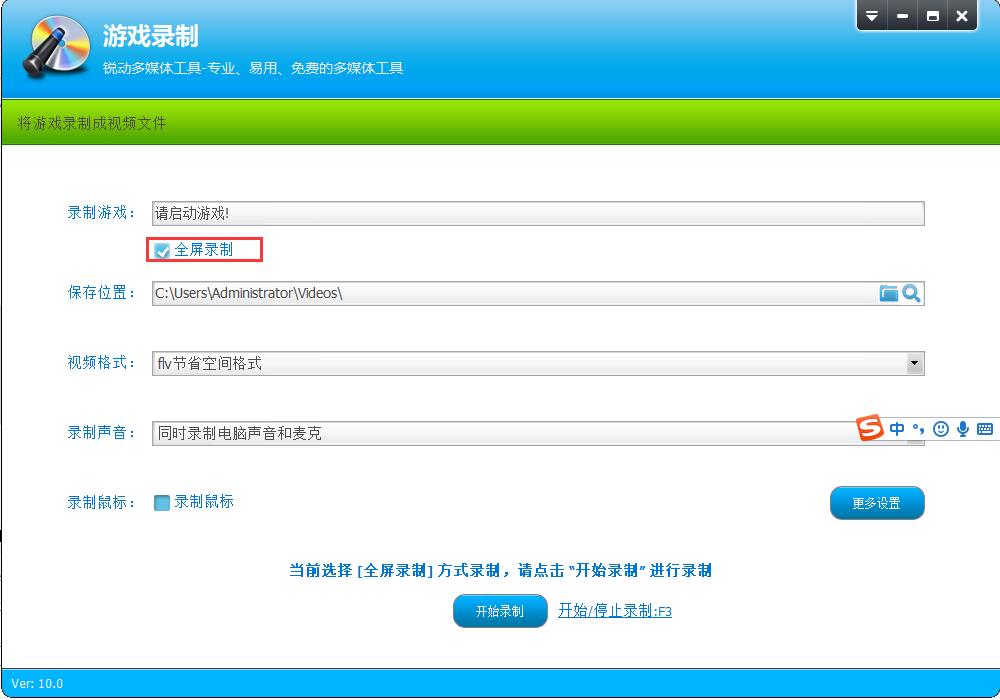
If the game you want to record is full screen, but you cannot press the shortcut key to start recording after the game starts, you can select "Range" and manually enter the recording range. For example, if the game resolution is 800*600, enter X1:0 Y1:0 X2:800 Y2:600
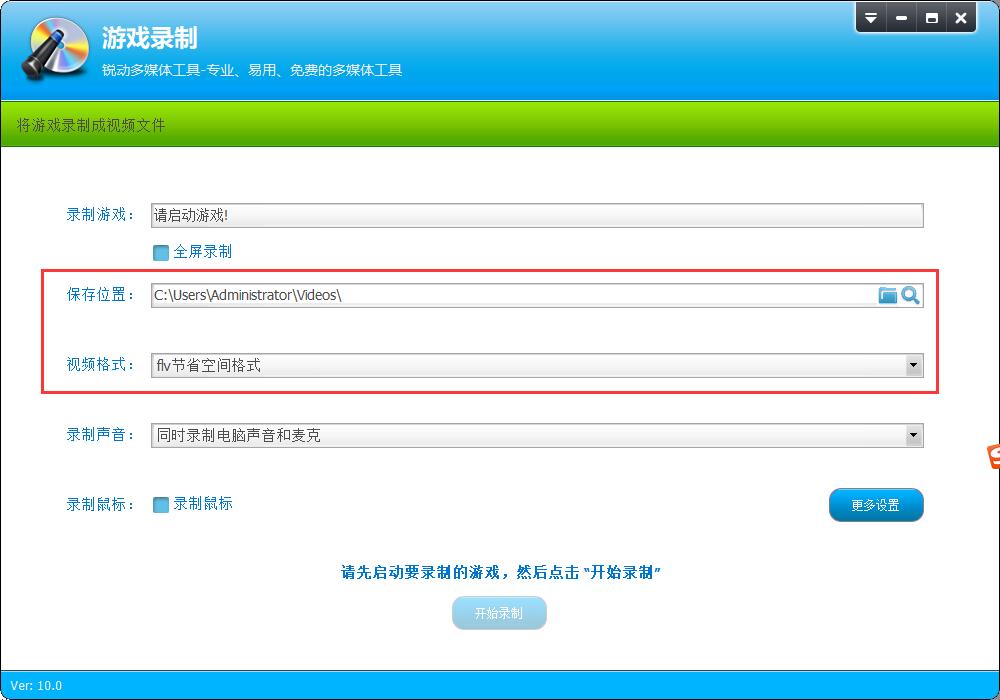
3. Set the save location and video format.
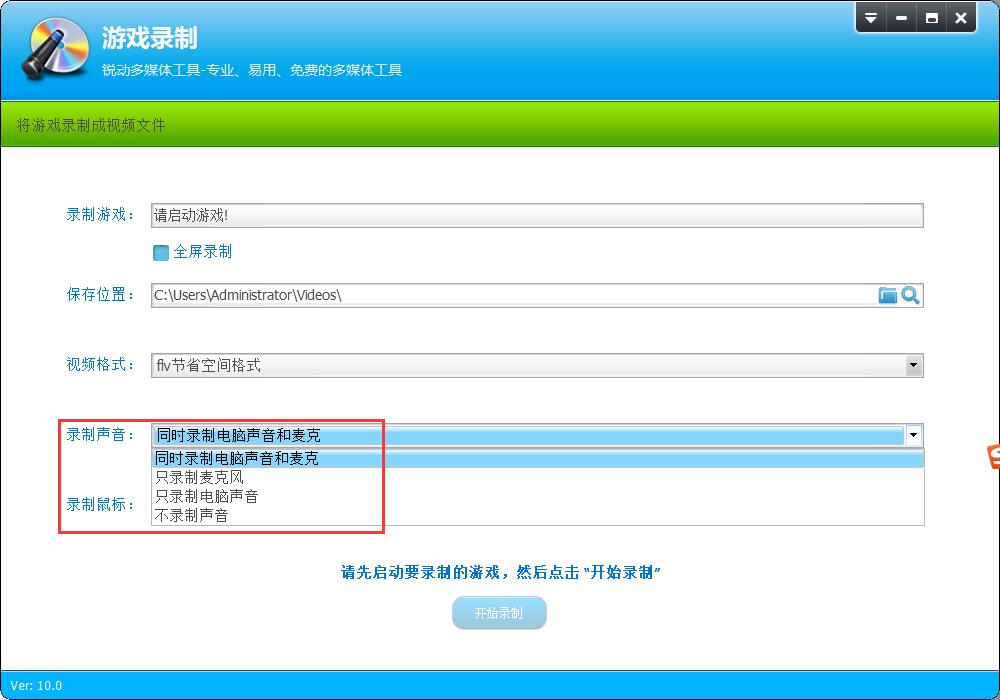
4. Select the sound you want to record
5. Start recording: If possible, you should enter the game before starting recording, otherwise the recorded picture may be distorted.
Game Video Expert Update Log
1: Optimized performance
2: We are serious about solving bug problems
Huajun editor recommends:
The editor guarantees that as long as you use the game video expert, if you don't like it, you can come and hit me! The editor has also prepared for youZhuanzhuan Master screen recording software, please download and use.









Useful
Useful
Useful