



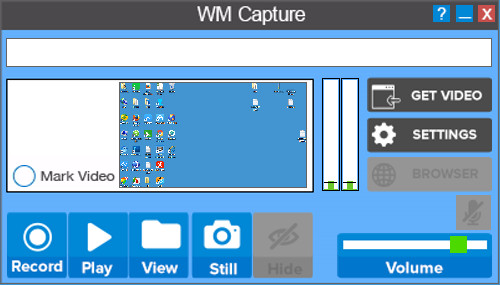
Software features
Astonishingly perfect image quality
Unlike other screen video capture programs, WM Capture uses unique high-speed capture technology to create a near-perfect copy of the Windows Media video files you see on the screen. Alternatively, you can use our proprietary MPEG-2 codec for even better image quality.
Super easy to use
You can easily capture video to mark an area for recording. Just click on the capture window and place your mouse over the area and it will automatically capture the video you want. Once you have a rectangular mark, just click the record button to play the video to capture it. It's that simple!
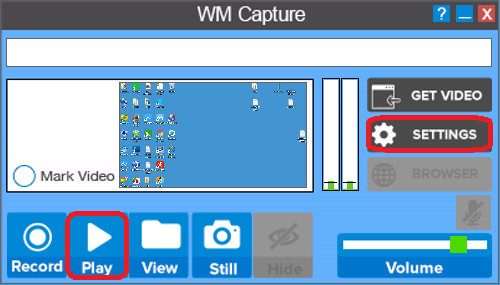
Click play to start recording, and click settings to set up the software.












Useful
Useful
Useful