



Basic introduction
ISO Workshop is simple to operate, with four large icons on the main interface: extract files from ISO, backup disc image data, convert ISO to other image formats, and burn ISO to CD or DVD disc. Supported formats include ISO, CUE, BIN, NRG, CDI, MDF, IMG, GI, PDI, DMG, B5I, B6I, etc. Supported disc types include CD-R/RW, DVD-R/RW, DVD+R/RW, DVD+R DL, BD-R/RE, etc.
Image file has the same meaning as mirror file, taken from the translated foreign language "image". Generally, mainland China seems to use mirror files more often, while Taiwan and other countries call them image files. It is a complete copy of the disc file information. It includes all the information of the optical disc, so special virtual optical drive software is required to load this kind of image file and read it, which completely simulates the characteristics of reading optical disc files. The software in this area is Alcohol 120%, Deam Tools, etc. are relatively famous.
Software features
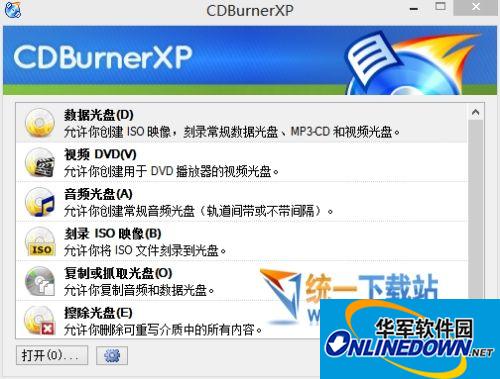
1. Extract files and folders from disc images
2. Copy discs, disc images (including audio CDs)
3. Convert disc image to ISO or BIN format
4. Burn ISO or CUE/BIN image to disc
5. Support common formats (ISO, CUE, BIN, NRG, MDF, CDI, etc.)
6. Support CD-R/RW, DVD-R/RW, DVD+ R/RW, DVD+ R DL, BD-R/RE
7. Written documents supporting verification
8. Free for personal and commercial use










Useful
Useful
Useful