




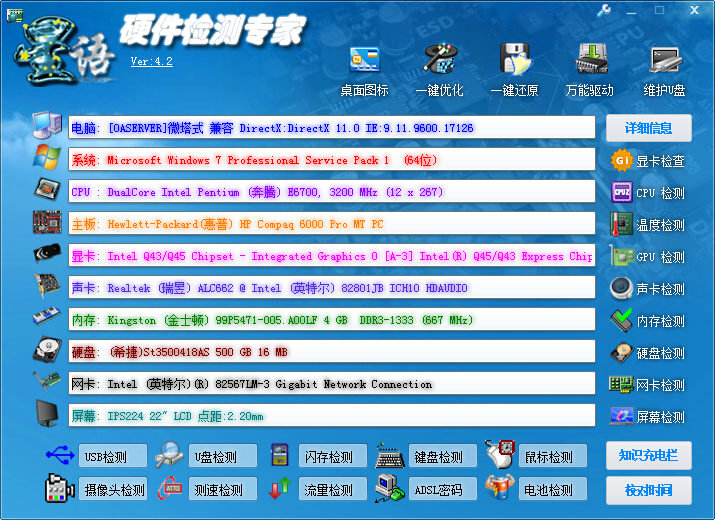
Hardware detection expert function
1. Screen detection: View screen information, and support screen dead pixel detection, screen edge detection, multi-touch testing, etc.;
2.CPU details: Check the CPU frequency and detailed CPU parameter information to fully understand the CPU of your favorite machine;
3. Disk space: If the phone supports SD card expansion, it can detect the reading and writing speed of its own SD card. The software can record the last detection information, and at the same time, you can view the memory information, phone capacity and SD card capacity;
4. Battery information: Check the details of the phone’s battery information, including the time the phone has been powered on, battery status, battery health, etc.;
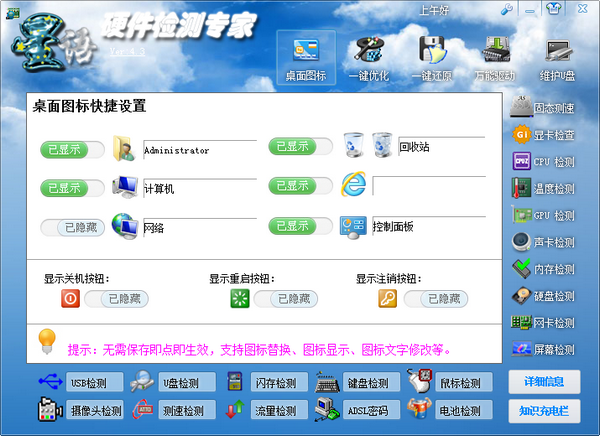
Hardware detection expert installation method:
1. After downloading the hardware detection expert from this site, use360 compressionSoftware decompression. Anti-virus software will report viruses.
2. After decompression is completed, double-click the exe file to open the software.

How to use hardware detection expert
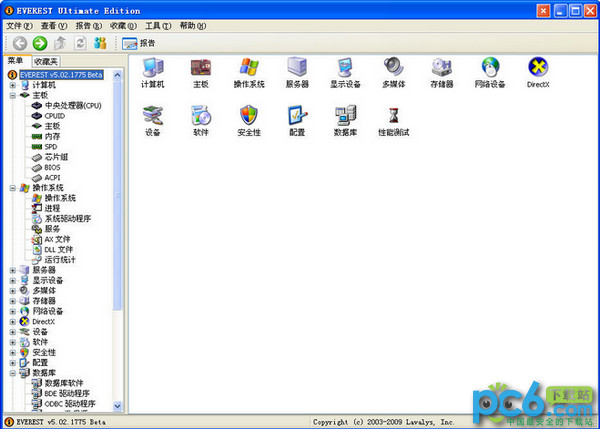
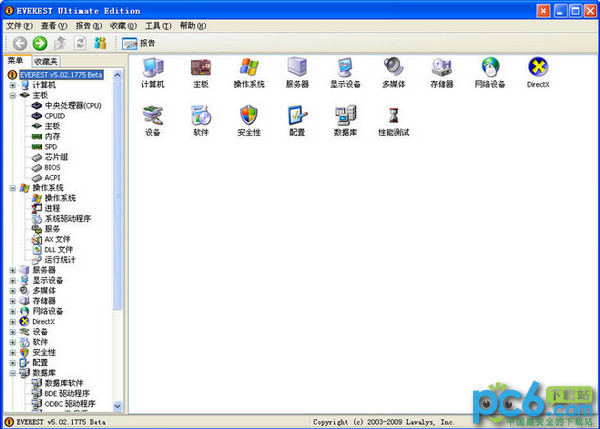
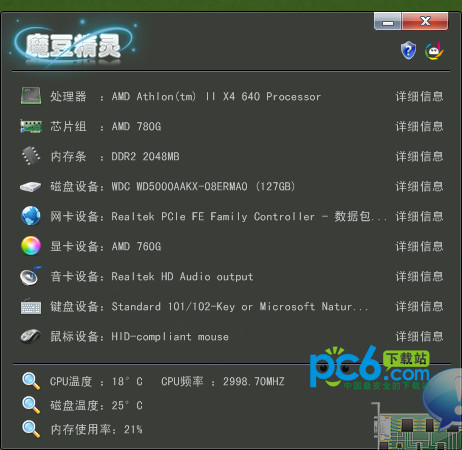
Open the installed hardware detection expert software and the computer information will be displayed.
Note: If the software cannot be opened, you can use Master Lu. Master Lu is a professional, easy-to-use and completely free hardware detection tool.
Hardware detection expert update log:
1. Add recognition support for Win10 and optimize the problem of inability to execute on 64-bit systems;
2. Mainly update the collection software, the previous version is very old;
3. Add the option of changing the interface by time, and you can customize pictures;
Huajun editor recommends:
Say goodbye to junk software, Hardware Detection Expert is a green and safe software, the editor has personally tested it! Our Huajun Software Park serves you wholeheartedly. There are alsoComMaster,SiSoftware Sandra,HD Tune Pro,WinBench99,cpu-z, available for you to download!




















Useful
Useful
Useful