




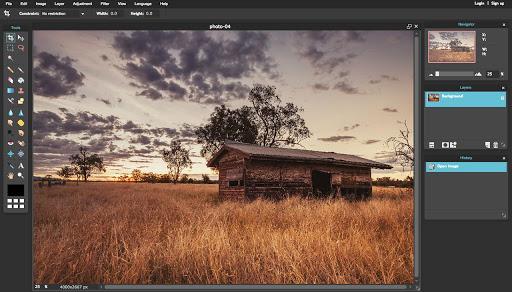
Introduction to Pixlr Editor plug-in
Pixlr Editor is a powerful image processing plug-in. It is called a plug-in because it relies on the Chrome browser to run. And it is different from ordinary desktop image processing software in that its size is less than 1M! But Pixlr Editor's functions can reach professional-level image processing levels. Pixlr The Editor plug-in contains a variety of image processing special effects, as well as powerful layer functions like Photoshop. Its entire operation interface is similar to PS, which is perfect for users who are familiar with PS. The most important feature of Pixlr is Editor plugin is 100% free!
Pixlr Editor installation method
1. First, the user clicks the Customize and Control button in the upper right corner of the Google Chrome browser, selects the tool option in the drop-down box, and then clicks on the extension to launch the Chrome browser's extension manager page.
2. Find the Chrome offline installation file xxx.crx that you have downloaded, and then drag it from the resource manager to Chrome's extension management interface. At this time, the user will find an additional "Drag to install" plug-in button in the central part of the extension manager.
3. Release the mouse to install the currently dragged plug-in into Google Chrome. Click the Add button to install the offline Chrome plug-in into Google Chrome. After successful installation, the plug-in will be immediately displayed in the upper right corner of the browser.
Pixlr Editor Instructions
1. After using the Pixlr Editor plug-in to open a picture, the user will see the same picture processing interface as PS, which gives the user a particularly friendly feeling.
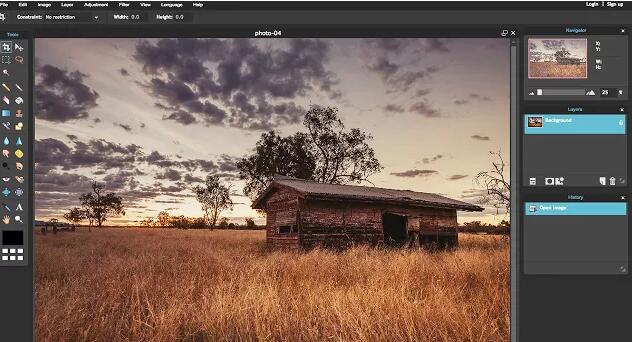
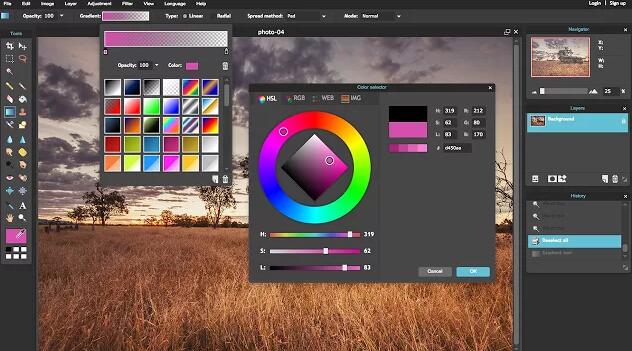
2. Users can choose the powerful color selection tool provided by the Pixlr Editor plug-in to fill the image.
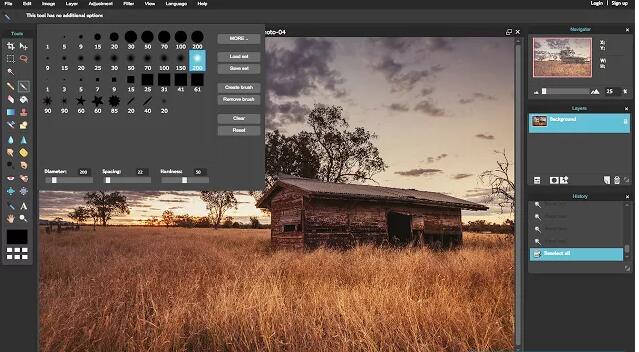
3. Using the brush tool that comes with Pixlr Editor, you can also easily select the thickness of the brush, allowing users to choose the appropriate brush to depict the image.
4. Users can create layers in Pixlr Editor like PS to control the image more precisely. Just click the new layer button in the lower right corner.
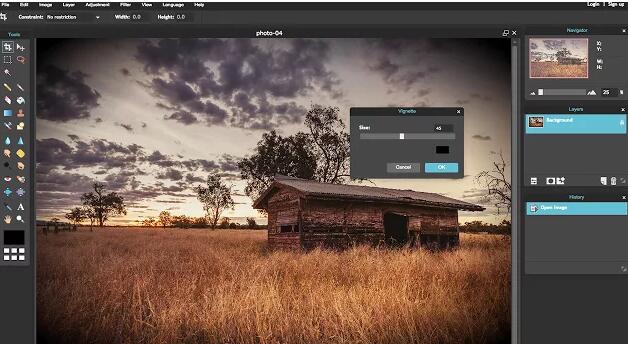
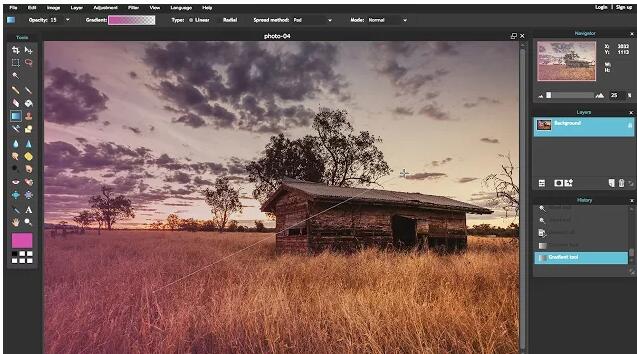
5. Using Pixlr Editor, you can also create a powerful gradient filling effect. As shown in the picture, a picture is filled with gradient, making the picture more beautiful.
Pixlr Editor update log
Working day and night just so you can be happier
are all gone!
Huajun editor recommends:
Say goodbye to junk software, Pixlr Editor is a green and safe software, the editor has personally tested it! Our Huajun Software Park serves you wholeheartedly. There are alsoNumber cube,Desktop Taobao,Sogou input method skin box,Ping An Bank Online Banking Assistant,Mung Bean HTC one-click unlock, available for you to download!




Useful
Useful
Useful