



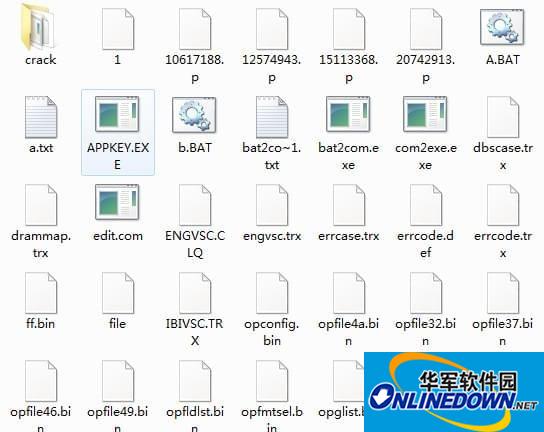
Instructions for use
TREX WD hard drive repair software
TREX needs to be run in pure DOS. Non-pure DOS may destroy the original files.
If it cannot run even in pure DOS, the file is damaged. Delete the T directory and copy the file over.
If something still goes wrong, it may be a problem with the motherboard BIOS. Restore the BIOS and it will be OK.
Some 865 motherboards do not have the serial port function enabled, so the motherboard does not recognize the serial port. It is OK to enable it.
Some TREX commands destroy the module, causing the disk to not be recognized.
Go to the T directory and run A
Pure DOS, run the example
C:>cd t
C:t>a
In the TREX interface
Run scan and press Enter, dut 1 and press Enter.
------------------
In the TREX interface
scan Scan the hard disk
The dut 0 command changes to hard disk 0
The dut 1 command changes to hard disk No. 1
DID displays the hard drive information to be repaired













Useful
Useful
Useful