



SanDisk RescuePROIt is a flash, professional and practicalU disk repairTools. SanDisk RescuePRO uses innovative media repair algorithms to display a preview of repairable data, including MPEGAudioand videos. SanDisk RescuePRO can also help you recover photos from accidentally deleted memory cards! It can even recover formatted memory cards, allowing you to retrieve all the photos you have lost. Huajun Software Park provides you with free download of SanDisk U disk repair tool SanDisk RescuePRO2024. Friends who like SanDisk U disk repair tool SanDisk RescuePRO come to Huajun Software Park to download and experience it!
-
6.9.0.0 official versionView
-
13.0.0 Green versionView
-
1.0 latest versionView
-
1.0 Official free versionView
-
1.0.0.1 official versionView
Frequently Asked Questions about SanDisk RescuePRO
Question:How to repair SanDisk USB flash drive?
1. First, make sure to download and install the SanDisk USB flash drive tool from this site. Then we use DiskGenius to test the USB flash drive and find that it can be recognized normally and the capacity is correct.
If you do not have DiskGenius software installed, you can click on the link:http://softwaredownload4.com/soft/9570.htm
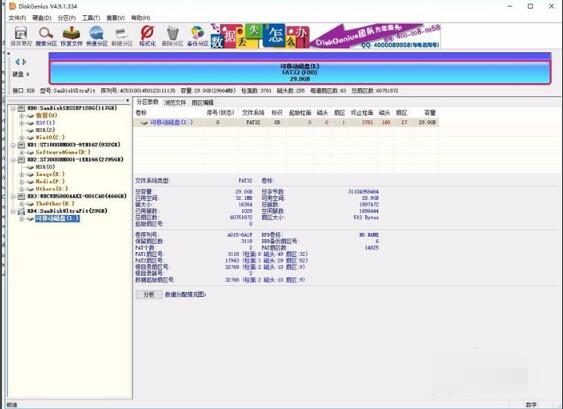
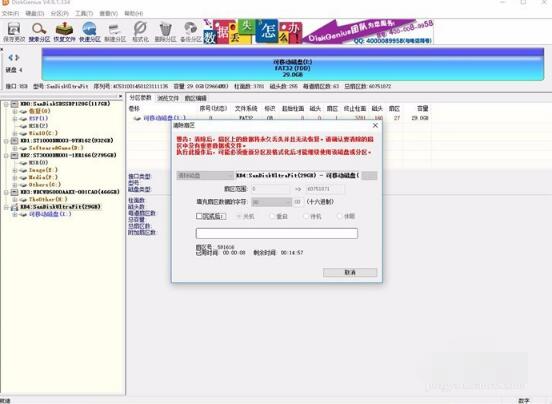
2. Then we return to the DiskGenius interface, right-click the U disk icon, and open the menu of the DiskGenius software, as shown in the figure below:

4. Then in this current interface, we start to clear the sector data on it, clear the sector data of the U disk; wait for the cleaning to be completed, then re-insert the U disk, format the U disk and then it can be used normally.
SanDisk U disk repair tool (SanDisk RescuePRO) software functions
·Repair images, documents, emails, videos, music or almost any other file
·RescuePRO uses innovative media repair algorithms to display a preview of repairable data, including MPEG audio and video
·SanDisk USB flash drive repair tool’s simple and easy-to-use graphical user interface allows you to repair your files with just a click of the mouse
·Included Secure Media Erase feature permanently deletes data on your digital media
·Image utility allows you to create an image of your media for future use in repairs
SanDisk RescuePRO Software Features
Supported digital media:
SD/SDHC, CompactFlash, SmartMedia, MMC, Memory Stick, XD card, Microdrive, PCMCIA, video CDs and DVDs. RescuePRO is not designed to recover data from hard drives.
SanDisk RescuePRO installation steps
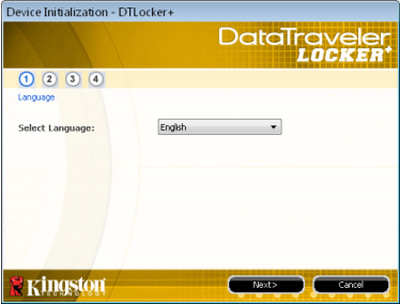
1. After the download is completed, double-click to run. First, select [Chinese] as the language.
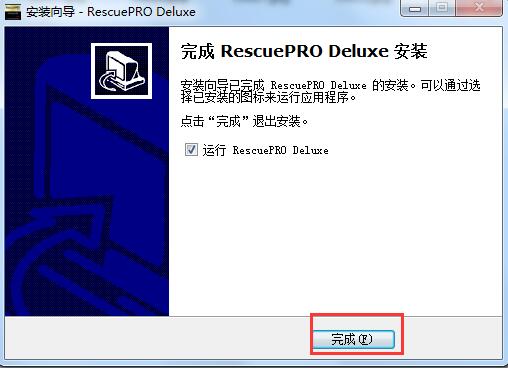
2. Then follow the installation wizard and click [Next] to complete the installation.
Tip: When selecting the target location, the program is installed on the C drive by default. In order to avoid affecting the use of the software and the running speed of the computer, it is recommended to re-select the appropriate installation location.
How to use SanDisk RescuePRO
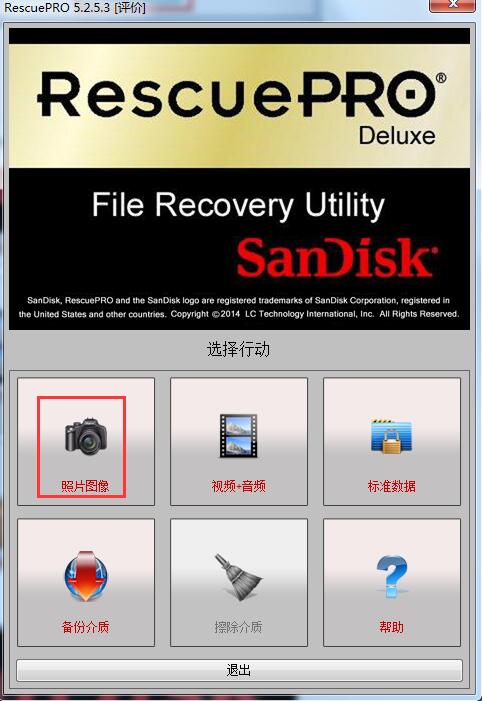
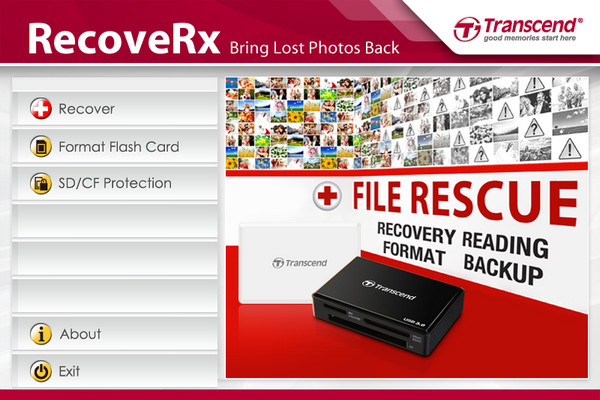
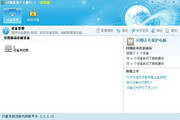
1. After the download and installation is completed, the main interface of this software will appear, and you can see that there are many function lists in it.
For example: If you want to restore a certain photo file, click on the photo recovery function in the picture;
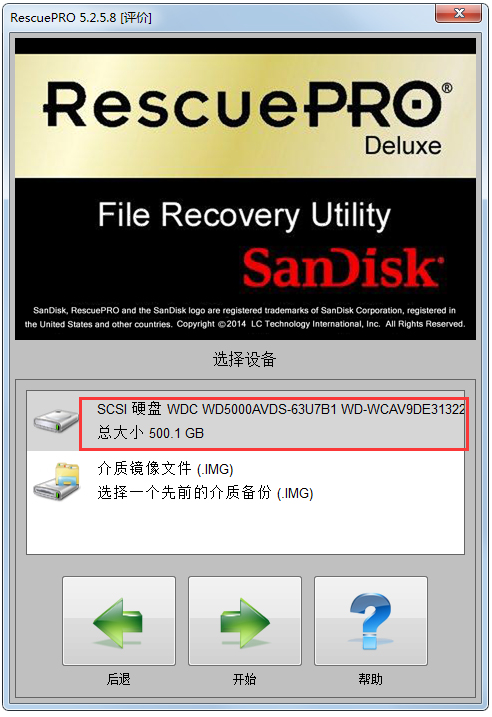
2. Then a list of your USB flash drives will appear. Double-click the drive letter to enter the specific recovery operation process;
3. Now the software starts to automatically search for all deleted photo files. If found, you can selectively restore them;
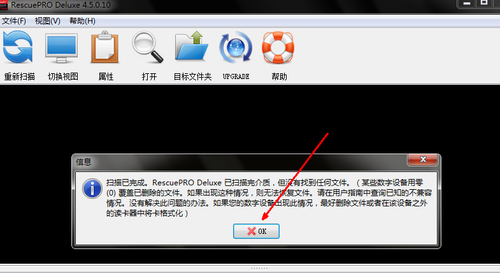
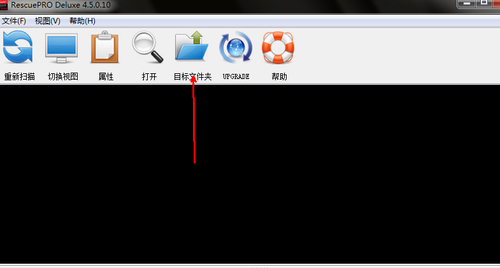
4. When the recovery is completed, if you want to use these recovered files, click the icon of the output folder, and then open the folder where the recovered files are stored;
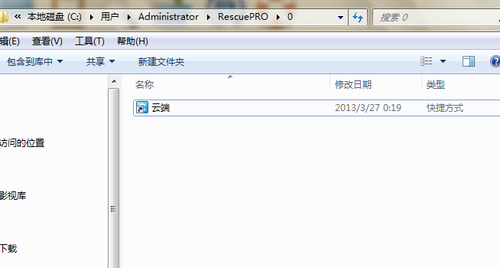
5. Now the photo files you want to recover will appear in this folder, which is as convenient as operating local files.
Recommended software similar to SanDisk RescuePRO
1.U disk repair tool:The latest version of USB disk repair tool is a repair software designed for USB disks in computers. The official version of the U disk repair tool can solve the problem that the U disk can be detected, but the data cannot be read or accessed, it has become 0 bytes, or the capacity has become smaller. Moreover, the U disk repair tool can also restore the capacity of your U disk and enable normal reading.
Download link:http://softwaredownload4.com/soft/111198.htm
1.Patriot USB flash drive repair tool: The official version of Patriot U disk repair tool is a repair software created for U disk. Patriot U disk repair tool can help solve various U disk problems, including the computer not recognizing the U disk, data content formatting, etc., bringing convenience to your U disk use. Even if the USB flash drive has low-level errors using the Patriot USB flash drive repair tool, as long as the USB flash drive is not damaged, it can be restored to its original state.
Download link:http://softwaredownload4.com/soft/984206.htm
Huajun editor recommends:
Don’t miss it when you pass by. If you miss SanDisk RescuePRO, you will never experience such a good service again. This site also recommends to youiFormat,DiskGenius,ChipEasy chip worry-free (USB disk detection tool)

















Useful
Useful
Useful