




primer5 function introduction
Smart primer design
Automatic search: After the user inputs the target DNA sequence, the software can automatically screen high-quality primers based on set parameters (such as primer length, GC content, annealing temperature, etc.) and generate a scoring system to assist selection.
Manual design: Supports selecting amplified fragments directly in the sequence editing window by dragging the mouse, and displays primer parameters (such as the possibility of forming dimers and hairpin structures) in real time to facilitate manual optimization.
Multi-target design: Supports multiple PCR primer design to meet complex experimental needs.
Primer evaluation and optimization
Specificity analysis: Use the BLAST alignment tool to check the complementarity of primers to non-target sequences to avoid non-specific amplification.
Secondary structure prediction: evaluate primer self-complementarity (hairpin structure) and inter-primer complementarity (dimer), and provide free energy (ΔG) value to assist optimization.
Calculation of physical and chemical parameters: Accurately calculate primer length, GC content, and annealing temperature (Tm value) to ensure consistency of experimental conditions.
Advanced feature extensions
Restriction enzyme cutting site analysis: identify restriction enzyme cutting sites in the target sequence to assist in the design of cloning strategies.
SNP analysis: supports single nucleotide polymorphism research, suitable for genetic disease screening or species identification.
Fluorescent labeled primer design: Provides fluorescent probe design capabilities for experiments such as qPCR.
Sequence format compatibility: Supports the import of sequence files in GenBank, FASTA and other formats to facilitate data integration.
primer5 features description
user friendliness
Intuitive interface: It adopts a graphical operating environment, which is divided into modules such as sequence editing window, primer design window, enzyme digestion analysis window, etc., with clear functional divisions.
Easy to operate: Even beginners without deep background knowledge can get started quickly and complete primer design by dragging the mouse.
Detailed documentation: Provides installation instructions, operation guides and case tutorials to reduce learning costs.
Algorithm advantages
High-precision prediction: Calculate the Tm value based on the nearest neighbor method (Nearest-Neighbor Model), combined with the SantaLucia parameter set to ensure high credibility of the results.
Intelligent screening mechanism: Comprehensive evaluation of primer quality through multiple parameters, giving priority to recommending efficient and specific primer pairs.
Extensibility and compatibility
Third-party tool integration: Can be used with Oligo Analyzer, mfold and other software to further verify primer characteristics.
Multi-platform support: mainly runs on Windows systems, meeting the needs of most laboratory environments.
primer5 usage tutorial
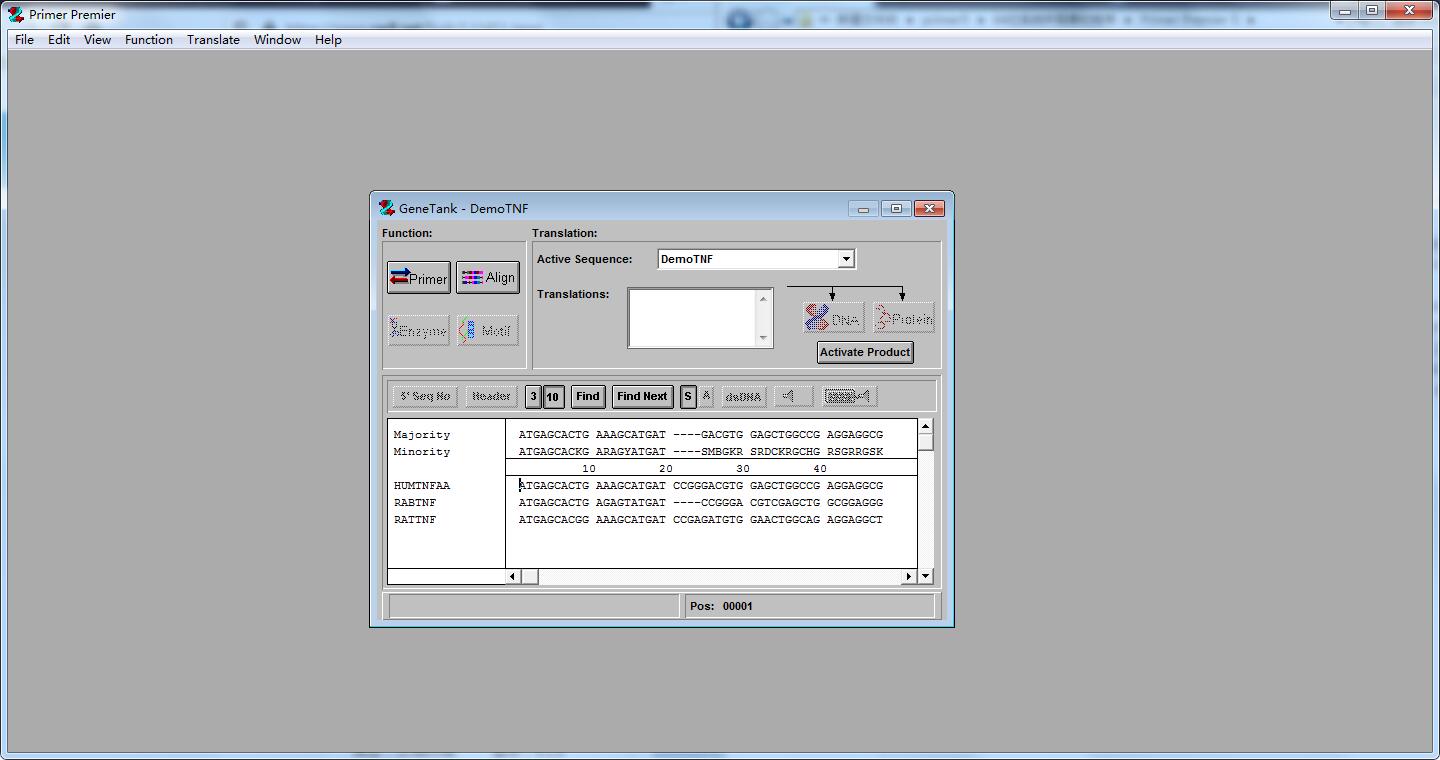
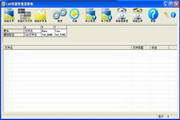
1. Unzip the downloaded primer primer5.0 to the specified location, double-click "Primer Premier 5.exe" to run and enter the software interface;
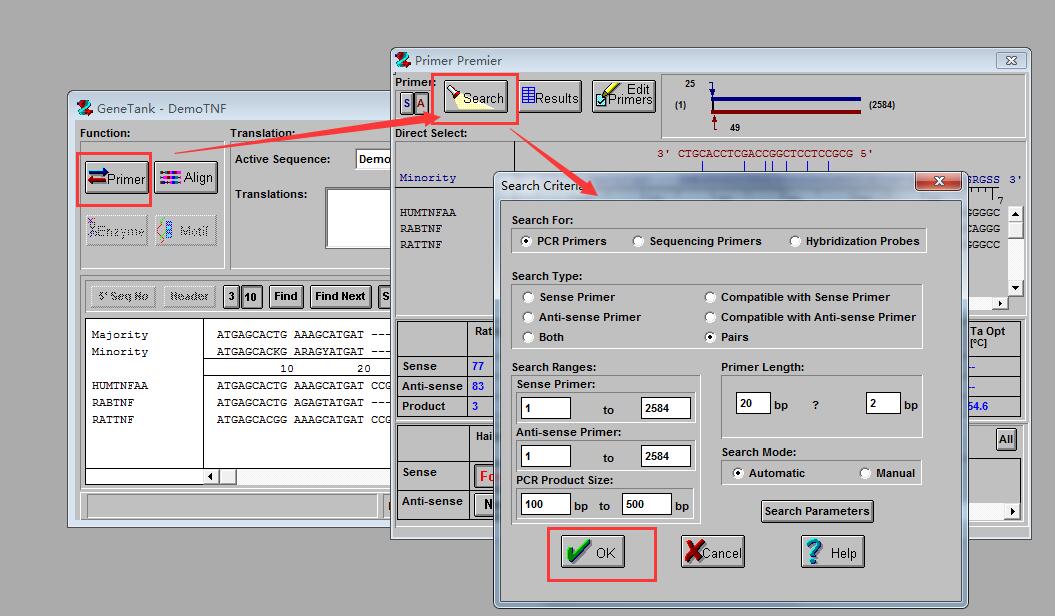
2. Click Primer in the pop-up interface;
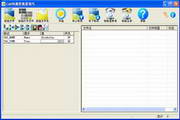
3. Click Search in the interface. After setting up, click OK;
4. Click Align in the pop-up interface to perform quick conversion, and click OK to convert;
primer5 FAQ
Installation and operation issues
Compatibility issues
Phenomenon: The installation fails or runs abnormally in Windows 7 or later systems.
Solution:
Ensure the system meets minimum configuration requirements (e.g. .NET Framework, Microsoft Office components).
Turn off the anti-virus software and reinstall it to avoid false alarm interception.
Download the latest version to avoid compatibility issues caused by using cracked versions.
Software crashes or malfunctions
Phenomenon: Crash on startup, interface lag or function buttons unresponsive.
Solution:
Run the software as an administrator and check the system permission settings.
Update graphics card drivers or system patches to ensure hardware compatibility.
Contact technical support to obtain the log file and locate the specific cause of the error.
primer5 update log
1. The details are more outstanding!
2.BUG gone without a trace
Huajun editor recommends:
Of course, in addition to primer5, a very convenient auxiliary design software, our Huajun Software Park also hasDoor and window CC manufacturer version,Dutt door and window master,vect2000 vectorization software,Show me my house,GeoCorelDRAWRelated software is available for download. If you need it, please click to download and use it.



![UI auxiliary design tool [Ext Designer]](http://softwaredownload4.com/sbdm/src/supply/pc_20161227/logo/t01848db21dee7f901d.png)





















Useful
Useful
Useful