



STL2STP software introduction
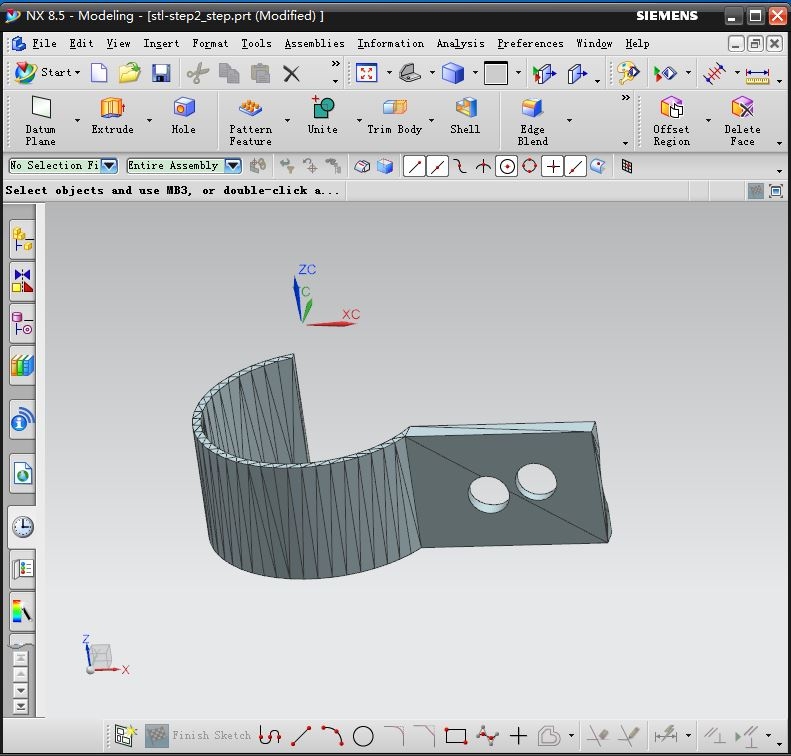
STL2STP green version is an STL model processing and materialization software that meets the needs of materializing STL models in the design field. Input an STL file and STL2STP can process it and convert it into STEP/STP, IGES/ Standard model data interactive formats such as IGE can be imported into commonly used CAD software (such as UG, SolidWorks, Catia, etc.) in the form of entities for further editing such as Boolean operations, drilling, and trimming, or for finite element analysis, which is very practical.
STL2STP function introduction
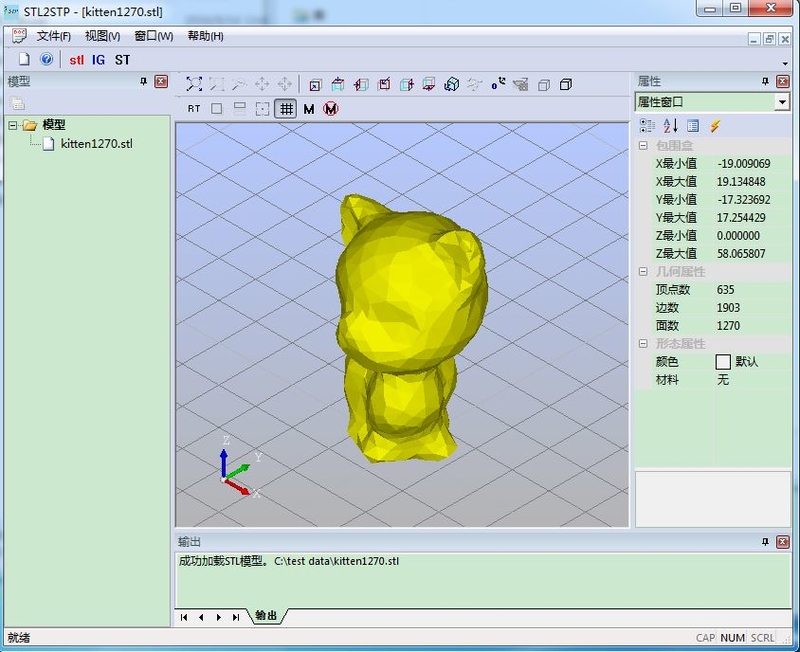
1. Browse STL models in binary and ASCII forms, supporting common operations such as rotation, scaling, and translation.
2. Analyze STL model information, including bounding box, number of vertices, number of patches, etc.
3.Support quick conversion and saving of STL model to STEP/STP format
4.Support quick conversion and saving of STL model to IGES/IGE format
5.Support simple model rendering, anti-aliasing and other functions
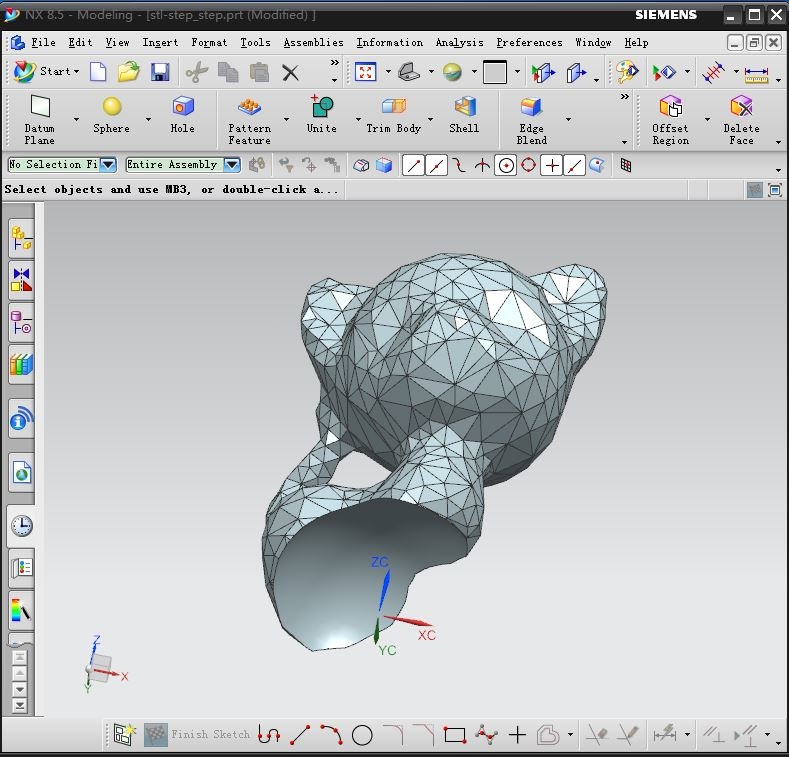
STL2STP usage instructions
1. Rotate: CTRL+right mouse button
2. Panning: SHIFT+right mouse button
3.Zoom: Mouse wheel
4.STEP/STP is a newer format standard than IGES/IGE, so it is recommended to convert to STEP/STP format first.
STL2STP update log
1. Improved STL model import speed
2. Improved file conversion speed
3. Fixed the problem when reading binary STL model
4. Optimized some other functions
Huajun editor recommends:
The editor has also usedDoor and window CC manufacturer version,Dutt door and window master,Show me my house,3D piping design software,GeoCorelDRAWSoftware with similar functions to this software is available in Huajun Software Park and can be downloaded and used!




Your comment needs to be reviewed before it can be displayed