





Gephi Highlights
Multi-language support: The project includes French, Spanish, Japanese, Russian, Brazilian Portuguese, Chinese and Czech, making it easy for users around the world to use.
Java development library: As a standard Java development library, Gephi can be referenced by any Java project and used in servers or command line tools to automatically perform various operations.
Ergonomics
Based on NetBeans UI design, the software is more user-friendly and easy to use.
High performance
The built-in 3D rendering engine improves the visualization effect while ensuring the performance of the software.
Native file format support
Supports GDF (GUESS), GraphML (NodeXL), GML, NET (Pajek) GEXF and other local file formats to facilitate users to exchange data with other software.
Plug-in customization
Provides a variety of plug-ins such as layout, measurement, data source, operation tools, rendering presets, etc. to meet the personalized needs of users.
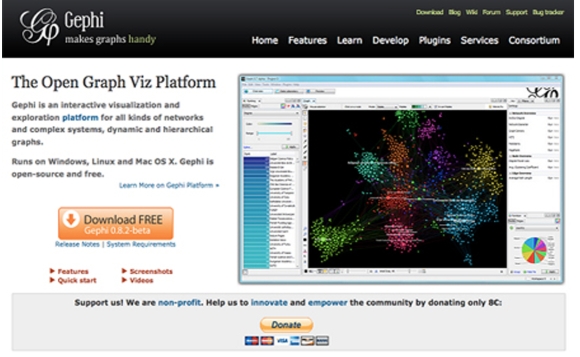
Features of Gephi
fast
Through the built-in OpenGL engine, Gephi can adapt to the requirements of large networks, and the visual network can reach millions of elements.
All operations (such as layout, filtering, dragging and dropping) can be completed in real time, improving work efficiency.
simple
It’s easy and fast to get started, and users don’t need to have professional knowledge to get started.
The UI design is centered on visualization, similar to the image processing tool Photoshop, allowing users to operate intuitively.
Modular
It can be expanded through plug-ins to meet the different needs of users.
The graphics architecture is built on the Netbeans platform, supports API expansion and reuse, and improves the flexibility and scalability of the software.
Central display: Use sociology to represent the connection status of nodes, including degree (power law), betweenness, and intimacy.
More information: Provides various metrics such as density, path length, diameter, click rate, modularity and clustering coefficient to help users fully understand the characteristics of the network.
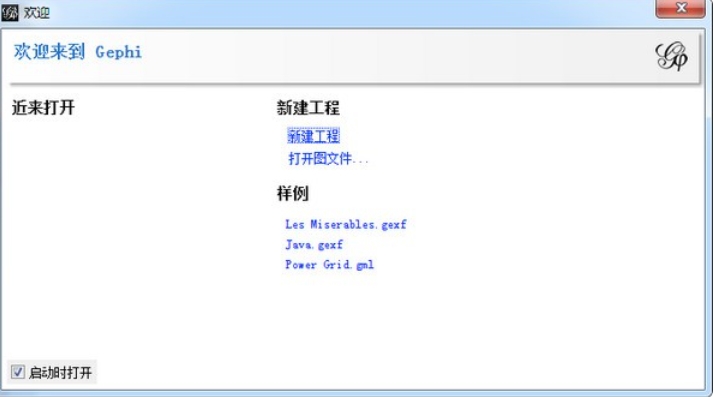
Gephi function
exploratory data analysis
Intuitive real-time analysis of network operations helps users quickly understand the characteristics and trends of data.
link analysis
Giving the structure behind associated objects, especially the structure under scale-free networks, helps users deeply understand the relationships between data.
social network analysis
Social data links corresponding to community organizations and small worlds can be easily created to help users analyze the structure and characteristics of social networks.
biological network analysis
Display biological data patterns and provide powerful visualization tools for biological research.
Poster creation
Promote scientific work by printing high-quality maps, making research results more intuitive and easier to understand.
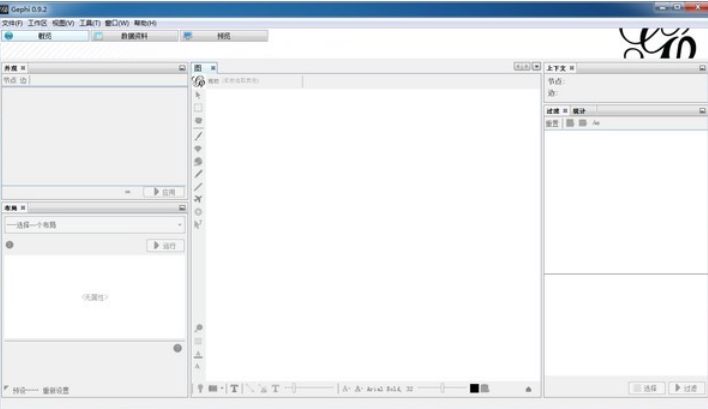
Gephi FAQ
Encountered dependency issues during installation
Problem description: When installing Gephi, you may encounter problems with missing dependent libraries or mismatched versions, causing the installation to fail.
Solution:
Make sure the operating system version meets Gephi's minimum requirements.
Install the latest version of the Java Runtime Environment (JRE) because Gephi is developed based on Java.
If you are prompted that some libraries are missing during the installation process, you can try to download and install these libraries manually. Typically, these libraries can be found in Gephi's official documentation or community forums.
Unable to find Java 1.8 or higher
Problem description: When installing or running Gephi, you may be prompted "Cannot find Java 1.8 or higher".
Solution:
Download and install Java 1.8 or higher from Oracle's official website or other reliable sources.
Configure environment variables to ensure that the JAVA_HOME environment variable is set correctly and add it to the system's PATH.
Modify the etc/gephi.conf file in the Gephi installation directory and change the jdkhome path to the Java installation path.
Gephi update log:
1. Modify user-submitted bugs
2.Add new features
Huajun editor recommends:
Gephi has the same complete functions as the official product, the interface is more beautiful and elegant, and the design is more complete. It continuously meets the needs of users. Welcome to download. Those who are interested can also downloadNetwork traffic statistics tool,Webcam search tool,TrafficMonitor (computer network speed monitoring floating window),FPort,MRTG
































Useful
Useful
Useful