If you are looking for software to use, go to Huajun Software Park! software release AI product list

Hello, if there is a need for software inclusion, please package the software and attach the software name, software introduction, software-related screenshots, software icon, soft copy, business license (if you do not have a business license, please provide the front and back of the corresponding developer ID card and a photo of yourself holding the ID card), and send it to email http://softwaredownload4.com/sbdm/user/login

Close >>

Send to email:news@onlinedown.net

Close >>

Location: Home pagePC softwareSystem softwareTiming software Laughing Man automatic switch machine
Laughing Man automatic switch machine

Laughing Man Automatic On/Off V8.5 Green Version

QR code
  • Software licensing: free software
  • Software size: 1.3MB
  • Software rating:
  • Software type: Domestic software
  • Update time: 2024-12-30
  • Application platform: winall
  • Software language: Simplified Chinese
  • Edition: V8.5 green version

Download the service agreement at the bottom of the page

Software introduction Related topics FAQ Download address

Basic introduction
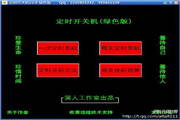
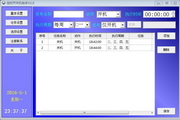
Laughing Man automatic switch section first LOGO
Download the Laughing Man automatic power on and off software. There are many software for scheduled shutdown, but very few software for scheduled power on. This Laughing Man automatic power on and off software can realize the scheduled power on function.

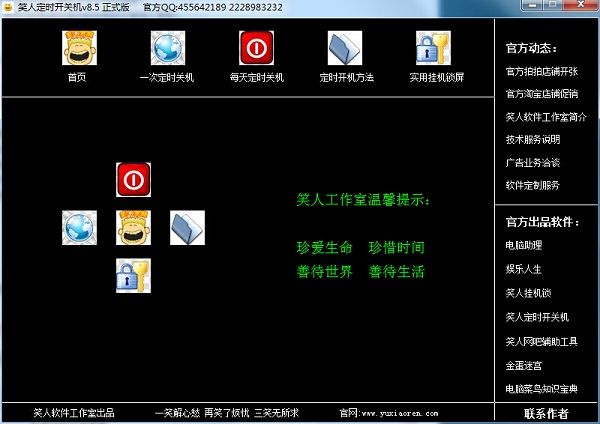
Screenshot of Laughing Man's automatic switch on and off

Function introduction

1. You can set to shut down at any time, or set how long to delay shutting down.
2. You can set a scheduled shutdown every day and how to cancel it.
3. Describe in detail how to set a scheduled shutdown every day and integrate the task schedule opener.
4. Integrate a perfect hang-up lock to ensure that your computer is not used by others when it counts down to shutdown.

How to use

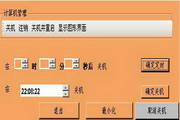
1. The scheduled power-on method is as shown in the figure below.
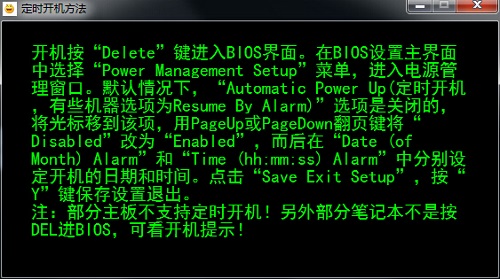
Screenshot of Laughing Man's automatic switch on and off

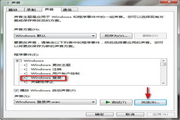
2. The setting of the on-hook lock is as shown in the figure. Enter the on-hook password and click OK.
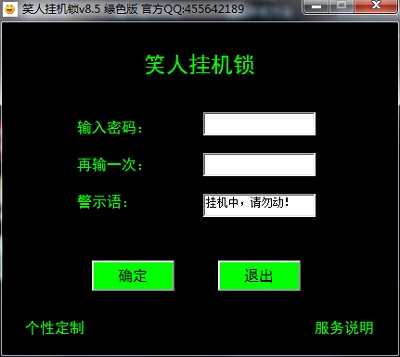
Screenshot of Laughing Man's automatic switch on and off

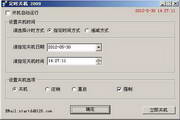
3. Scheduled shutdown: After setting the shutdown time, select "Shut down at specified time" on the right, and click OK.
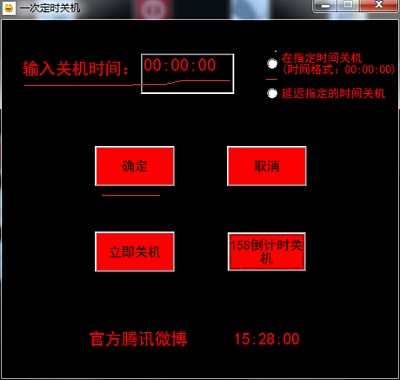
Screenshot of Laughing Man's automatic switch on and off

Change log

Laughing Man Timer Switch v8.5 official version update content:
1. The main interface displays field changes.
2. Remove the blessing module.
3. Changed some sub-module interface display fields.
4. The content of the on-hook lock has been changed.
5. Modify the content of the readme folder.
6. Add modules about authors, service descriptions, etc.
7. Fixed the problem of out-of-sync problem in daily scheduled shutdown in the interface.

Related topics

  • Special topic on automatic power on and off software

    Special topic on automatic power on and off software

  • Automatic switch machine encyclopedia

    Automatic switch machine encyclopedia

FAQ

Laughing Man automatic switch machine

Laughing Man Automatic On/Off Machine V8.5 Green Version

close