




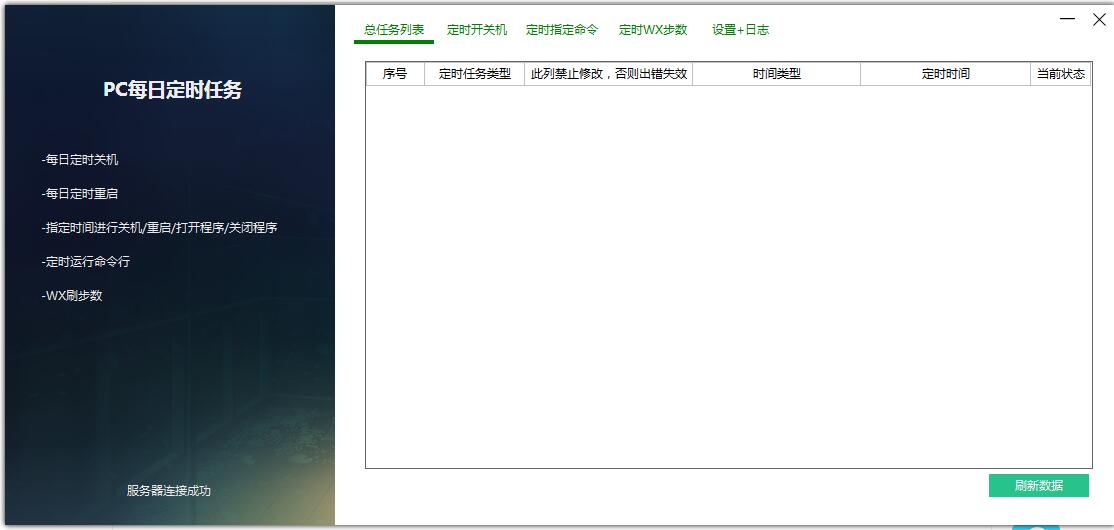
Introduction to daily scheduled task software for PC
PC daily scheduled task execution supports scheduled shutdown, restart, and sleep at the custom time to the day of the week. Shut down, sleep, restart, close QQ, close WX operations by identifying QQ nicknames. It should mainly be positioned for use in the office. It is also considered that some users may not have their own servers, so use the QQ nickname recognition command to operate.
PC daily scheduled task software functions
1. The purpose of writing this tool is just to facilitate the management of your own computer, scheduled shutdown, sleep, etc.
2. The software supports customizing the time to the day of the week to shut down, restart, and sleep on a scheduled basis.
3. The software also adds the ability to shut down, sleep, restart, close QQ, and close WX by identifying QQ nicknames. It should mainly be used in offices. It is also considered that some users may not have their own servers, so use QQ nickname recognition instructions to operate.
4. The software also supports command line timing operations. The specific user depends on the individual.
PC daily scheduled task installation steps
1. Download the official version of the PC daily scheduled task installation package at Huajun Software Park

2. After downloading, unzip the compressed package into a folder named after this software

3. Open the folder and double-click the "exe" program
4. PC daily scheduled tasks are green software and can be used without installation.
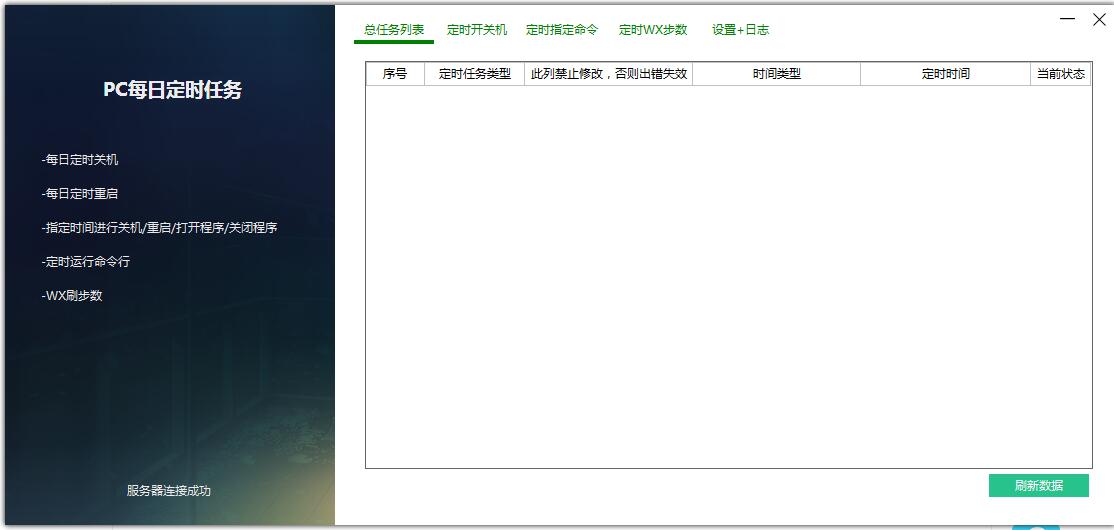
PC daily scheduled task update log
1. Fixed other bugs;
2. Optimized software compatibility.
Huajun editor recommends:
The editor of Huajun Software Park has compiled and collected software that you may like, such as:PPT timer,Small accurate timing,Eye protection elf,Regular eye protection reminder,Conference speech timerYou can download it from this site.





Useful
Useful
Useful