



Basic parameters
Product type: Receipt dot matrix printer (flat push type)
Printing method: dot matrix impact type
Printing direction: bidirectional logical search
Print width: 136 columns
Number of printing pins: 24 pins
Printing needle diameter: 0.22mm
Reliability Print head life: 500 million times/pin
Ribbon performance model: JMR121, life: 10 million draft characters
Copying ability: 7 copies (1 original + 6 copies)
Buffer: 132KB
Line spacing: 1/6 inch, 1/8 inch or set in 1/360 inch increments
Standard interface type: USB2.0, IEEE-1284 bidirectional parallel interface
Optional: RS-232C serial interface or 10/100Base-T Ethernet interface
Printing performance
Print speed:
English (10CPI): super high speed 340CPS, high speed 300CPS, normal 150CPS
Chinese (7.5CPI): super high speed 225CPS, high speed 150CPS, normal 112CPS
Print resolution: 360x360dpi
Character set:
Spanish: 17 international character sets (US, France, Germany, UK, Denmark I, Sweden, Italy, Spain I, Japan, Norway, Denmark II, Spain II, Latin America, Korea, LEGAL, Netherlands, Turkey)
Chinese: GB18030 Chinese coded character set (contains 27533 Chinese characters, supports double-byte and four-byte Chinese characters.)
Font:
Spanish: Draft, Roman, SansSerif, Courier, Prestige, Script, OCR-A, OCR-B, Orator
Chinese: GB18030 Song Dynasty
Barcode: EAN-13 barcode, EAN-8 barcode, interleaved 25 barcode, matrix 25 barcode, industrial 25 barcode, 39 barcode, 128 barcode B, 128 barcode C, NW-7 barcode
Control code: EPSON ESC/P-K2, OKI 5530SC
Driver installation method
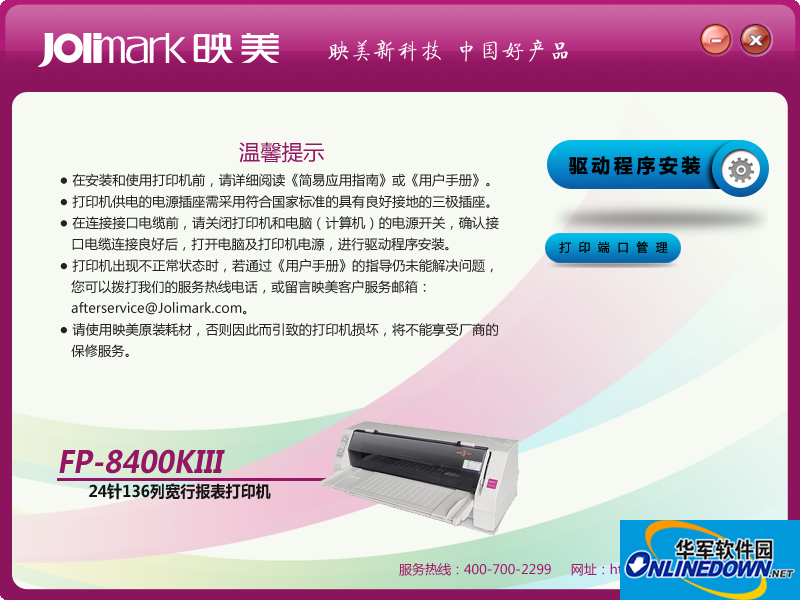
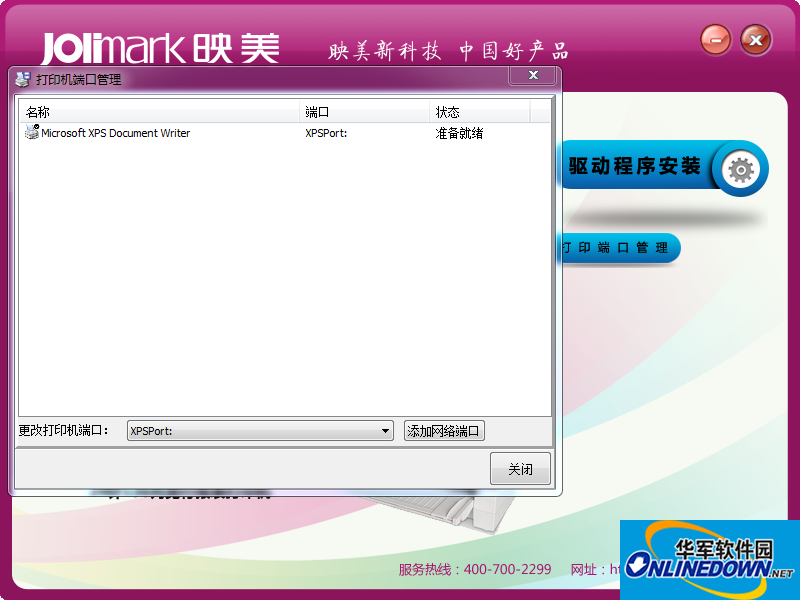
After decompression, run Setup.exe and click to start the installation. If you are using a USB interface, please use a USB printing cable to connect the printer and the computer, then turn on the printer power. After the system finds the USB printer, click Yes before installing.









Useful
Useful
Useful