




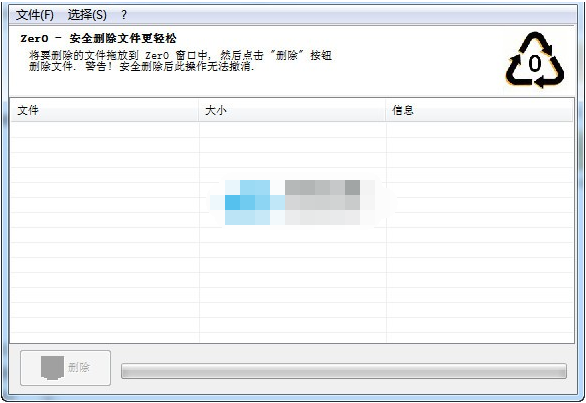
Zer0 softwareSoftware advantages
Original green single file application
User-friendly human-machine interface: drag and drop, click to complete the deletion task.
Highly secure file deletion algorithm
Multithreaded Application Core: Application efficiency without freezing.
Internationalization support
This version is based on the official English original version and has Chineseized standard and non-standard language resources.
How to use Zer0 software
The method of use is simple, drag the files you want to delete and shred into the interface, and click the [Delete] button, which is very convenient!
Zer0 software software update log
V0.25.1.30
0006887: [Refactor] Unable to add a file that was just deleted by zer0 (and then re-created with the same name) (Kyle_Katarn).
0006886: [New Feature] "DEL" keyboard input should remove files from the main list (all selected) (Kyle_Katarn).
0005203: [Bug] EaccessViation when closing application, after shredding files (Kyle_Katarn).
0006885: [Bug] Display "done" message while still processing the last file (Kyle_Katarn).
0005272: [Bug] Shredding large files causes partial failure (Kyle_Katarn).
Huajun editor recommends:
Zer0 is a software that is completely fool-proof and super simple to operate. I also recommend it..NET Cleanup Tool,Uninstall software (GeekUninstaller),CCleaner,office2017 uninstall tool,Geek UninstallerDownload and use related software.




Useful
Useful
Useful