




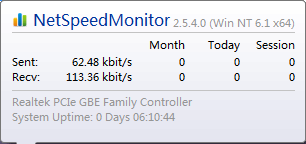
netspeedmonitor software introduction
It will not occupy desktop space, but will be integrated into the system taskbar to display the upload and download traffic of the current network, and supports statistical daily and monthly traffic reports, and supports displaying the TCP/UDP connection list of network applications. And there is NetSpeedMonitor 64bit and 32bit, and it’s free!
Netspeedmonitor software features
1. Simple and easy to use, does not occupy memory, lightweight extension, only one DLL and one startup program, file size <1.5M
2. The Chinese version has both 32-bit and 64-bit versions, and perfectly supports Vista and Win7.
3. Supports saving traffic data in sqlite database for later viewing.
netspeedmonitor software features
Free open source lightweight network traffic monitoring tool
Integrated into your Windows desktop taskbar
Real-time display of network upload and download speeds
Statistics and generation of daily or monthly traffic reports
List the programs on your computer that connect to the network via TCP/UDP
netspeedmonitor installation steps
1. Download the compressed package of the Chinese version of netspeedmonitor from Huajun Software Park. After decompression, double-click the exe file to enter the installation interface and click next.

2. Click next

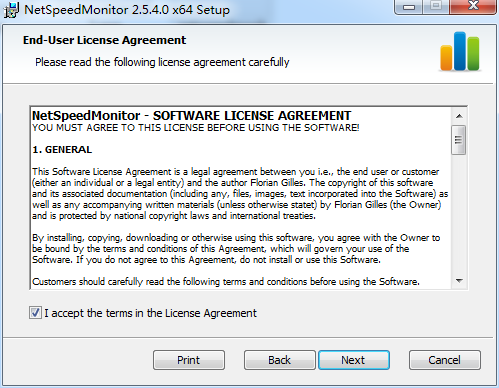
3. View the software license agreement, select i accept..., and click next
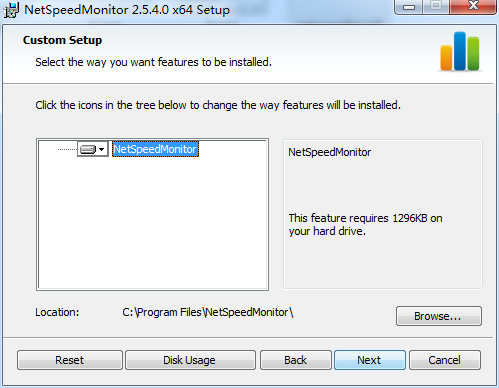
4. Set the software installation location. Click browse to set it freely. It is recommended that you choose to install it on the D drive, and then click next.
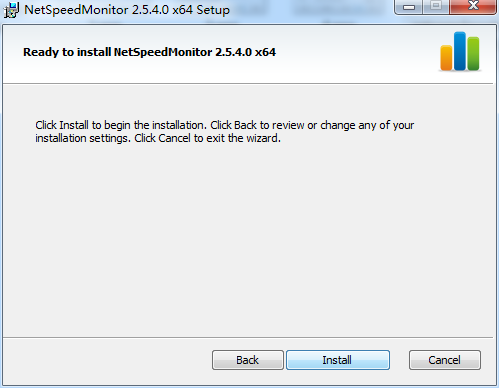
5. Confirm the installation information and click install
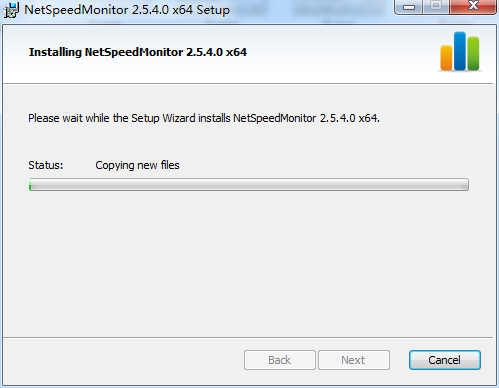
6. The latest version of netspeedmonitor is being installed, we are waiting patiently
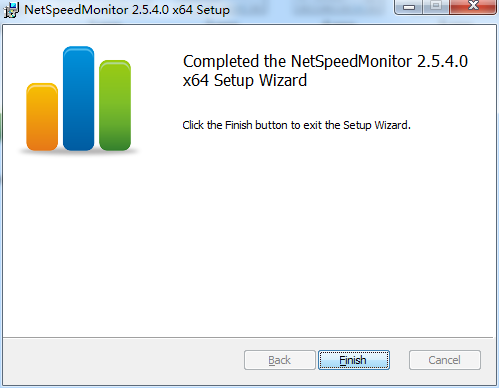
7. Software installation successful
How to use netspeedmonitor
Open the software and click "Yes" in the pop-up dialog box
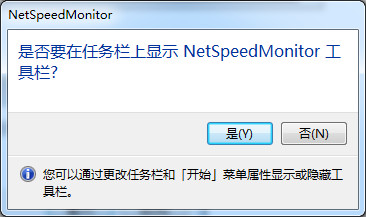
Please click on Settings in the right-click menu - Application Settings - Change the English in the language to Deutsch. (Otherwise, the taskbar + mail menu of the start menu will all become English)

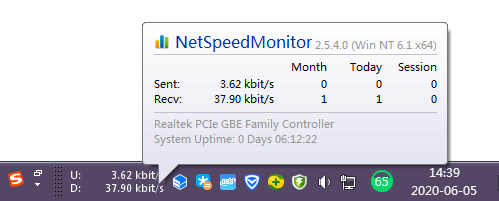
Place the cursor on the taskbar to view detailed information
netspeedmonitor FAQ
1. What should I do if my WIN10 system cannot install the Chinese version of NetSpeedMonitor 64-bit version?
1. Open the downloaded Chinese version of NetSpeedMonitor 64-bit version, move the dll, exe and bat files to c:/windows/system32, right-click the bat file to run as administrator, then double-click the exe file, and then check netspeed in the toolbar of the taskbar properties.
2. It is recommended to move all files to system32, it may be successful.
2. Why does the traffic remain unchanged in the Chinese version window of NetSpeedMonitor 64-bit version?
1. Copy nsm.dll and nsmc.exe to the C:/Windows/SysWOW64 directory.
2. In the Start menu, find the Command Prompt window, right-click it, and open it as an administrator.
3. Run the following two lines of commands in the window:
regsvr32 C:/Windows/SysWOW64/nsm.dll
Start C:/Windows/SysWOW64/nsmc.exe
4. Right-click the taskbar, "Toolbar", select NetSpeedMonitor and let it display.
netspeedmonitor update log
1. Modify user-submitted bugs
2.Add new features
Huajun editor recommends:
Netspeedmonitor is an excellent software for network detection. The editor strongly recommends it to you. Once you download it, you will know how good it is. The editor has also prepared for youNetwork traffic statistics tool,TrafficMonitor (computer network speed monitoring floating window),FPort,FreePortScanner,MRTG










Useful
Useful
Useful