





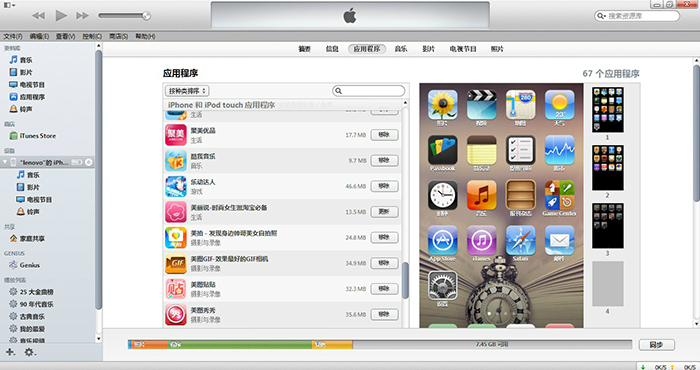
Apple itunes official version function introduction
1. Apple’s new interface for iTunes, improved design and new features make iTunes easier to use
2. Convenient search bar, you can search content quickly and accurately
3. Classified protection restricts children from using the official version of iTunes 64-bit
4. Playlist folder Organize all your playlists into folders
5. Apple iTunes intelligent random play, easily listen to the songs you want to listen to
6. Synchronize with Outlook Sync Outlook and Outlook Express address books to iPod
7. The official version of Apple iTunes is applicable to both simplified, traditional and English operating system interface languages.
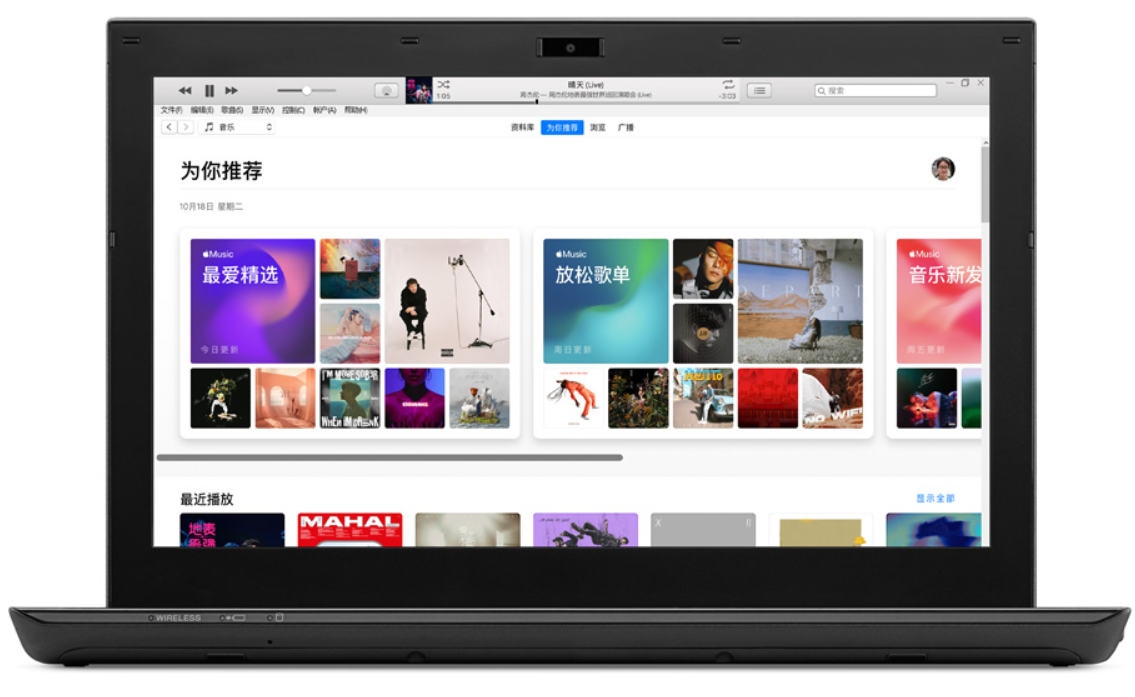
Apple iTunes official version installation steps
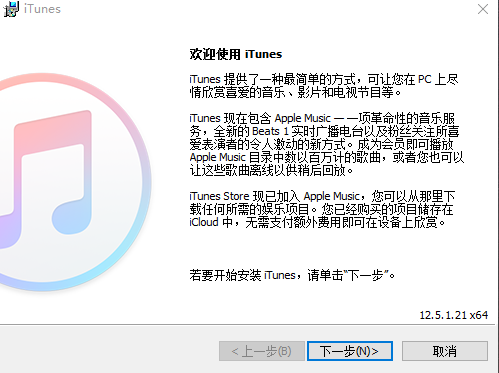
1. Download the new version of iTunes installation package from this site and double-click to run it.
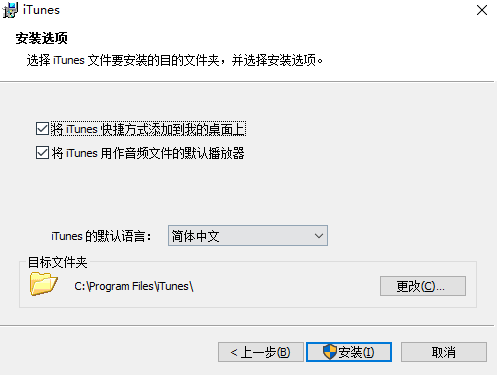
2. Click [Install] or [Change]. Click Install, the software is installed in the default location; click Change, the user can customize the installation location of the software; the software language can also be set. After all settings are completed, click [Install] to start installing the software.
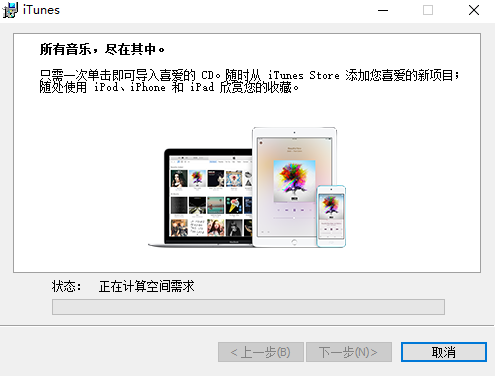
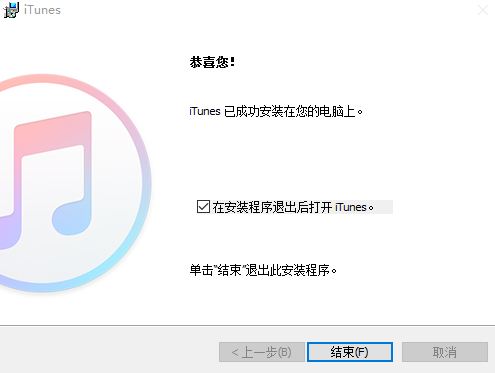
3. The installation of the official version of Apple iTunes may take a few minutes. Please wait patiently. There will be a prompt when the installation is complete. Click [Finish] and it will be OK.
Apple itunes official version usage tips
How to authorize computer with Apple iTunes official version
1. Open the itunes software, click [Account] → [Authorization] → [Authorize this computer].

2. Enter your Apple ID and password in the interface that opens.

How to set ringtone on Apple iTunes official version?
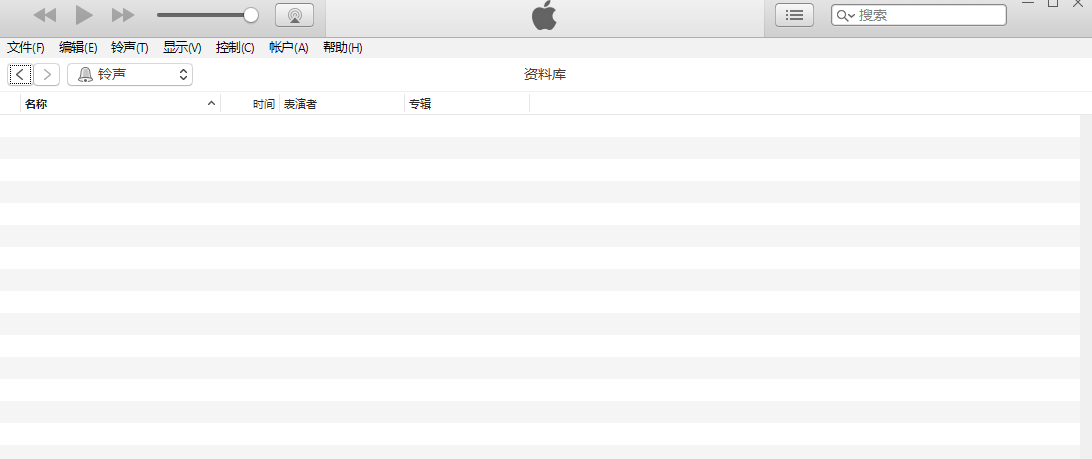
1. Open the itunes software and click [Display] → [Media Type] → [Ringtones].

2. You can operate it in the opened ringtone settings page.
Apple itunes official version FAQ
How to get the new iTunes?
1: Open iTunes;
2: From the menu bar at the top of the iTunes window, select Help > Check for Updates;
3: Follow the prompts and install the new version;
Apple itunes official version update log
iTunes has improved the way you browse podcasts:
You can quickly find episodes you haven’t watched yet in the new “Unplayed” tab
Episodes available for download or optimization can be browsed in the Feed tab
Save your favorite episodes to keep them on your computer
Played episodes can now be automatically deleted
Huajun editor recommends:
Of course, in addition to iTunes, a very convenient software, our Huajun Software Park also has360 mobile assistant computer version,Aisi Assistant,Driver Wizard Speedy Installation Version For XP,360 Mobile Assistant PC Version Beta,pp assistant computer versionRelated software is available for download. If you need it, please click to download and use it.



















Useful
Useful
Useful