



iTunes software introduction
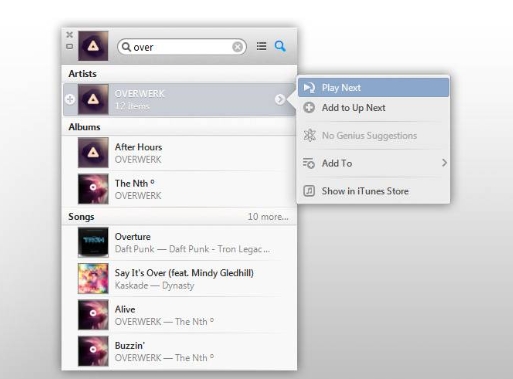
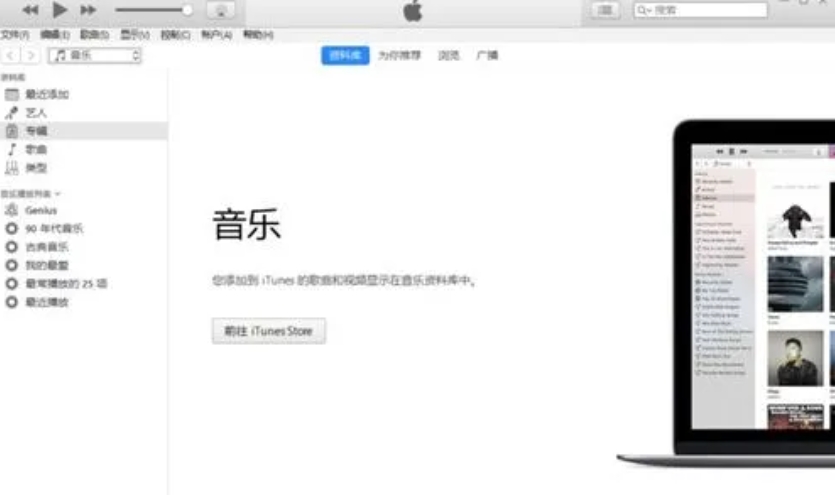
At the same time, Apple also has plans for its Mini The Player has been redesigned (users can see the music content to be played in the previous and next songs), and the new version of iTunes further integrates iCloud. In addition, the new search function allows users to search in the entire iTunes library, including music, movies and TV shows, etc., which is very simple and easy to use.
iTunes software features
1. The new product interface, revised design and new functions make iTunes operation easier.
2. A practical search bar that can quickly and accurately search for content in itunes
3. Hierarchical protection restricts children from using itunes
4. Playlist folder Organize all your playlists into folders
5. Music can be played randomly, so you won’t get bored listening to songs in a repetitive order.
6. Synchronize itunes and Outlook. Synchronize Outlook and Outlook Express address books to iPod.
7. Applicable to both simplified, traditional and English operating system interface languages
iTunes software advantages
iTunes is your virtual store on your computer, iPod touch, iPhone and iPad for all your entertainment needs, anytime, anywhere. With iTunes you can enjoy Music and videos on your Mac or PC. When you want to watch or listen, you don't have to rummage through piles of CDs or flip through TV channels. Just go to your computer and open iTunes. The iTunes library houses your entire media collection, making browsing faster, easier to organize, and play to suit your mood. How to import music and videos from your Mac or PC iPhone, iPod or iPad? iTunes has you covered. What about photos, contacts, and calendars? iTunes can transfer them, too. Got it With iTunes, two-way synchronization of media content on your computer and mobile devices has never been easier. With a Wi-Fi network, you can download apps anytime, anywhere. When you return to your computer, connect your mobile device to iTunes Your purchases on the go will be synced to your iTunes library.
Transfer Apple Data Using iTunes
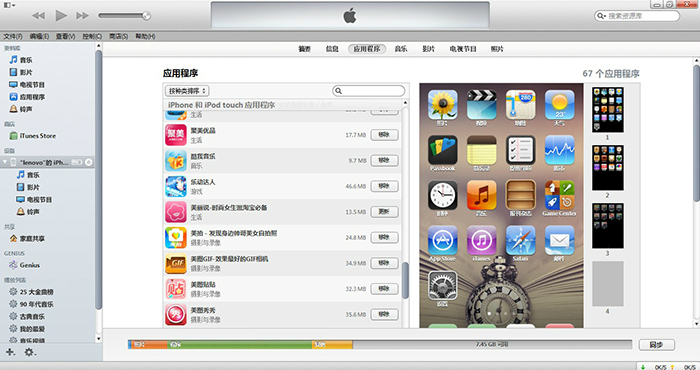
Apple users can use iTunes software for data transfer. First, connect the device to the computer via USB cable and open iTunes, then select the type of data to be transferred, such as music, photos or applications. Next, select the "Sync" option on the device interface, and iTunes will start transferring data from the Apple device to the computer.
iTunes FAQ
What should I do if iTunes displays specific error codes during operation, such as -1, -1009, -50?
Search error codes: Use a search engine to search for iTunes error codes and find corresponding solutions.
Visit Apple’s support website: Apple’s official support website provides detailed error code explanations and solutions.
Contact Apple Support: If you cannot solve the problem by yourself, you can contact Apple's official technical support or go to an Apple authorized service provider.
iTunes update log
1: Brand new interface, refreshing, simple and efficient
2: Performance is getting better and better
Huajun editor recommends:
iTunes is an excellent software for media management. The editor strongly recommends it to you. Once you download it, you will know how good it is. The editor has also prepared for youMagic Show Live Companion,Paracraft creative space,MP3 automatic player timing editing software,Hanbang Hi-Tech Player,Yijie competition party random question setting software

















Useful
Useful
Useful