



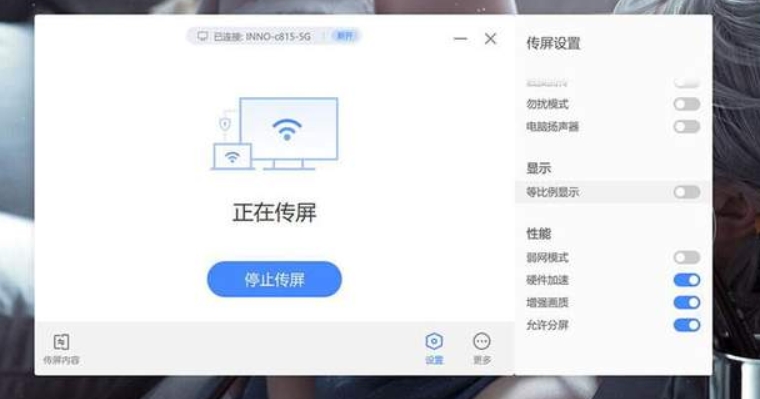
Software features
Stable connection:
Xixiang Screencast uses advanced wireless transmission technology to ensure a stable connection during the screencasting process and avoid lagging and delays.
Clear picture quality:
The picture quality after projection is clear and can maintain the details and colors of the original picture, providing a high-quality visual experience.
Easy to operate:
The software interface is concise and clear, and the operation is simple and easy to understand. Users can easily get started without professional knowledge.
Enterprise-level security:
Xixiang Screen Transfer supports encryption methods such as AES-128 and National Secret SM4 to ensure security during data transmission and protect user privacy.
24/7 uninterrupted screen transmission stress test:
The software has undergone rigorous testing and supports 24/7 uninterrupted screen transmission stress testing to ensure the stability and reliability of the software.
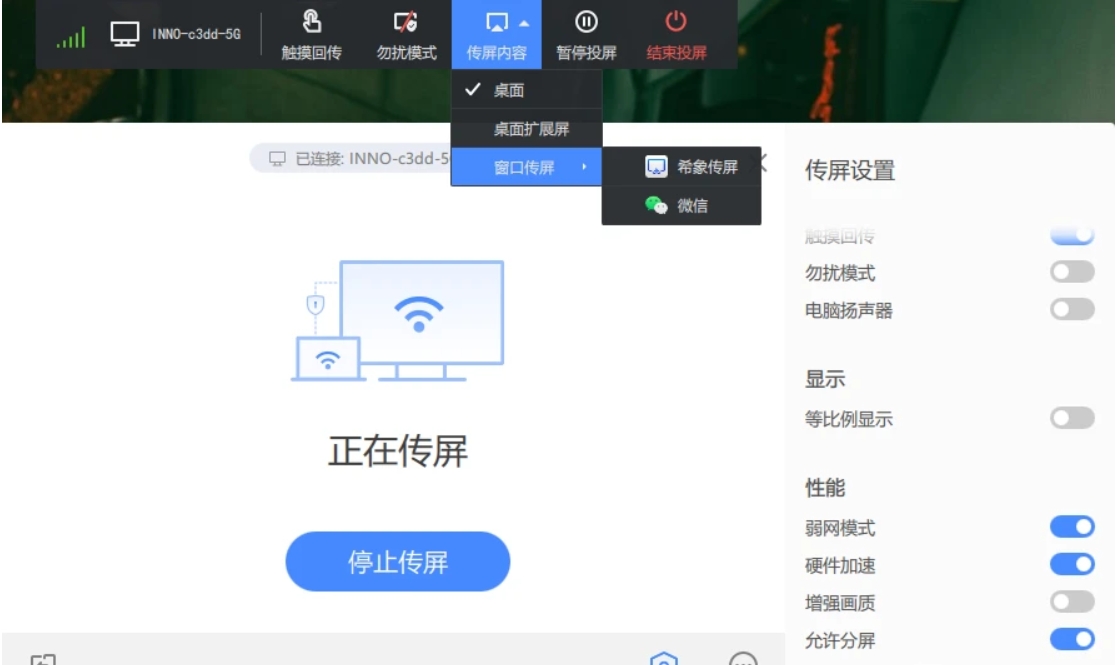
FAQ
Screen casting failed
Possible reasons: software version incompatibility, screencasting protocol mismatch, etc.
Solution:
Confirm whether the versions of the Xixiang screen transfer software of the sending end device and the receiving end device are compatible.
cast Check whether the correct screen casting protocol is selected (such as AirPlay, Chromecast, DLNA).
The screen cast is stuck
Possible reasons: network delay, insufficient device performance, etc.
Solution:
as as as
Upgrade equipment hardware and improve equipment performance.
Xixiang screen update log:
1: Brand new interface, refreshing, simple and efficient
2: Performance is getting better and better
Huajun editor recommends:
Xixiang Screen Transfer is a very good software that can solve a lot of troubles. This site also providesMagic Show Live Companion,Paracraft creative space,MP3 automatic player timing editing software,Hanbang Hi-Tech Player,Zhengdu screen reading softwareWaiting for you to download.








Useful
Useful
Useful