If you are looking for software to use, go to Huajun Software Park! software release AI product list

Hello, if there is a need for software inclusion, please package the software and attach the software name, software introduction, software-related screenshots, software icon, soft copy, business license (if you do not have a business license, please provide the front and back of the corresponding developer ID card and a photo of yourself holding the ID card), and send it to email http://softwaredownload4.com/sbdm/user/login

Close >>

Send to email:news@onlinedown.net

Close >>

Location: Home pagePC softwaremedia toolsvideo conversion All-in-one format converter
All-in-one format converter

All-purpose format converter v1.2 green version

QR code
  • Software licensing: free software
  • Software size: 67.4MB
  • Software rating:
  • Software type: Domestic software
  • Update time: 2024-12-30
  • Application platform: winall
  • Software language: Simplified Chinese
  • Edition: v1.2 green version

Download the service agreement at the bottom of the page

Software introduction Related topics FAQ Download address

Recommended for you:- All-in-one format converter

Basic introduction
Universal format converter segment first LOGO
All-in-one format converter is a powerful tool with multi-functional audio and video format conversion. It has fast conversion speed, guaranteed file quality, and is easy to use and operate. It supports the conversion of various types of multimedia file formats such as video formats, audio formats, picture formats, optical drive disc formats, etc. One tool easily solves most audio and video conversion problems. Pure green software, small size and all-in-one.
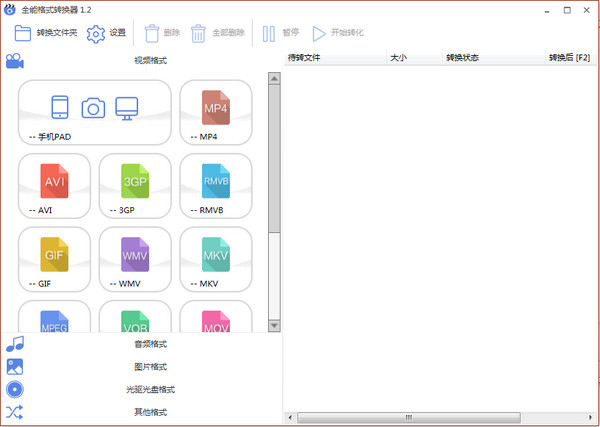
Screenshot of universal format converter

Almighty conversion

Video format conversion

Screenshot of universal format converter

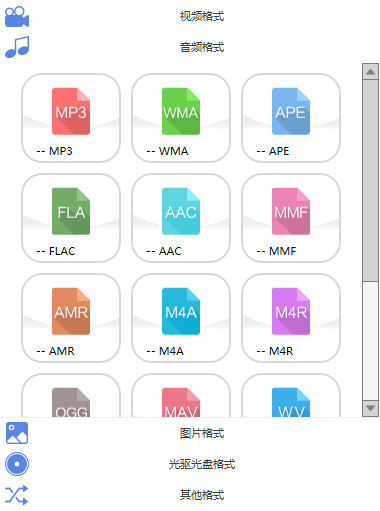
Audio format conversion

Screenshot of universal format converter

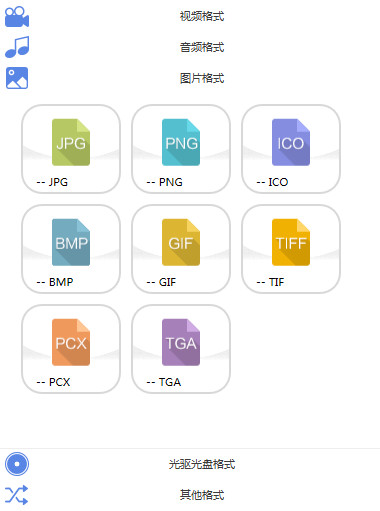
Image format conversion

Screenshot of universal format converter

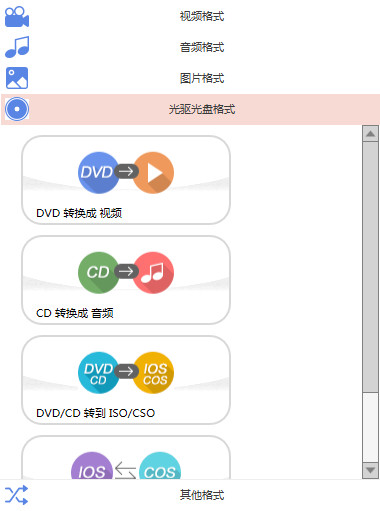
Optical drive disc format

Screenshot of universal format converter

Other transformation merge operations
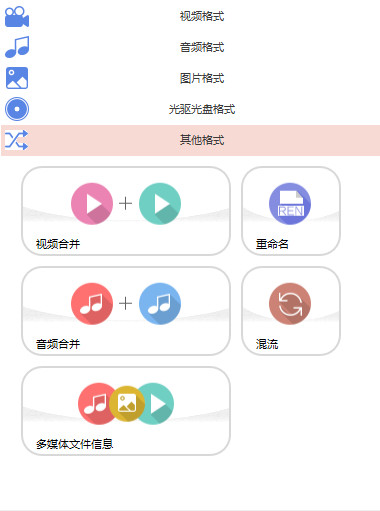
Screenshot of universal format converter

How to use

1. After selecting the format type to be converted, set some simple conversion parameters and click Convert.
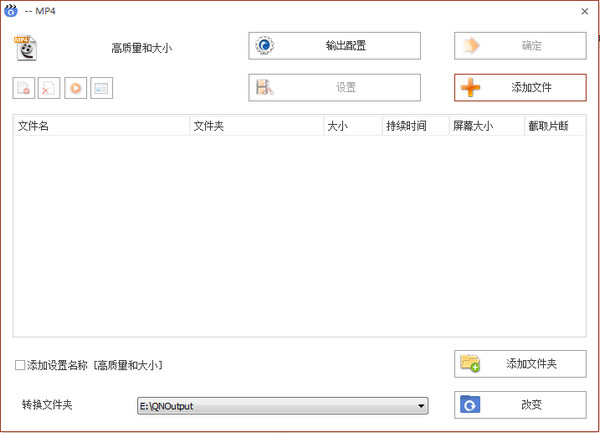
Screenshot of universal format converter

2. Configure conversion information and rich setting options.
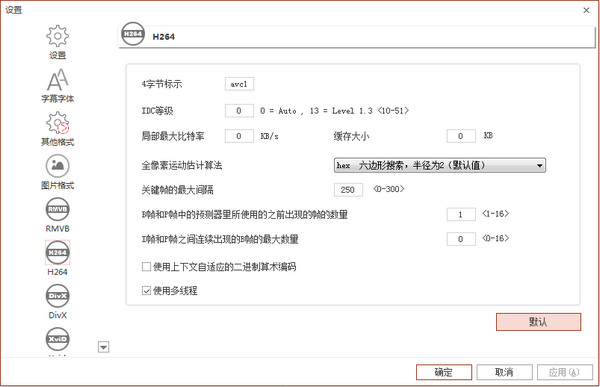
Screenshot of universal format converter

Related topics

  • ogg format converter topic

    ogg format converter topic

  • wav format converter area

    wav format converter area

  • Format converter collection

    Format converter collection

  • dvd format converter

    dvd format converter

FAQ

All-in-one format converter

All-in-one format converter v1.2 green version

close