




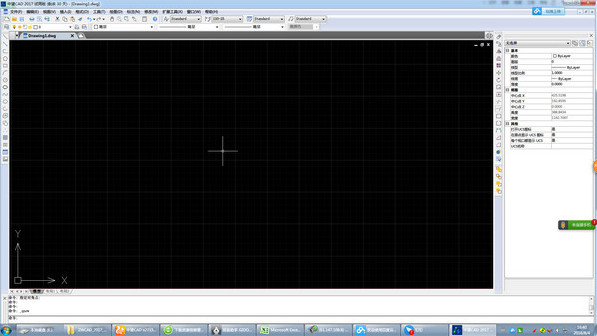
ZWCAD2017 function introduction
1. Brand new independently developed 2D CAD platform software
Good running speed and stability, perfectly compatible with mainstream CAD file formats, friendly and easy-to-use interface
Easy to operate, helping users complete design drawings efficiently and smoothly.
2. Flexible and smooth, derived from independent technology
Based on the core technology of independently developed CAD platform,
独创内存管理机制,内存占用更低,打造稳定顺畅的设计体验;
Fully supports VBA/LISP/ZRX/ZDS/.NET interface,
Secondary development and transplantation expansion, enjoy unprecedented flexibility and efficiency.
3. Fully compatible, no hindrance in design communication
DWG, DXF and other graphic formats are perfectly compatible, and the data content can be accurately read and saved. At the same time, there is no need to change your usage method, you can start operating immediately.
4. Familiar interface, clear and beautiful
Simple, clear, flat design style interface, supports both Ribbon and classic interfaces, and is suitable for both new and old users.
Cross-system and cross-terminal to meet more needs
Supports Windows, Mac, and Linux systems, supports real-time interaction, and cooperates with CAD Pike Cloud to achieve cross-platform design office to meet the personalized needs of more users around the world;
5. Flexible pinch editing to simplify your design
Added a new pinch function to the polyline, so that you can have more gripping points to choose from when modifying graphics, and the operation is simple and practical
6. Batch drawings, one step at a time
mbaction out of the batch printing file and output multiple frames at once based on the peripheral size recognition range of the layer, tile or frame, simple and convenient operation
7. Barcode, QR code tools
It can quickly generate barcodes or QR codes from drawing text information to reduce manual input, avoid errors, and facilitate drawing information management.
8. Grid display is optimized, and the design assistance is more intuitive.
The grid display is modified to a dark grid shape, which automatically scales with the view range. The coordinate sense is stronger when the grid is captured, and the drawing interface is more intuitive.
9. Rendering function to richly display design results
3D object display, in addition to providing wireframe, blanking, coloring, etc., new rendering functions can assign materials and lights to objects, output realistic renderings, and control the design results at any time
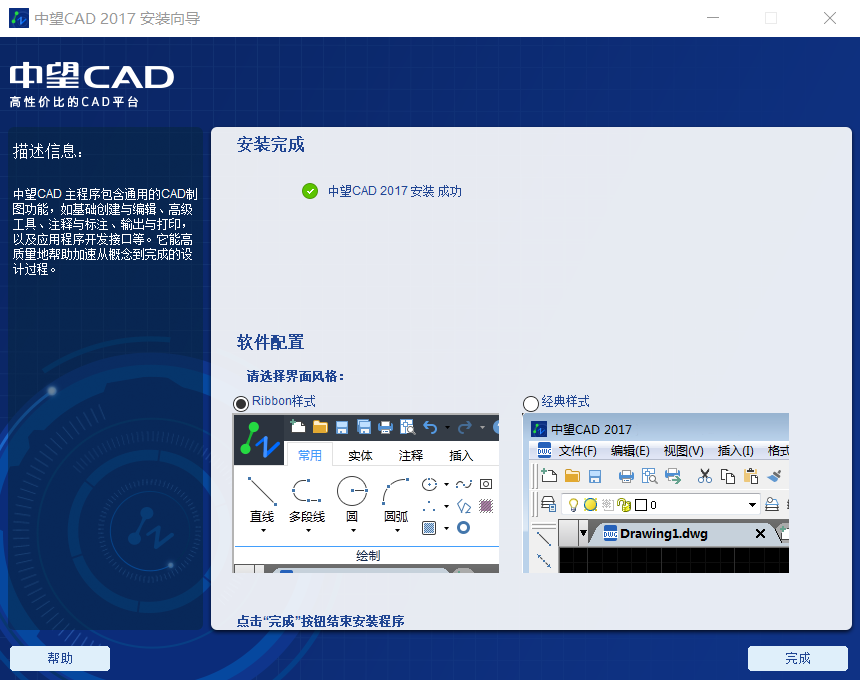
ZWCAD2017 download steps:
1. Double-click the right mouse button to decompress the downloaded software compressed package file, find and run the exe file of the CAD2017 software under the compressed package file
2. First, you will enter the installation wizard interface of ZWCAD2017 and click "Install"

3. According to your own needs, check the products, applications and network authorization management procedures, and perform the next step
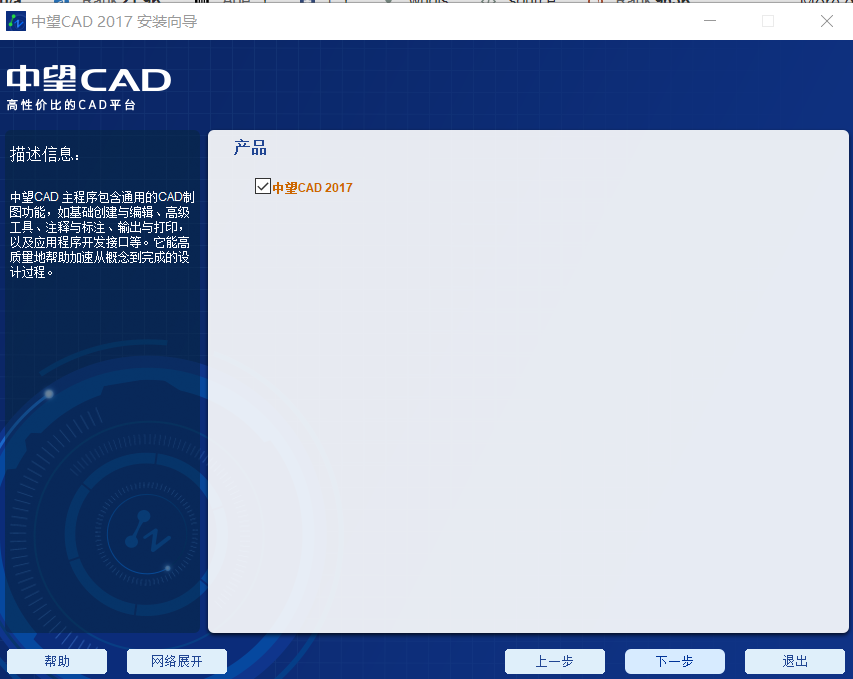
4. Briefly read the license agreement of ZWCAD2017, and click to accept the agreement before proceeding to the next step.

5. Select the appropriate installation path for ZWCAD2017 mechanical version, C:Program Files (x86)ZWCAD 2017, and click Next

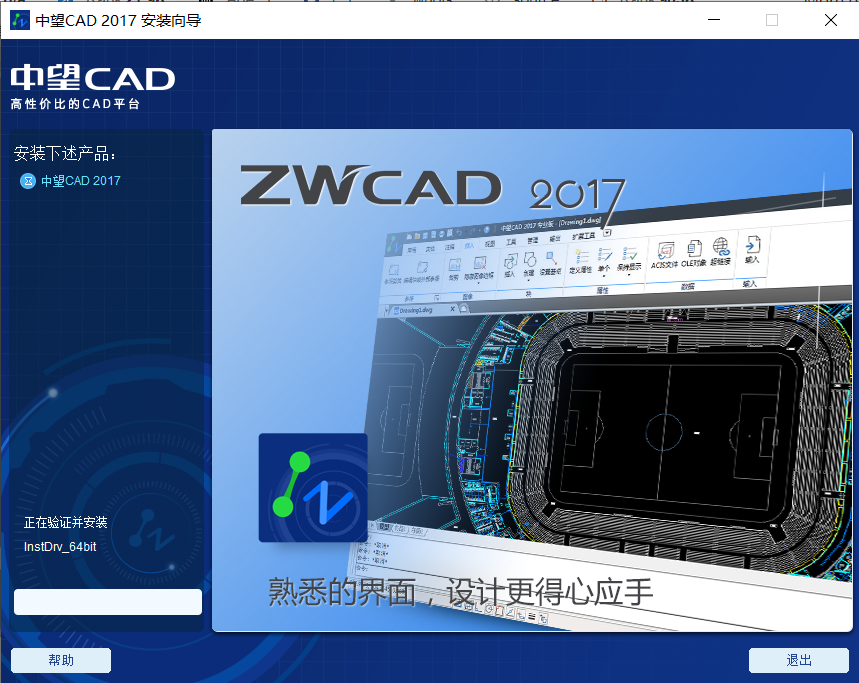
6. Since the installation program of this software is large, the installation will take some time. Please wait patiently. You can enjoy ZWCAD2017 after a while.
How to use ZWCAD2017:
Spring is often drawn in CAD2017 drawing, how to do it? To draw a spring, you must first draw a curve. The following editor will introduce to you a tutorial on drawing a curved spring in CAD.
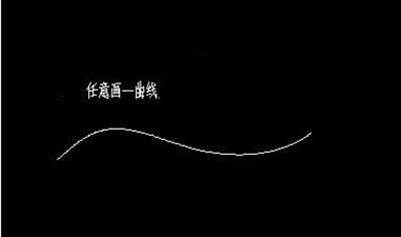
1. Open the CAD software, set the hidden layer as the current layer, and draw a path as shown in the picture.
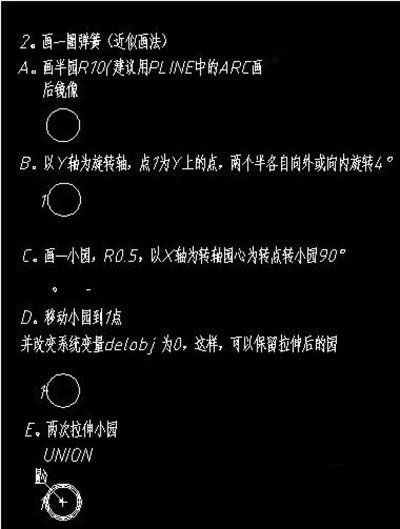
2. Then draw a circle of springs, as shown in the picture.
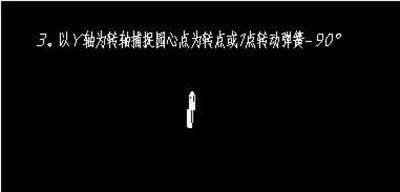
3. Rotary spring: Use the Y-axis as the axis of rotation to capture the center point of the circle as the pivot point or starting point to rotate the spring -90°.
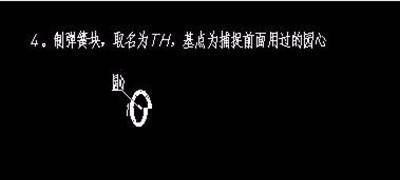
4. Make a spring block and name it TH. The base point is the center of the circle used before.
5. Equal points;
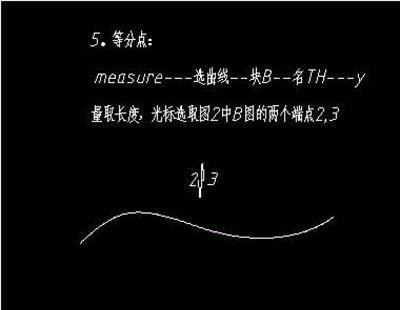
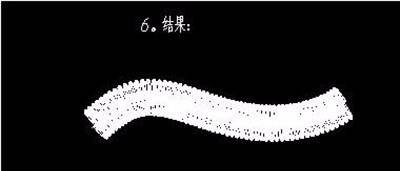
6. The result is as shown in the figure
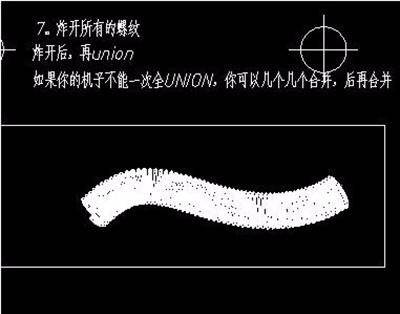
7. Explode and merge: Explode all the threads, explode them, and then merge them.
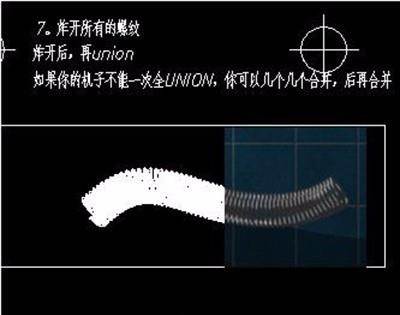
8. The rendering effect is as shown in the figure.
ZWCAD2017 related issues
Q1: How does the rendering function of ZWCAD2017 improve the quality of engineering drawings and renderings?
A: Designers need to render to show the reality of the product model. In the latest ZWCAD2017 version, the rendering function enhances the software's performance in 3D design. It can add material properties and set lighting on the 3D model to obtain a rendering that is closer to the real effect. It also supports viewing the 3D model effect from different design angles, which helps to improve the design quality.
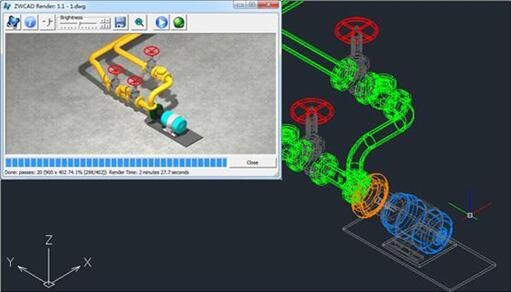
Normally, the designer can start rendering after completing the modeling design. The rendering operation of ZWCAD2017 is very convenient. Designers can get renderings that meet the requirements without complicated operations or settings. Attaching materials to three-dimensional objects is the first step in rendering. The "materials" rendered by ZWCAD are assigned based on layers, which means that each layer can only be assigned one type of material, and the materials of graphics objects on the same layer are all the same. Therefore, based on this feature, designers need to divide three-dimensional objects into layers according to materials, and then assign materials to the layers. Currently, the material library of ZWCAD rendering function provides a variety of set materials for selection, such as common wood, metal, textiles, etc. At the same time, ZWCAD also supports customization. Designers can add their own material maps and set properties such as transparency and reflection to meet design requirements, which can be directly selected later.

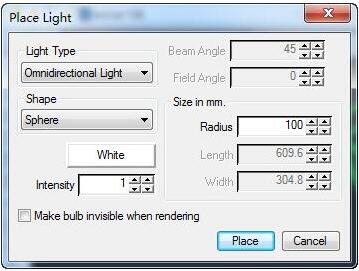
Lighting settings are another important part of rendering. If the rendering requirements are not high, the designer can skip this step directly for the final rendering, and can choose some specific lighting environments during the process. Currently, the lighting setting options of ZWCAD2017 provide two types of point light sources and directional light sources. Designers can quickly set the size, intensity, angle, etc. of the light source according to actual needs and requirements. It should be noted that designers cannot modify the set light source.
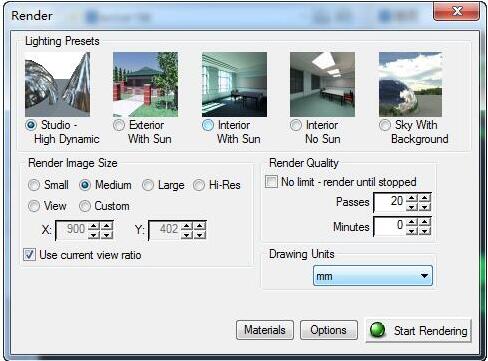
In the rendering process, ZWCAD provides multiple default scenes including outdoor, indoor, and sunlight switches for selection. The rendered view range and angle are consistent with the display of the CAD model viewport. If you need to preview the rendering effect, it is recommended to render with the smallest image size, which can save the time the computer spends on rendering. Basically, using the default minimum rendering effect can determine whether the previous material and lighting settings are appropriate. After making adjustments, select the desired graphic size when finalizing the drawing.
ZWCAD2017 update log:
1. Fixed other bugs;
2. Optimized software compatibility.
Huajun editor recommends:
Of course, in addition to a very convenient software like ZWCAD2017, our Huajun Software Park also hasHaochen CAD,Yaochuang CAD,Huiyi CAD,vray for 3dmax2015,CAD ViewerRelated software is available for download. If you need it, please click to download and use it.









Useful
Useful
Useful