





Advantages of Haochen CAD electrical software
1. Intelligent linkage lighting and weak current design, drawings can be drawn in one go
2. Open customization, flexible and convenient layer tools, intelligent identification of wall lines and other building components
3. Secondary and three-dimensional synchronous generation, automatic matching of bridges, cable trenches and components
4. Professional and powerful calculation tools, updated in real time following specifications and national standards
5. Flexible and open database, including full calculation parameter database and graphics database
6. Apply three-dimensional surface design technology to automatically calculate the lightning rod protection area
Introduction to electrical functions of Haochen CAD
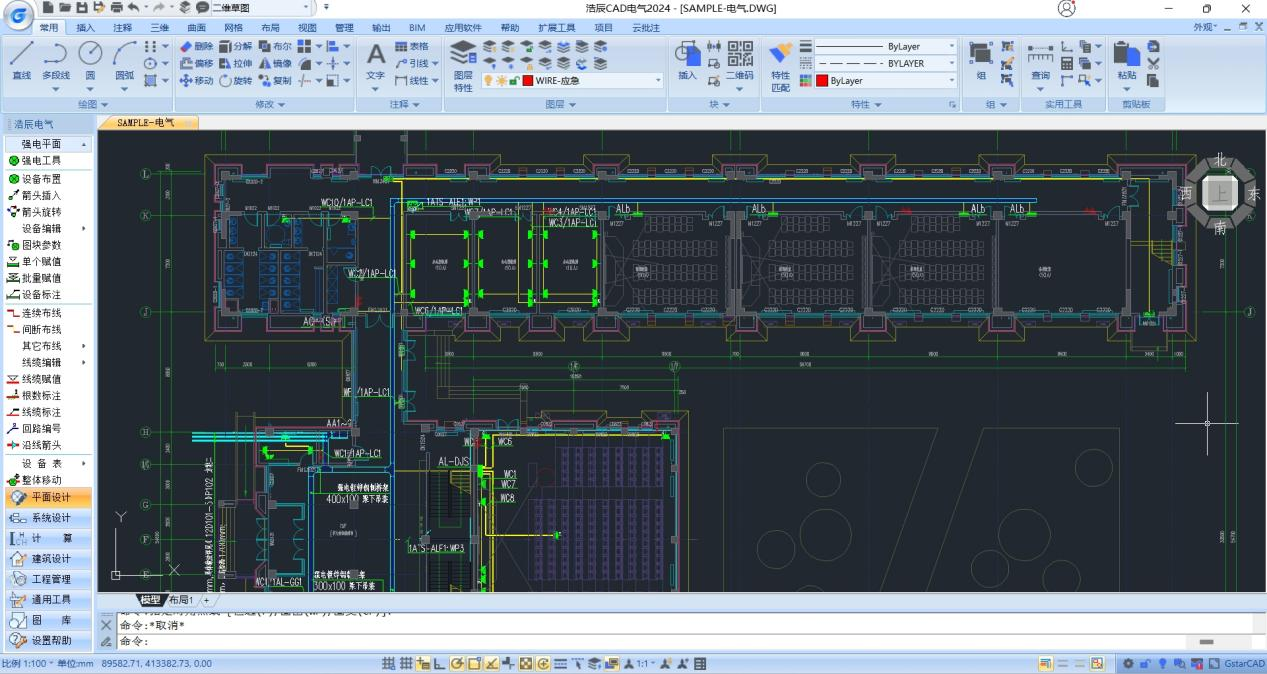
(1) Strong electric and weak electric planes
More than ten ways of equipment layout allow the design work to be done as desired; cable layout is convenient and fast, and drawings are drawn in one go. Fuzzy capture technology is used, eliminating the need for accurate positioning; wires automatically track equipment movement and connect intelligently, reducing duplication of work when changing drawings. Direct annotation without assigning values is required, and equipment material lists are automatically generated.
(2) Equipment library
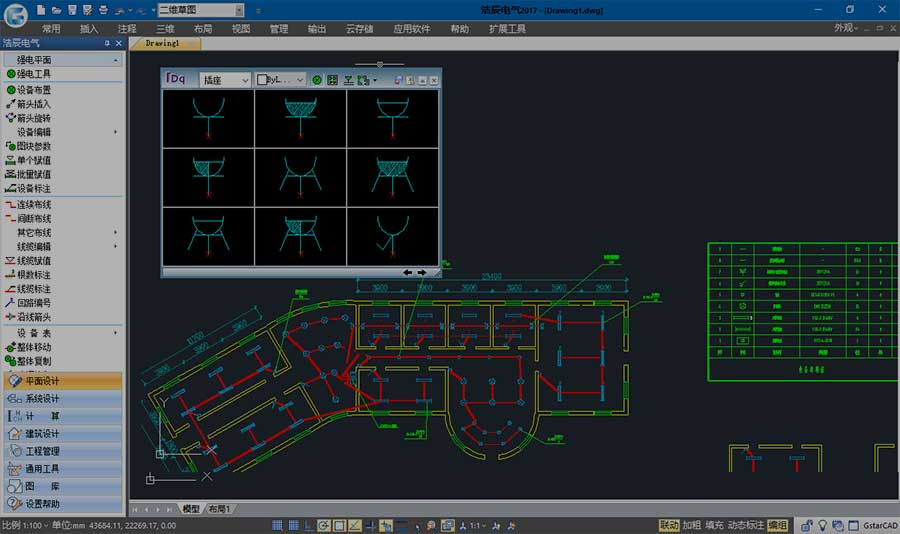
Intelligent identification of external tiles allows adjustment, layout, and statistics to the equipment table without warehousing; just copy the tiles into a directory to achieve batch warehousing; update the gallery with one-click operation! Dynamic dragging, real-time display and arrangement of equipment, what you see is what you get; unique symbol derivation technology, change five.
(3) Three-dimensional bridge
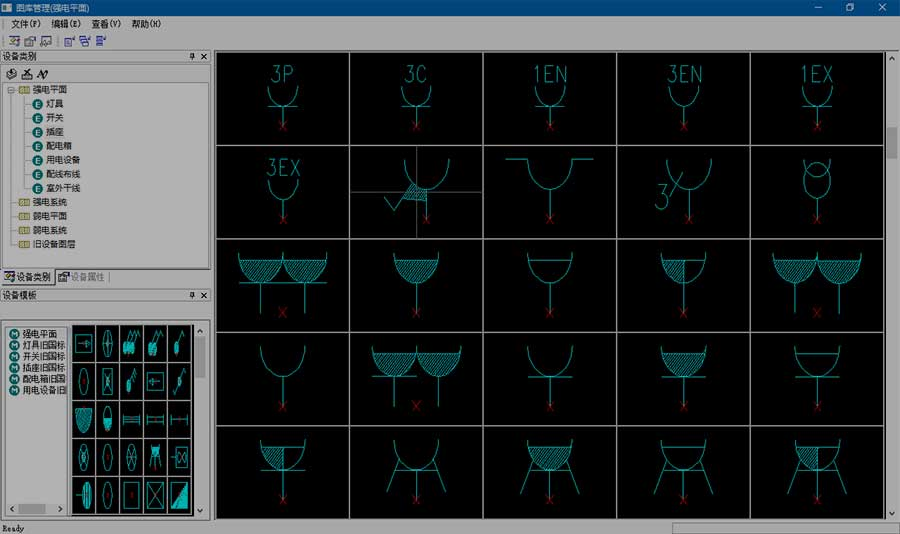
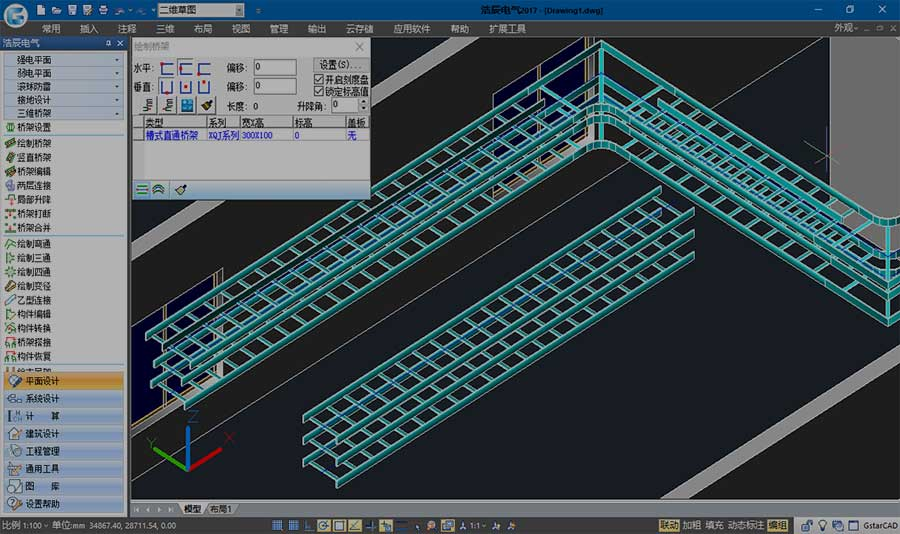
Simultaneous 2D and 3D drawing of bridges, cable trenches and distribution cabinets. Realize the integrated design of power distribution cabinets and cable trenches, double-row layout, and automatically generate cross-section drawings; cooperate with Haochen's three-dimensional collaborative overall solution to consider the collaboration and cooperation of various professions. Solve the problem of collision and interference between various disciplines and make the design project more intuitive and accurate.
(4) Grounding design
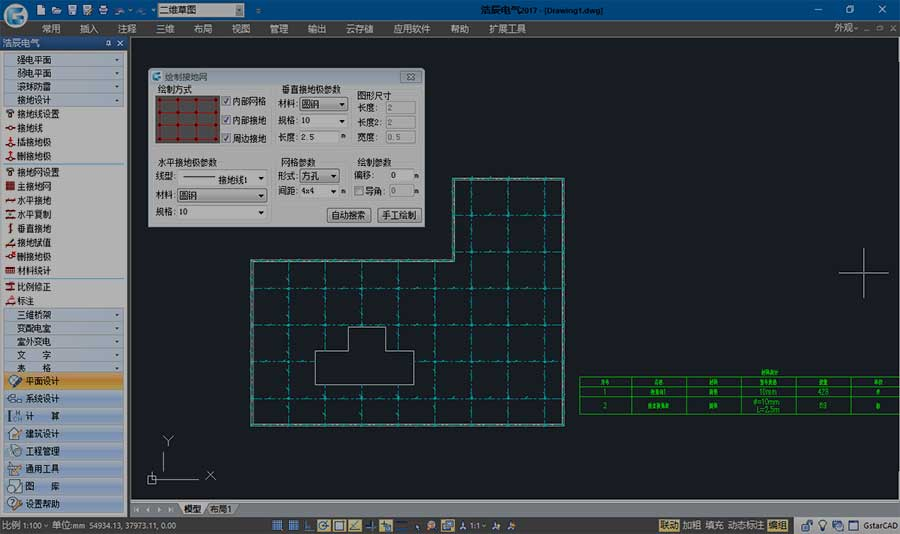
The grounding wire type can be freely selected, the main grounding grid can be drawn at will, or the grounding grid can be automatically generated based on the outer contour of the building.
(5) Rolling ball lightning protection
Quickly arrange lightning rods, simultaneously check the protection status of the protected object at any height, and visually display the protection range. Automatically mark the BX value, automatically generate a protection range table for single or multiple lightning rods, and automatically generate a Word format calculation sheet. Generate dynamic observations of three-dimensional graphics.

(6) Illumination calculation
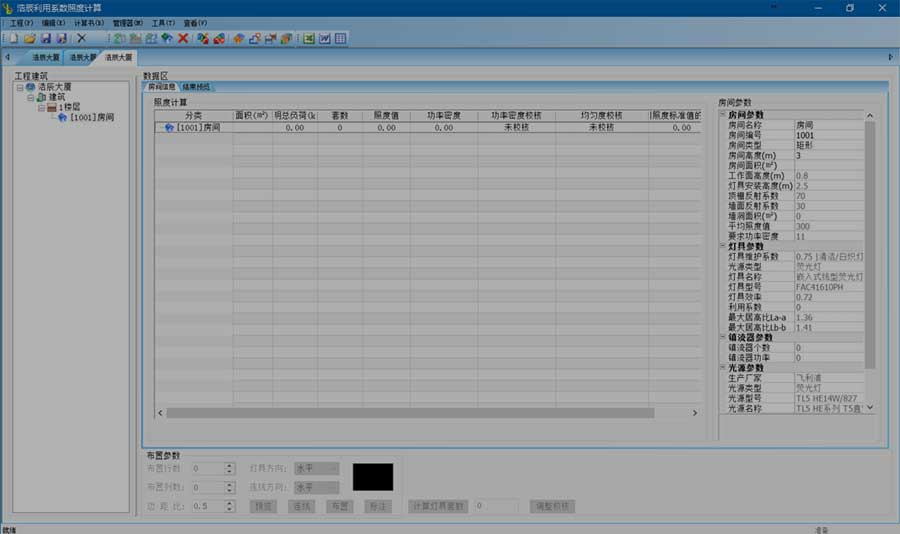
The new average illumination calculation can quickly pick up multi-story building drawings, read the area and height of each room, and batch modification and editing can assign lamp and light source parameters to multiple rooms at the same time. You can choose current value or target value to calculate with one click, quickly generate a calculation book and return the results to the diagram to generate a layout rendering.
(7) Strong power system
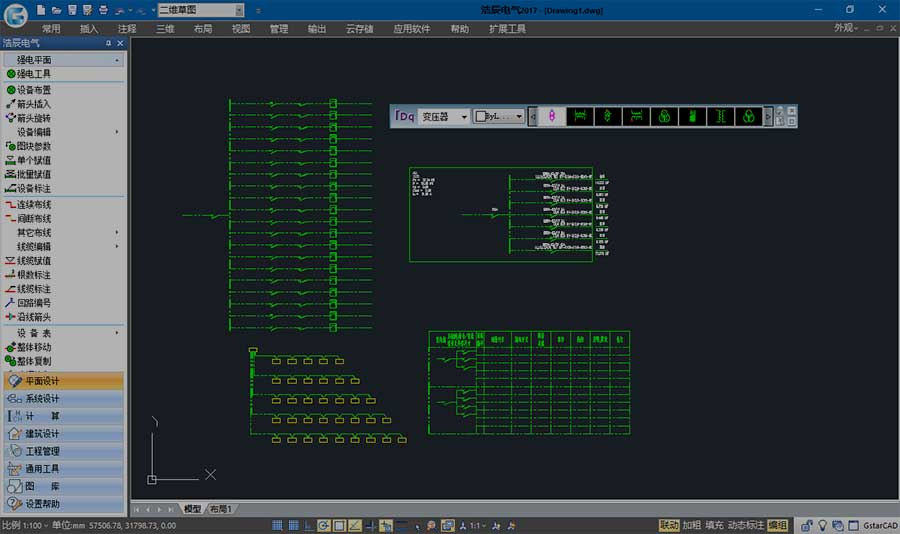
The strong current system provides a variety of circuit solutions, which can quickly draw power and lighting system diagrams, trunk system diagrams, and distribution box expansion diagrams. The floor plan and system diagram are related to each other. The automated design function can read the distribution box and circuit information in the high-voltage plane and automatically generate power and lighting system diagrams.
(8) System settings
The new layer tool allows for personalized management of electrical layers. High current plane, weak current plane, and strong current system settings are all integrated into one interface, optimizing the structure and making settings easy. The purpose of the bridge can be customized according to needs, and the color and line type of the bridge layer for different purposes can be set separately.

Installation tutorial
1. Download the latest installation package from this site, run the installation file as an administrator, select "Accept the terms of the license agreement", and click Next, as shown in the figure below

2. Press the default options and click Next.


3. The installation is in progress, please wait patiently until it is completed and you can use it.
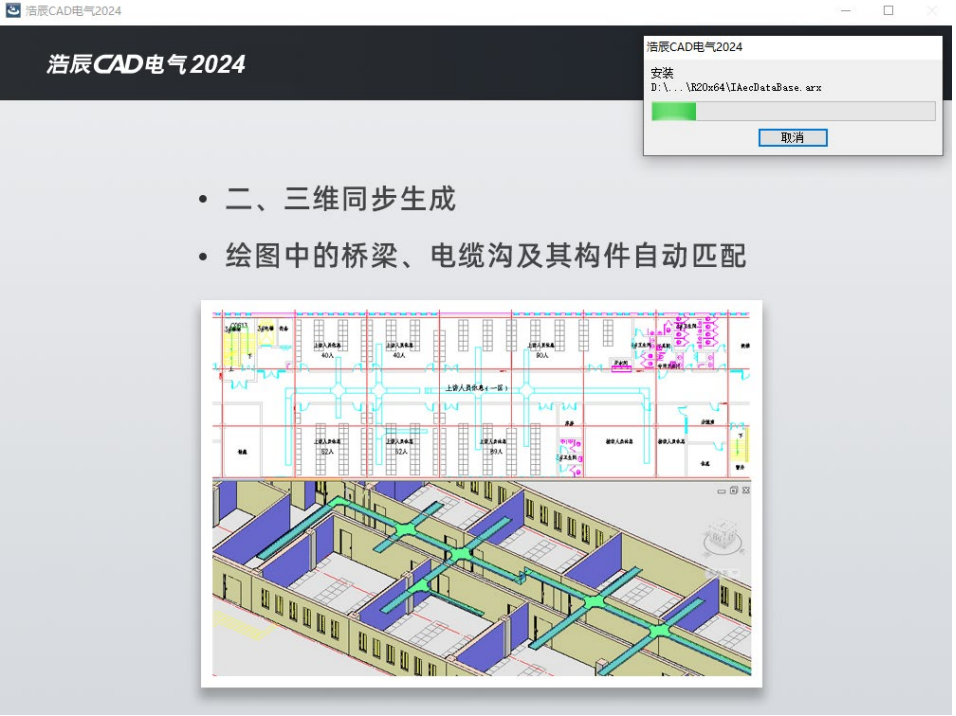

4. After the installation is successful, scan and follow the official account and enter "Haochen Electric" to receive benefits.

Haochen CAD Electrical 2024 update log:
1. Sweep the bug out and carry it out to the end
2. The most stable version ever
Huajun editor recommends:
The operation steps of Haochen CAD Electrical 2024 software are very simple and very fast, so users can use it with confidence. Also recommendedYaochuang CAD,Huiyi CAD,vray for 3dmax2015,CAD Viewer,Quick CAD viewing softwareDownload and use related software.




Useful
Useful
Useful