



Similar software
Release Notes
Software address
- Green versionView
- Green versionView
- Green versionView
- Green versionView
- Green versionView
How to use
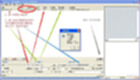
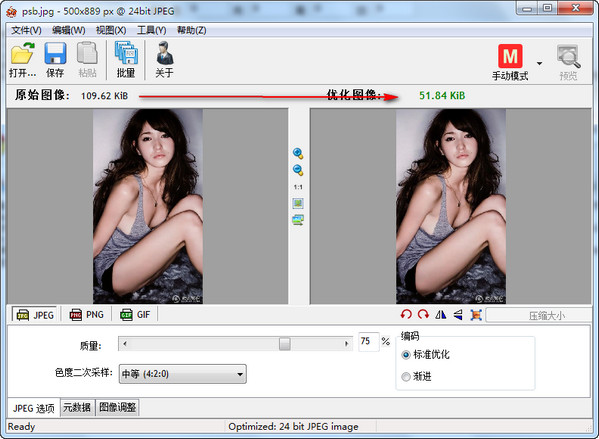
1. First open the image, or you can directly drag the image into the compression tool window.
2. Set the compression rate. The higher the compression rate, the smaller the space the image takes up, but the worse the image quality. After setting, click the compression button to save to the specified directory.






Useful
Useful
Useful