




The main functions and features of Music CD Burning Master are as follows:
1. Supports multiple audio formats such as MP3, WAV, WMA, and OGG.
2. Support BurnProof buffering function.
3. The disc erasing function can erase the information on your CD-R disc.
4. Provide ID3 information editor, you can edit the TAG information of MP3 files.
5. Provides music playback function, you can pre-listen to the selected audio file.
6. Can save and read WINAMP’s m3u and pls file playlists.
7. Supports DVD, Combo and ordinary CD burning optical drives with IDE, USB, IEEE1384 and other interfaces.
8. Skin changing function, we provide you with 16 skin interfaces in the software, and you can change it according to your personal preferences.
9. The software is extremely simple to use. Just drag the audio file to the corresponding form and click the button twice.
10. After purchase, you can enjoy lifetime free upgrades and technical support services.
How to use Music CD Burning Master
1. First, search and download the software on this site. The editor has prepared it for everyone, just click to download.
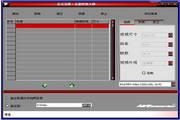
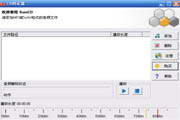
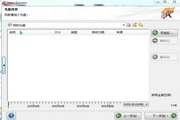
2. We open the software and click on the new file inside
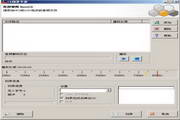
3. Then we add the data we want to burn, select the music we need, and click to open. You can select multiple
4. Then we put a CD into the computer, click to start the burning software, and the music files will be burned to the CD.
Music CD Burning Master Update Log
Software update log:
1. Optimized support for Windows 7 system;
2. Fixed several known minor issues.
Huajun editor recommends:
Music CD Burning Master is very easy to use. The optimized operation interface allows you to easily find the functions you want. Come and download it. The editor has also carefully prepared for youDisc Burning Master Free Edition,Nero BurnLite,Disc Burning Wizard,Nero8,Disc Encryption Master


















Useful
Useful
Useful