




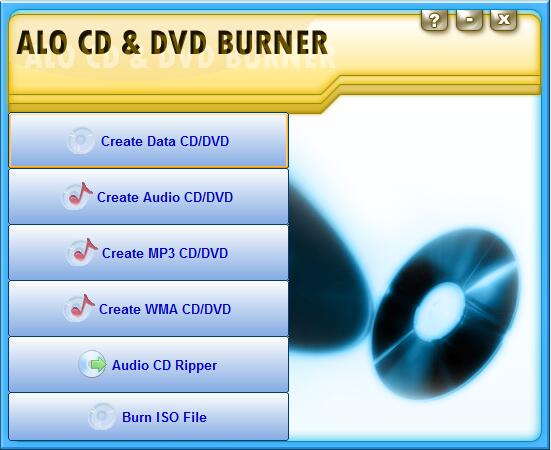
ALO CD & DVD Burner Basic Introduction
ALO CD & DVD Burner is a compact, fast and easy-to-use application for burning, managing and erasing major types of discs and DVDs. Create and burn audio discs, disc images, MP3 and data discs, digital video discs, Blu-ray discs, HD DVD disc. Burn video discs. Burn ISO files. Convert digital audio from discs to MP3, WMA, OGG or WAV files.
Supports multi-session, simultaneous burning, data verification, bootable discs and disc images, dynamic burning, multi-language, disc-once/track-once mode, UDF/ISO9660/Joliet file systems, file and volume dates.
ALO CD & DVD Burner Function Introduction
#Write to all disc/DVD media types, including Blu-ray (BD-R/BD-RE).
#Supports all current hardware interfaces (integrated development environment/SCSI/Universal Serial Bus/1394/SATA).
#Write multi-session or disc-once mode to all supported media formats.
#Supports UDF/ISO9660/Joliet bridge file system (any combination).
#Dynamic writing of all image types (without transferring to hard disk first).
#Create a bootable data disc or image.
#Automatically verify data images.
#Write DVD-Video image.
#Write from audio to disc. wav, . mp3 or . wma files in disc-at-a-time or track-at-a-time mode.
#Support simultaneous (parallel) writing of images.
#Automatically select the writing mode for one-time disc operations (no special device knowledge required).
ALO CD & DVD Burner Software Features
Audio image-
*Write audio discs from. wav, . mp3 or . wma file.
*Supports one-time tracking and all-once disc modes (SAO/DAO96RW/DAO96PW/DAO16).
*Decode and write compressed audio formats on the fly (no need to transfer to hard drive).
* Easily manipulate audio tracks.
*Supports caching network audio files to the local machine.
Data image-
*Write multi-session or one-time discs to all supported media formats, including Blu-ray (BD-R and BD-RE).
*Create UDF, ISO9660, iso 9660/Jolite Bridge, UDF/ISO9660 Bridge or UDF/iso 9660/Jolite Bridge file systems.
*Create disc images on the fly (no need to transfer to hard drive).
*Simple file/folder operations (delete, add, replace items).
*Import existing data from any supported file system in any session and append or edit it.
*Create ISO image files.
*Support caching network files to the local machine.
*Create an alias file.
*Create a bootable data disc or image.
*Set almost any property for a file system volume.
*Supports the use of split file ranges in certain formats.
* Advanced event notification handles all aspects of writing state.
*Burn multiple images at the same time.
*Automatic verification of data files.
DVD-Video-
*Write DVD-Video discs from any valid video layout.
*Automatic verification of video terminal service folders.
*Automatic verification of video files.
*Write DVD video discs in disc-at-once mode.
ALO CD & DVD Burner installation steps
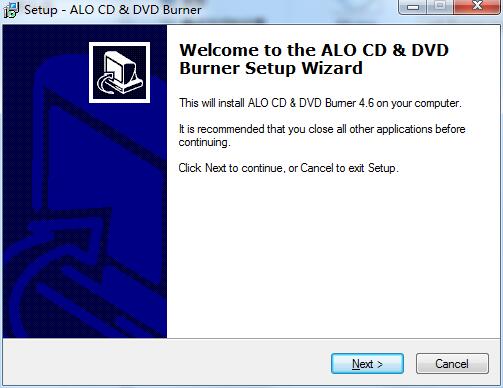
1. Download the latest version of ALO CD & DVD Burner installation package from Huajun Software Park. After unzipping, double-click the "exe" file to enter the installation wizard and click Next
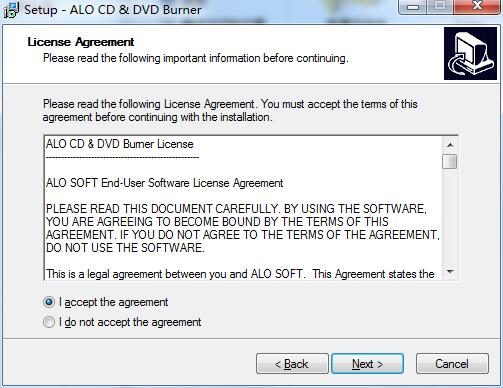
2. Read the license agreement, click "I accept the agreement", and click Next
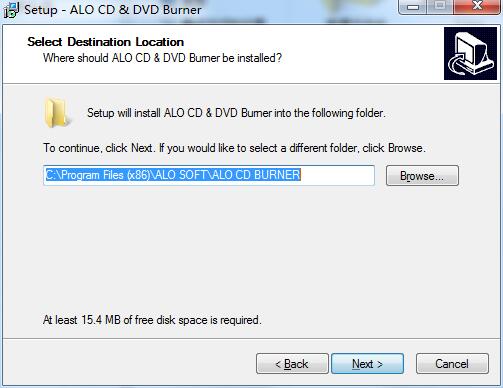
3. Click "Browse" to select the installation location. Generally, the default is C drive. It is recommended to install on D drive. Click Next.
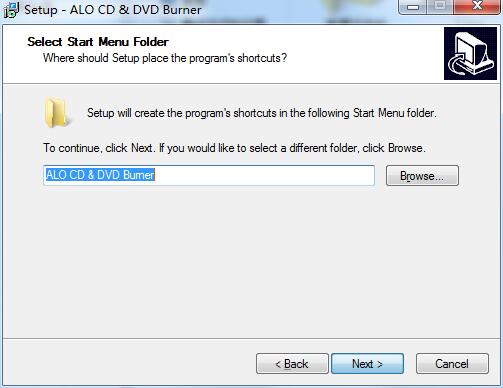
4. Click "Browse" to select the start menu folder and click Next
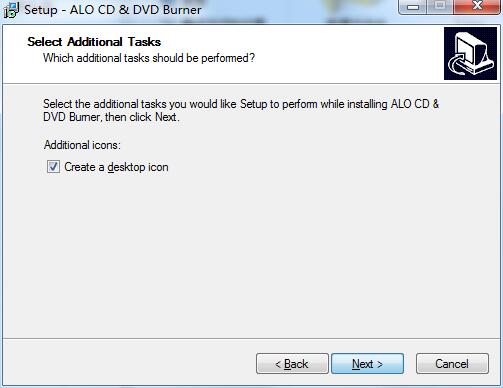
5. Select additional tasks, check the tasks you need, and click Next
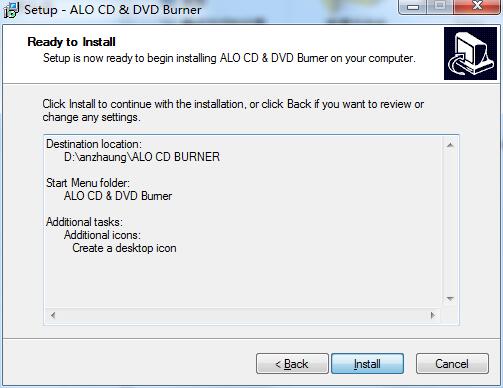
6. The software information is ready, click Install to install
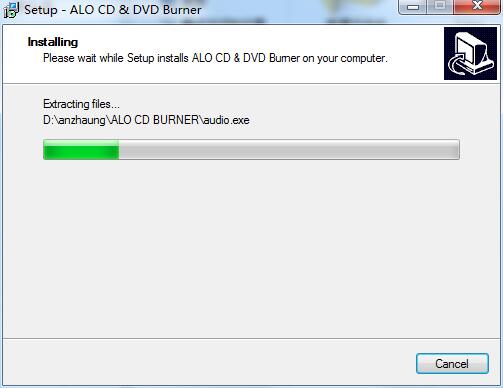
7.ALO CD & DVD Burner is being installed, please wait patiently.
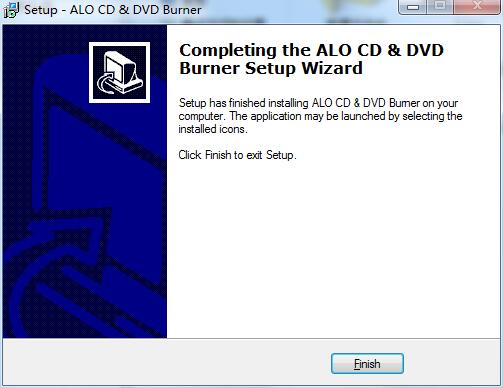
8.ALO CD & DVD Burner installation is complete, click Finish to exit the installation wizard
ALO CD & DVD Burner update log
Working day and night just so you can be happier
are all gone!
Huajun editor recommends:
ALO CD & DVD Burner is a software that is completely fool-proof and super simple to operate. I also recommend it.Disc Burning Master,Disc Burning Master Free Edition,Nero BurnLite,Nero8,Disc Encryption MasterDownload and use related software.




Useful
Useful
Useful