




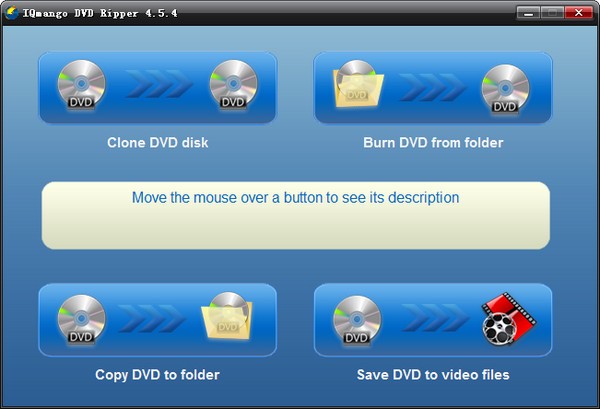
IQmango DVD Ripper software introduction
IQmango DVD Ripper handles all necessary disc ripping tasks. With this wonderfully simple software, you'll know exactly how to rip video discs effortlessly and in no time. Furthermore, this software allows you to copy your DVDs to back up your entire movie collection without any special effort.
IQmango DVD Ripper software features
Rip any DVD and clone copy
Intuitive and easy-to-use disc ripping software
Effortlessly convert DVD videos to AVI and mp4 files
Easily burn discs in DivX or DVD format
Copy DVD content to your favorite Apple devices: iPod, iPad and iPhone
Achieve the highest video quality with customizable settings
IQmango DVD Ripper installation steps
1. Download the IQmango DVD Ripper Chinese version software package at Huajun Software Park
2. Unzip the IQmango DVD Ripper software and run the file
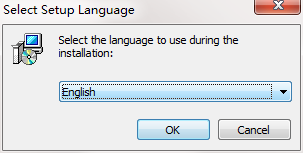
3. Double-click to open, enter the IQmango DVD Ripper software interface, select the installation language, and click OK
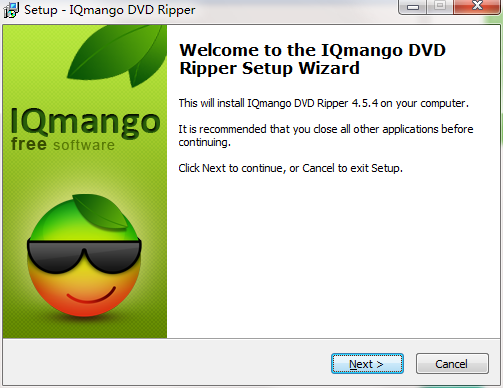
4. Enter the installation assistant and click Next
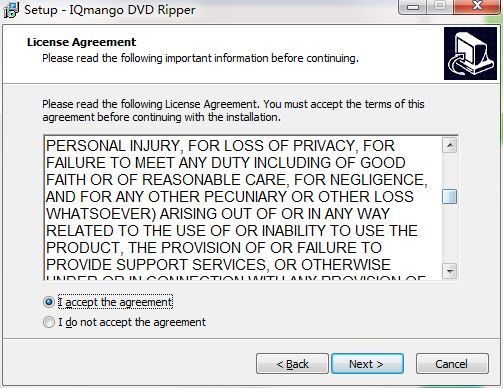
5. Please read the installation license agreement below carefully. Do you accept all the terms of the above license agreement? Click I agree and click Next.
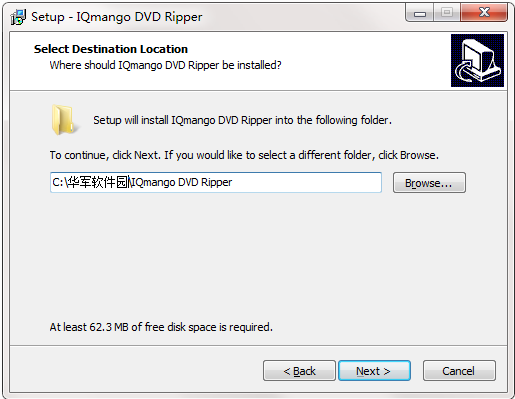
6. Select the destination location. The software will be installed in the folder listed below. To select a different location, create a new path, click Next
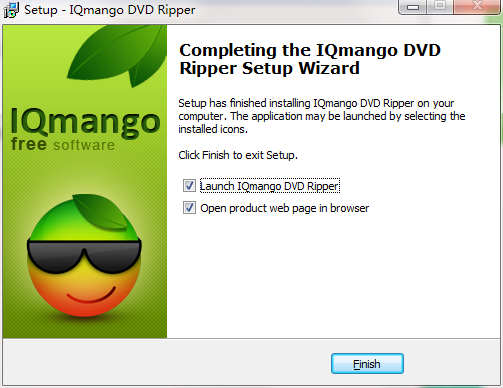
7. Click Finish, the IQmango DVD Ripper software is successfully installed.
How to use IQmango DVD Ripper
1. After running the program, enter its home page.
2. Select the burning function and add CD files.
3.Set the output parameters and start burning.
IQmango DVD Ripper update log
1. The pace of optimization never stops!
2. More little surprises are waiting for you to discover~
Huajun editor recommends:
IQmango DVD Ripper is free software, download it if you need it! This site also hasDisc Burning Master,Disc Burning Master Free Edition,Nero BurnLite,Disc Burning Wizard,Nero8, available for you to download!




Useful
Useful
Useful