




- Green versionView
- Green versionView
- Green versionView
- Green versionView
- Green versionView
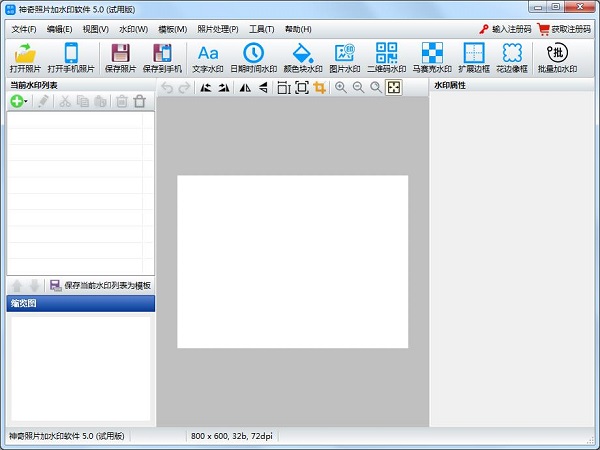
Introduction to the functions of magical photo watermarking software
Text watermark function: supports setting any text content, supports expression functions, can directly obtain file names, use counter functions, macro functions, etc.;
Date and time watermark function: Get the current system time with one click and customize the display format;
Color block watermark function: multiple color block shapes, custom width, height, color, etc.;
Image watermark function: Customize and upload any image;
QR code watermark: Enter any content to generate a QR code watermark;
Mosaic watermark: Supports setting mosaic size and color channel;
Extended borders: Set the borders and colors around the photo according to the specified pixels;
Lace photo frames: Set lace for photos;
Software customization functions: If you want to add other functions, please contact us.
Magic photo watermarking software has an extremely simple design style, so it has been unanimously recognized by the majority of users.
How to install magical photo watermark software
Download the Chinese version of the magical photo watermarking software package from the Huajun Software Park download website, unzip it, and run the “exe. file”
Double-click to open, enter the installation wizard, click Next
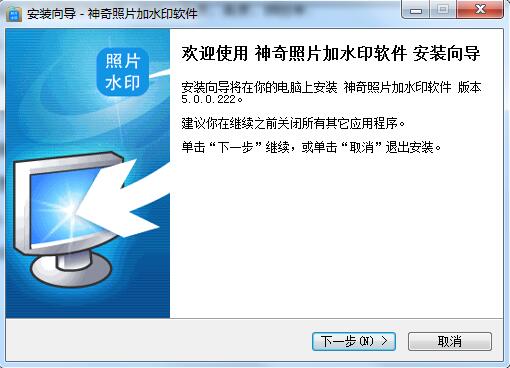
Read the agreement before continuing with the installation, click I accept, click Next
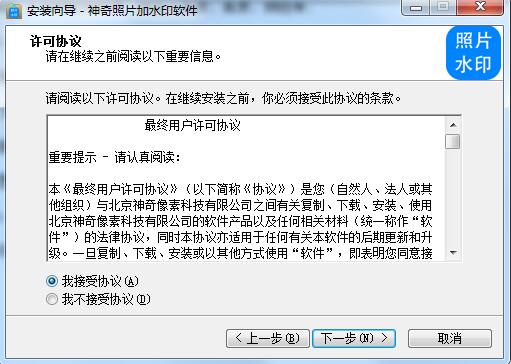
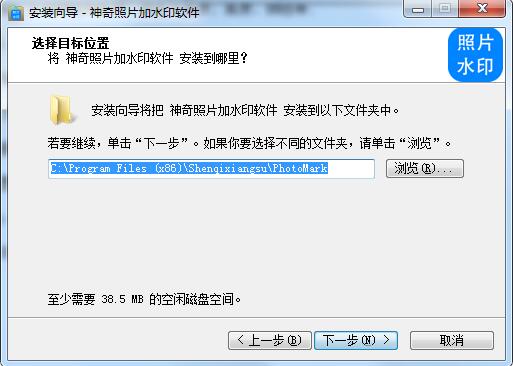
Select the installation location, the default is C drive, click Next
Select the Start Menu folder and click Next
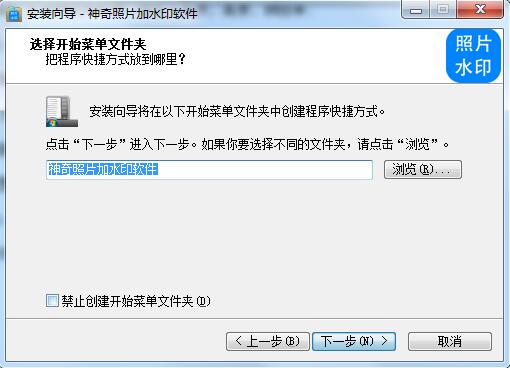
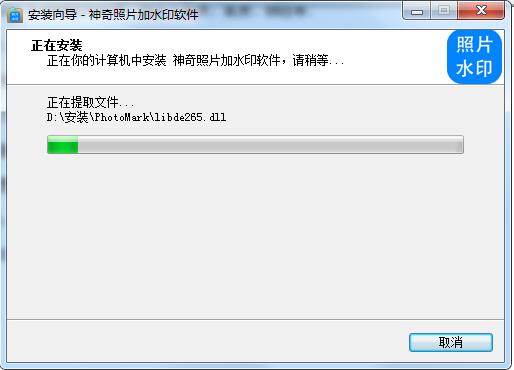
The Chinese version of the magical photo watermarking software is being installed, please wait patiently.
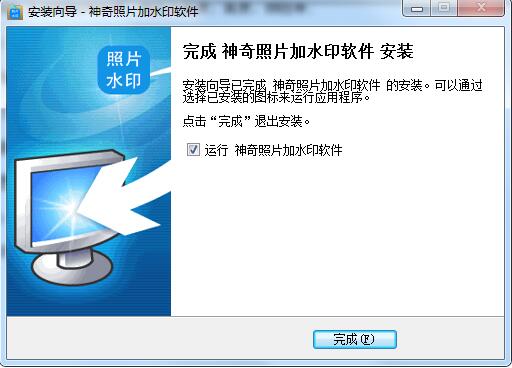
The installation is complete, click Finish to exit the installation wizard
How to use magical photo watermarking software
Step 1: Click the "Open Photo" button in the upper left corner of the software and select the photo file you want to add a watermark to.
You can see that the photo file just added is displayed in the middle area of the software, and the "Current Watermark List" on the left side of the software is empty, which means that no watermark has been added to the current photo at this time;
Step 2: Add watermark effect
The watermark effects supported by the software include text watermark, date and time watermark, color block watermark, picture watermark, QR code watermark, mosaic watermark, extended border, lace photo frame, etc. Take text watermark as an example, click the "Text Watermark" button.
In this interface, you can set the content of the text watermark. The content can be entered arbitrarily or use "text content expression". "[N]" represents the file name of the current photo, "[N#-#]" represents the number from the file name of the current photo. "[C]" represents the counter function. "[=?] Macro" represents that you can get some attribute information of the photo, such as width, height, file size, etc.
You can see that the added watermark has been displayed in the picture according to the rules. At this time, the position, color, font size, watermark margin and other information of the watermark can be modified in the watermark attribute area on the right.
Step 3: Add QR code watermark
Click the "QR Code Watermark" button.
Modify the content of the QR code content input area to the content you want to make into a QR code, and click OK to generate the QR code.
You can see that the added QR code watermark has been generated and displayed in the picture. At this time, you can modify the watermark's position, color, QR code size, transparency, logo image, watermark margin and other information in the watermark attribute area on the right;
Step 4: Save the picture
Click the "Save Picture" button at the top of the software to save the current picture with the watermark effect added.
Magic photo watermark software update log
Optimize user feedback issues and improve detailed experience
Huajun editor recommends:
Magic photo watermarking software. This software is completely fool-proof and super simple. In addition, the editor also recommends it.Photo BlowUp,Adobe Illustrator CC,Beautiful pictures,ps download Chinese version free cs6,Picture Factory Official VersionDownload and use related software.




Useful
Useful
Useful