




- Green versionView
- Green versionView
- Green versionView
- Green versionView
- Green versionView
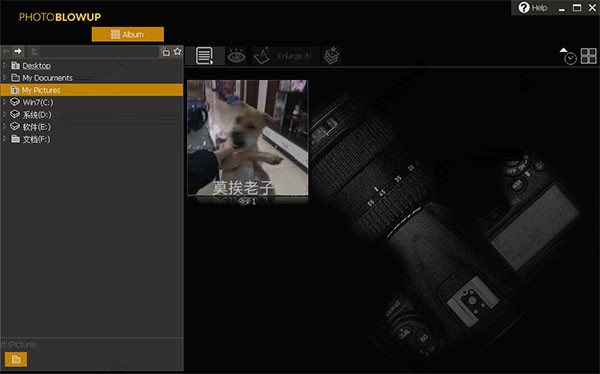
Features of Photo BlowUp software
- Significantly better than the bicubic amplification method.
- Magnified images with no artifacts, obstructions or steps at the edges
- Lines, edges and details of image objects remain clear when zoomed in.
- Preserves the natural color and shape of the enlarged image.
- In the case of low resolution, the structure of the image is imitated and built on.
- Perfect for enlarging photos, web images, vector graphics, scans, graphics or drawings.
- Magnify, enhance and scale your images for up to 700% perfect clarity.
- Enlarge your photos, print large photos or create XXXL posters.
- Quickly improve and resize images for printing, publishing, web design, and more.
- Convince yourself with impressive enlargements.
- Photos for smartphones, tablets or internet services.
- Includes batch processing of entire folders, so you can process entire image series.
- Includes Photoshop plug-ins for Photoshop and compatible programs (starting with Photoshop)
- Using improved S-spline technology
- You can choose to crop your image
- Select the size of the image in pixels, centimeters or inches….
- The intuitive software interface and batch processing that can process multiple images simultaneously make working with the software easy.
- Supports multi-core, GPU acceleration and supports Advanced Vector Extensions (AVX).
- True 64-bit application (32-bit compatible of course). Handling very large files under 64-bit
-Supported input formats. JPG, BMP, TIFF, GIF, PNG, PCX and RAW. Supports all current RAW formats: orf, 3fr, raf, nrw, dng, arw, nef, x3f, srw, pef, rw2, mrw, mdc, mef, dcr, erf, crw, mos, cr2 and sr2, except X3 CCD.
-Supported output formats: JPG, BMP, TIFF, GIF, PNG, PCX JPG, BMP, TIFF, GIF, PNG, PCX.
- RGB, Grayscale, CMYK, LAB and metadata such as IPTC, Exif, XMP and ICC profiles are preserved after processing.
Photo BlowUp installation method
Download the latest version of Photo BlowUp software package from the Huajun Software Park download website, unzip it, and run the "exe. file"
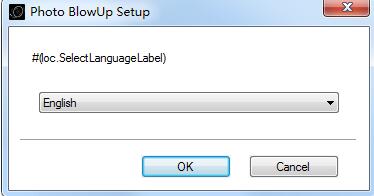
Double-click to open, select language, click OK
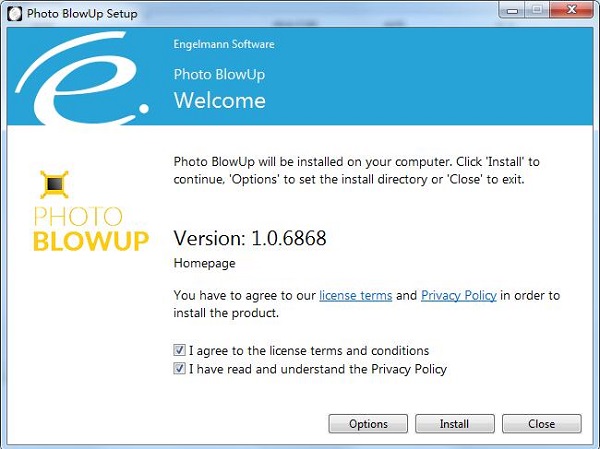
Enter the installation wizard, read the agreement, click I accept..., click Install
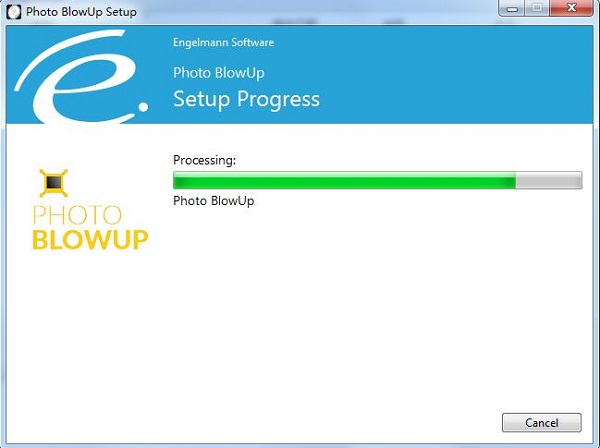
Installation is in progress, please wait patiently.
When the installation is complete, click Close to exit the installation wizard.
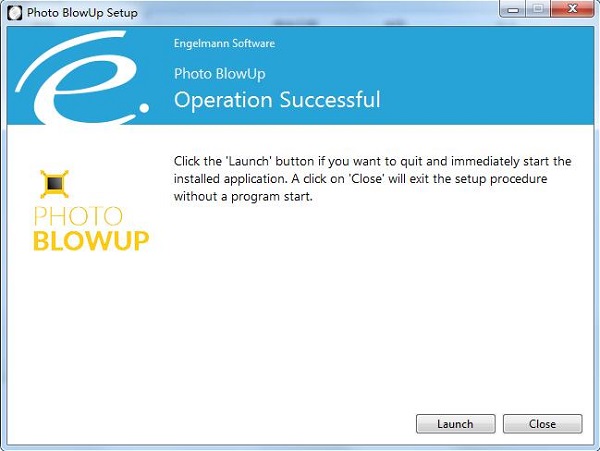
Photo BlowUp update log
1. Optimized the user interface
2. Fixed some known bugs
Huajun editor recommends:
Photo BlowUp has always been a commonly used image processing software for most friends. It has such a dominant position in the minds of netizens. The editor of Huajun Software Park recommends all users to download Photo BlowUp. Come and download it. In addition, there areAdobe Illustrator CC,AutoCad 2020,Beautiful pictures,ps download Chinese version free cs6,Picture Factory Official VersionAvailable for download.




Useful
Useful
Useful