





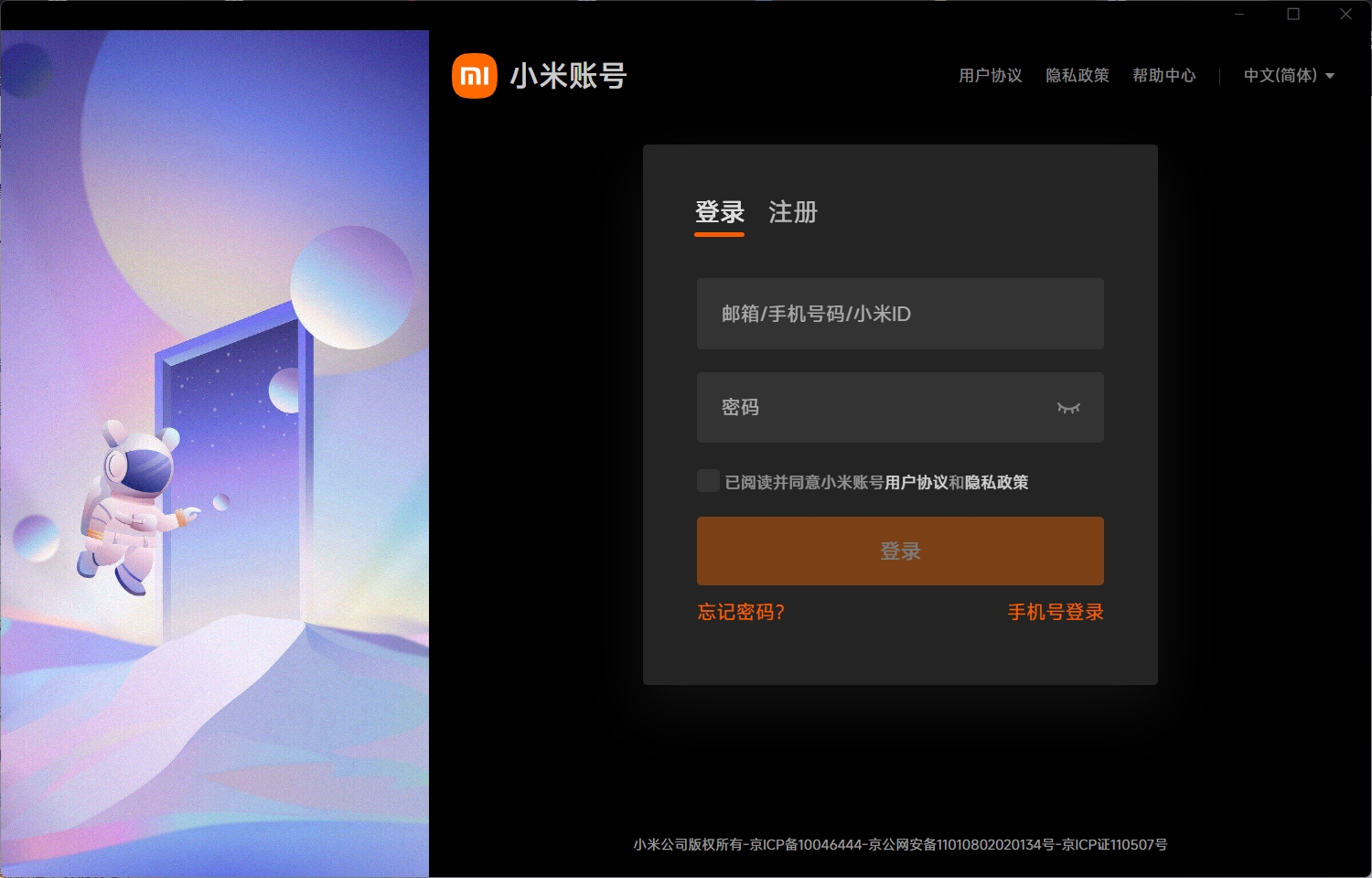
Main functions
Cloud storage: Xiaomi Cloud Disk provides cloud storage space. Users can upload files, photos, videos and other data to the cloud to access and manage these data on different devices. Users can upload photos, videos, documents and other files to Xiaomi Cloud Drive for easy access anytime and anywhere.
File synchronization: Xiaomi Cloud Disk supports multi-device file synchronization. After the user uploads or modifies files on one device, other devices will automatically be synchronized and updated to ensure data consistency. This means that users can access the same account on multiple devices such as mobile phones, tablets and computers, and all files and data will be automatically synchronized across devices.
Data backup: Xiaomi Cloud Disk also provides a data backup function. Users can back up important data to the cloud to prevent data loss. For example, users can back up photos, videos, contacts, text messages and other data on their phones through Xiaomi Cloud Disk to ensure data security and save phone storage space.
File sharing: Xiaomi Cloud Disk supports file sharing function. Users can share files with other people through links or QR codes, which is convenient and fast.

FAQ
Not enough space
Solution:
Delete unnecessary data such as duplicate photos, videos, or backups of apps you no longer use.
By paying to expand cloud storage space, Xiaomi offers a variety of storage plans for users to choose from.
Fragmentation management
Solution: Xiaomi Cloud provides a "fragment management" function that can help users quickly find and delete duplicate or blurred photos, thereby saving cloud storage space.
Xiaomi Cloud Disk update log:
1. Modify user-submitted bugs
2.Add new features
Huajun editor recommends:
The editor promises that as long as you use Xiaomi Cloud Disk, if you don’t like it, you can come and hit me! The editor has also prepared for youBaidu enterprise network disk,Kingsoft Netdisk,Micro force synchronization,Universal printer driver expert,Dandelion WiFi






























Your comment needs to be reviewed before it can be displayed