




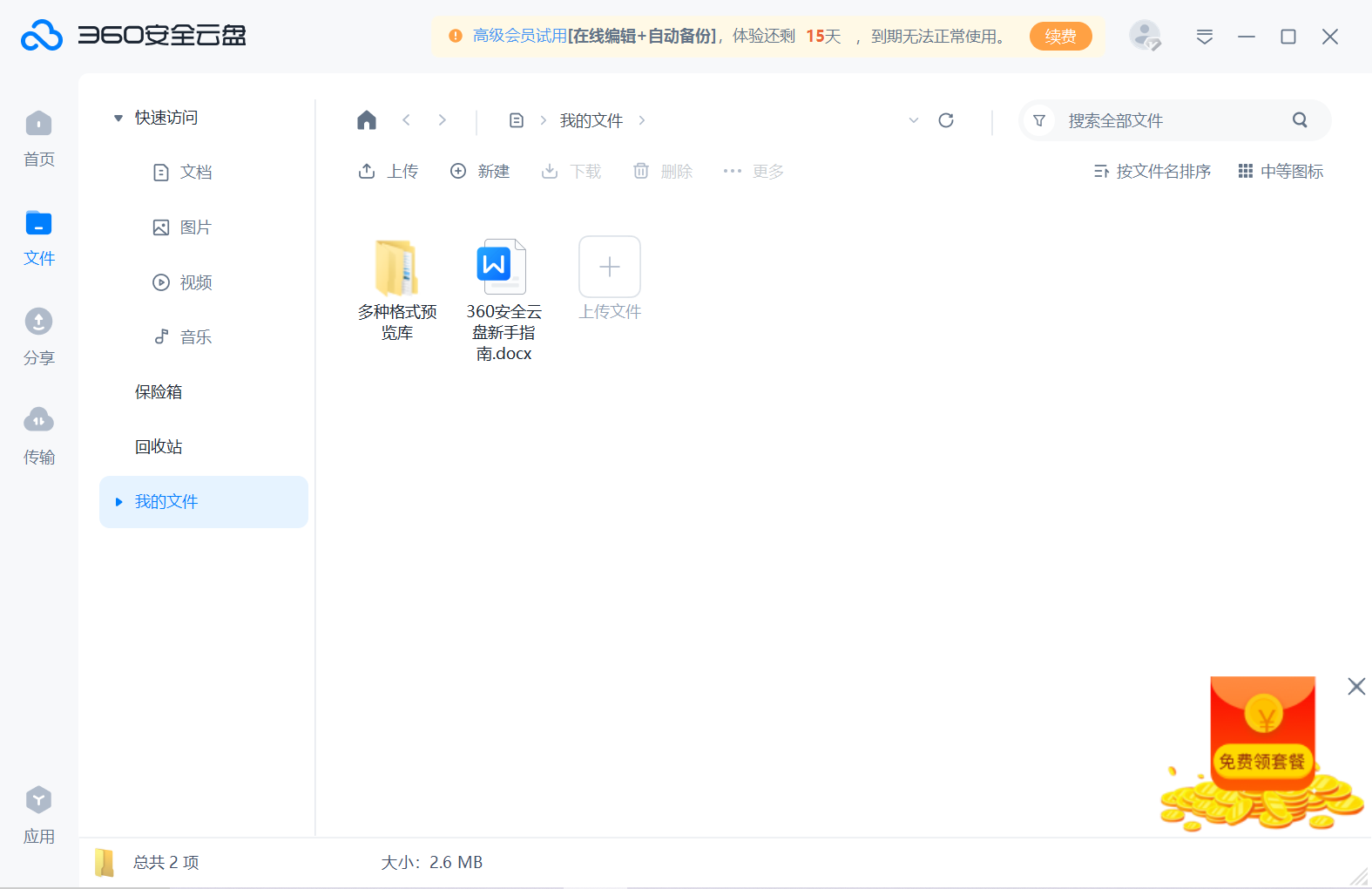
360 Cloud Disk Highlights
Link sharing and rights management:
Users can generate sharing links for files or folders and share them with others through the links.
Supports setting different access permissions, such as read-only, editable, downloadable, etc. to ensure file security.
You can set a password and validity period for sharing links to increase the security of sharing.
Team collaboration features:
Provides a team collaboration space where users can invite team members to join in to jointly edit and manage files.
Supports online editing by multiple people, synchronizes file status in real time, and improves team collaboration efficiency.
Provides comment and discussion functions to facilitate team members to communicate and provide feedback on file content.
Real-time collaboration and version control:
Multiple people can collaboratively edit the same document online at the same time and view each other's editing operations and changes in real time.
All modifications and changes will be displayed to others in real-time, enabling instant communication and collaborative work.
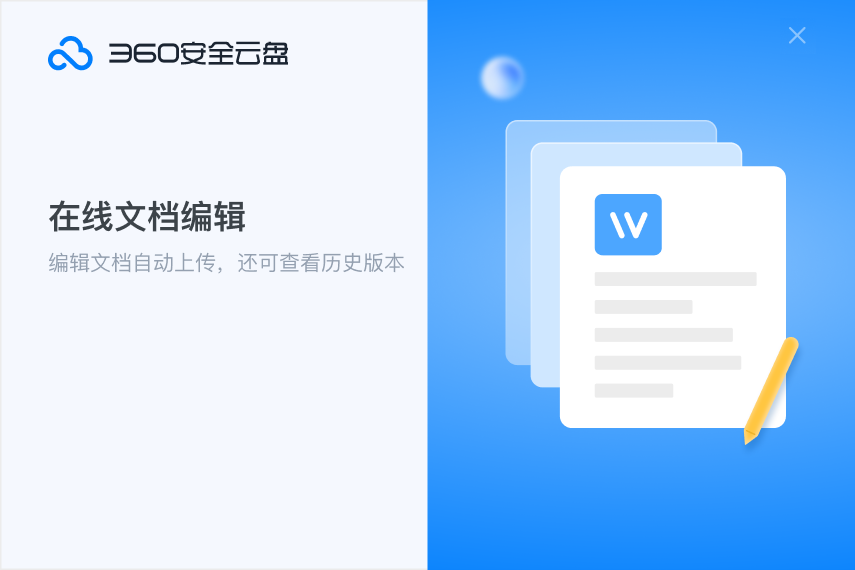
Each version of the file is recorded and saved, and users can easily view and restore historical versions.
Features of 360 cloud disk software
Multiple encryption technologies:
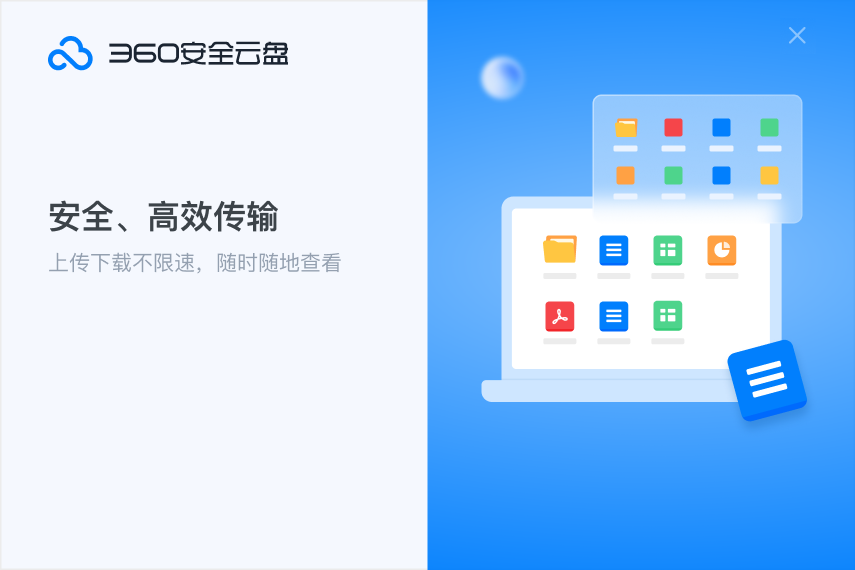
Use data transmission encryption technology to ensure that files will not be stolen or tampered with during transmission.
The data storage process is encrypted, and the files are encrypted by multiple encryption algorithms. Even if the data is leaked, hackers cannot decipher the original file content.
Anti-Virus and Malicious Code Scanning:
Provides anti-virus and malicious code scanning capabilities to automatically detect and clean threats in user-uploaded files.
Keep files uploaded by users safe from malware and viruses.
Multi-factor authentication:
Supports multi-identity authentication, users can log in through mobile phone verification, email verification, etc. to increase account security.
Provides anomaly detection functions, monitors abnormal login and operation behaviors of accounts in real time, and promptly reminds users to prevent account theft.
Data backup and recovery:
Supports file backup and recovery functions, allowing users to recover accidentally deleted or lost files at any time.
Cloud storage can avoid data loss caused by local device failure and provide more reliable data protection.
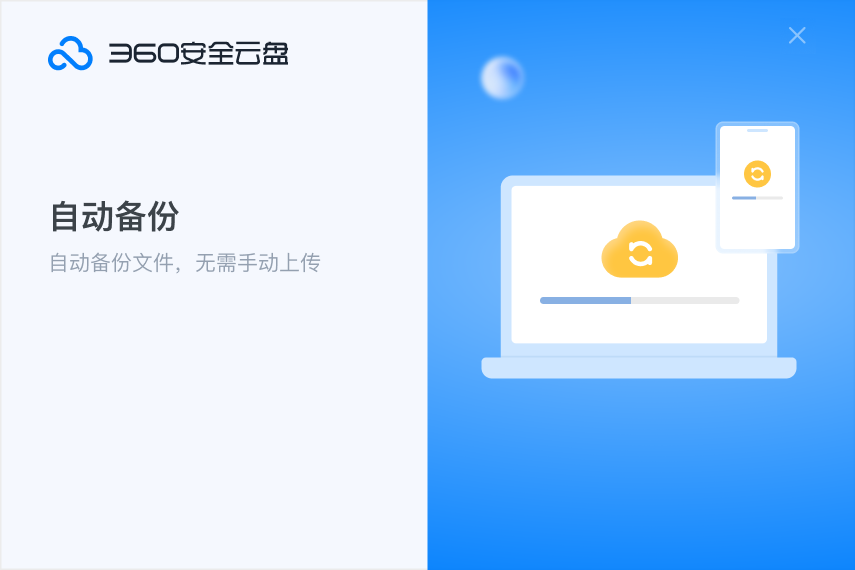
360 cloud disk software functions
Multi-terminal synchronization function:
Supports syncing files on multiple devices. Whether it is a computer, mobile phone or tablet, users can access the latest files at any time.
Files uploaded or modified by users on one device will be automatically synchronized to other devices to maintain file consistency.
Offline download and automatic backup:
Supports offline download function, users can download files on their mobile phones and then view and edit them in a non-network environment.
The automatic backup feature ensures the security and integrity of user data without manual operations.
Multi-platform support:
Supports multiple operating systems and devices such as Windows, Mac, iOS, and Android.
Provides access to the web version. On devices that do not have a client installed, users can access the web version through a browser to upload, download and manage files.
360 cloud disk software installation steps
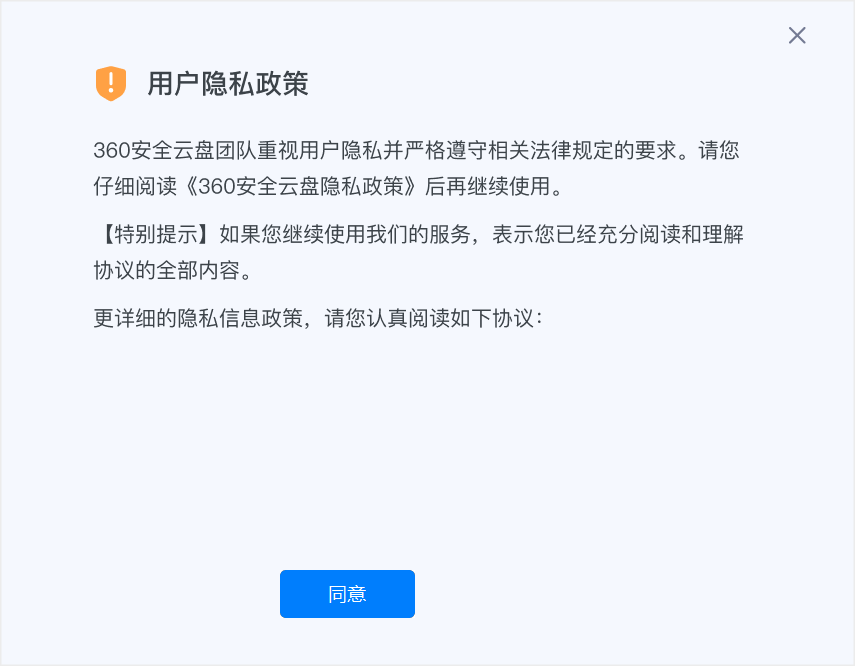
1. Download the official software package from Huajun Software Park, unzip it, run the "exe. file", double-click to open the installation file, the following picture will appear, click "Agree".
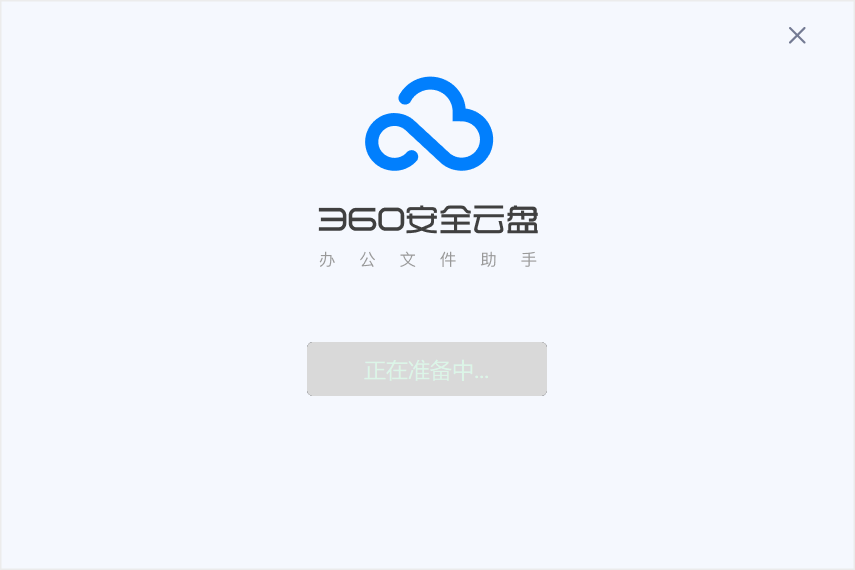
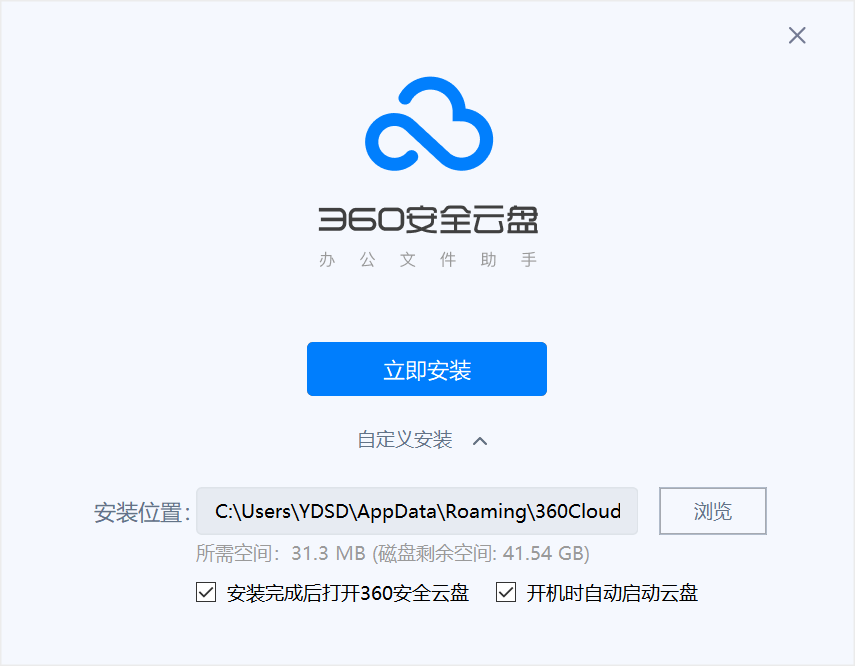
2. Wait for a moment for the installation interface to appear. You can click the "Quick Install" button to install, or you can click "Custom Install" to choose the installation location. Click Custom Install here.
3. Click the "Browse" button and select the installation directory. It is recommended not to select the C drive. After setting up, click "Install Now".
360 cloud disk FAQ
How to apply for 360 cloud disk experience qualification?
Answer: 360 Cloud Disk is currently in the beta testing stage, and a limited number of experience qualifications are issued every day. Use your 360 account to log in to the 360 Cloud Disk official website to apply for experience qualification. After successful application, you can log in to experience it.
What are the main functions of 360 Cloud Disk?
Answer: In addition to providing the most basic file upload and download services, 360 Cloud Disk also provides real-time file synchronization functions. You only need to put the files in the 360 cloud disk directory, and the program will automatically upload these files to the cloud storage service center, and automatically download them to the new computer when other computers log in, realizing file synchronization on multiple computers.
360 cloud disk update log
1. Optimize the automatic backup function and improve stability
2. Fix some suspected crashes and improve transmission stability
3. Fix some bugs.
Huajun editor recommends:
360 Cloud Disk is a widely used and powerful free network sharing. The functions of this latest version have been highly praised by many netizens. It is strongly recommended that everyone download and use it. In addition, there areChangyan Teaching Guide,Baidu enterprise network disk,Kingsoft Netdisk,Universal printer driver expert,Dandelion WiFiIt is recommended for everyone to download and use.



















Useful
Useful
Useful