





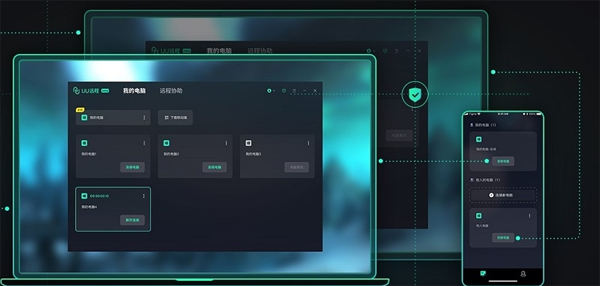
NetEase uu remote computer version software introduction
NetEase uu remote software supports real-time voice function, making remote communication more real, making work communication more convenient, giving you a better voice communication experience, and making real-time calls with relatives and friends; at the same time, the software supports screen sharing, and the high-definition picture quality display effectively improves the quality of screen sharing and makes management more convenient; it also supports Android and Apple multi-platform data interconnection, and controls the mobile phone used in office to quickly process work, making office easier and improving the efficiency of remote office. And during the remote control, if you encounter various problems, you can communicate with the customer service remotely, so that the customer service can provide remote services and solve various problems, making the remote control more professional. UU remote breaks through device limitations and enables easy remote control operations without restrictions.
NetEase uu remote computer version software functions
Cross-device interconnection
Supports mutual control between mobile phones, tablets and computers, covering mainstream operating systems such as Windows, macOS, Android, and iOS.
Provides "one-click remote boot" function (based on WOL technology), which can remotely wake up the computer even if it is turned off.
HD quality and low latency
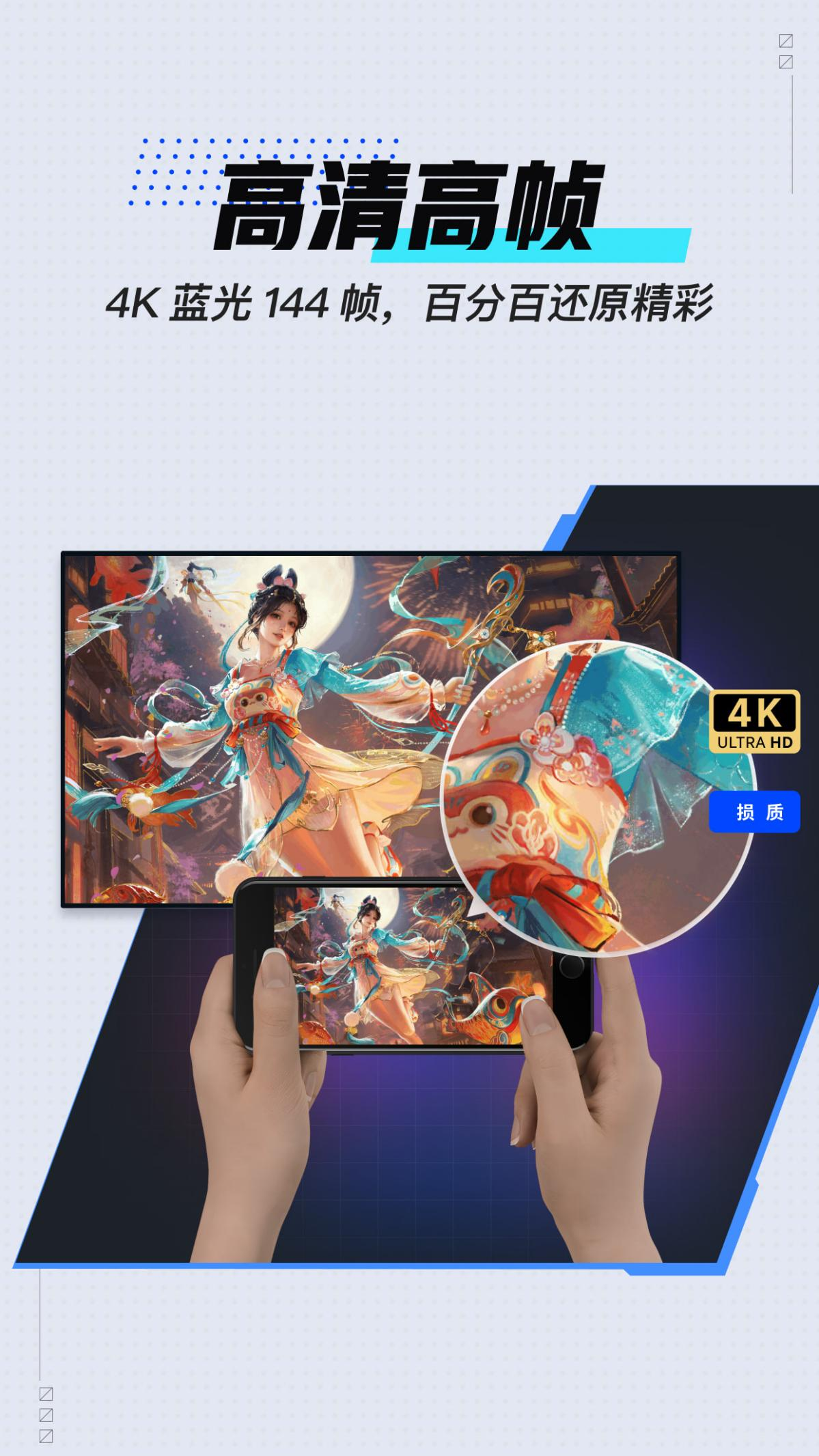
Supports 4K Blu-ray 144-frame picture quality, the picture is clear and smooth, and the delay is extremely low, as if it is operated locally.
Customized code rate adjustment (up to 500Mbps supported) to adapt to different network environments.
Peripheral support and control methods
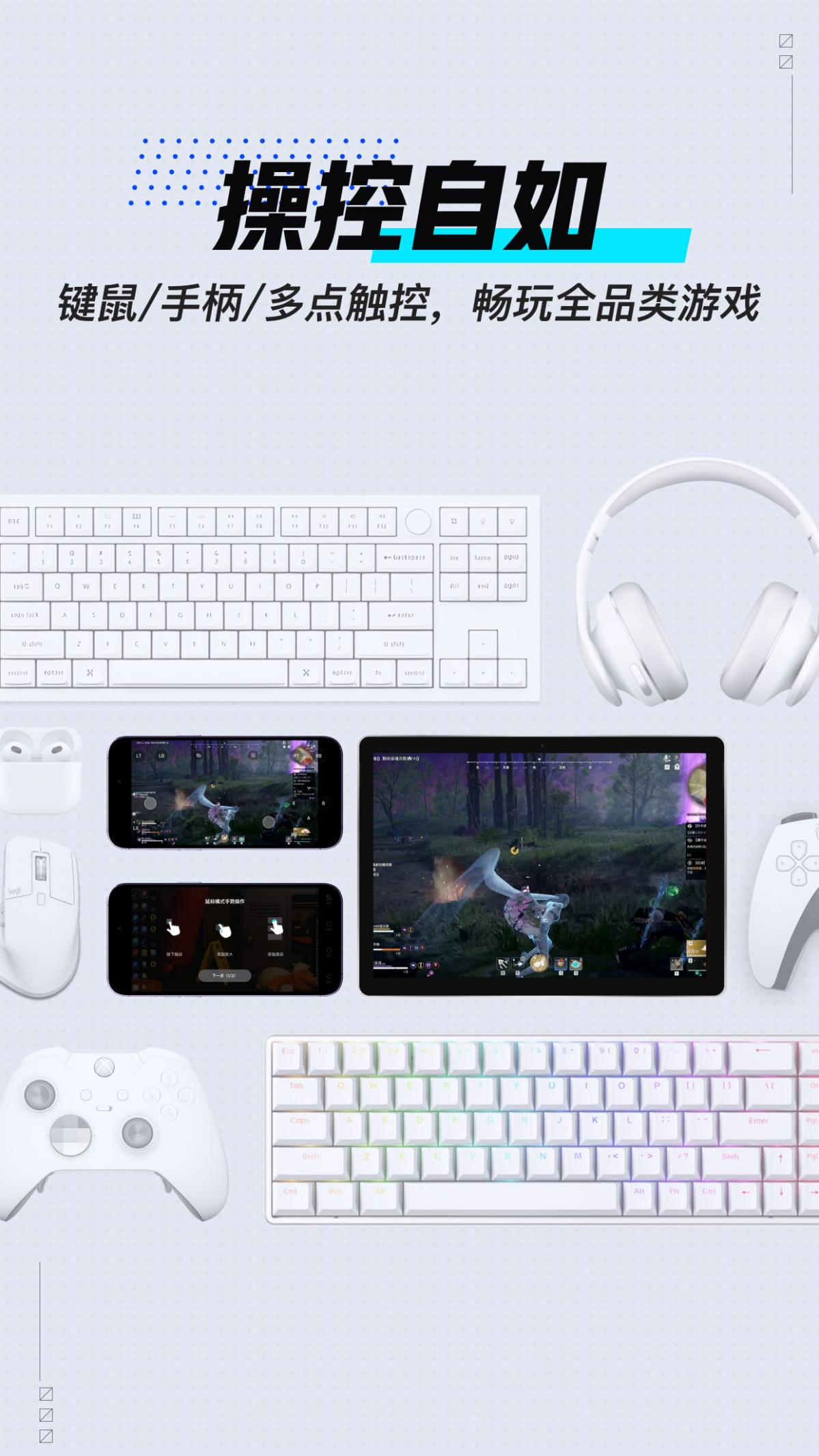
It fully supports keyboard, mouse, controller, multi-touch and other peripheral operations, providing an immersive gaming experience.
For game scenarios, it provides key position cloud solutions for 200+ popular games, which can be used out of the box, and the key positions can also be customized.
Supports Bluetooth keyboard and mouse, and magnetic keyboard connection, making mobile operation barrier-free.
File transfer and collaboration
Supports file transfer between any devices, with no restrictions on type and size, and supports breakpoint resumption.
Provides office shortcut key mapping, multi-screen collaboration and other functions to improve remote office efficiency.
Privacy and security
Controlled end anti-peep mode: During remote access, the screen of the controlled end is black to protect privacy.
Dynamic verification code and manual refresh sharing code: ensure the security of remote connections.
Data encryption transmission: DTLS protocol and AES encryption algorithm are used to ensure data security.
Features of NetEase uu remote computer version software
High-speed private network direct connection
It has 300+ node computer rooms and builds a global high-speed network to achieve millisecond-level latency and stable connections even at cross-border remote locations.
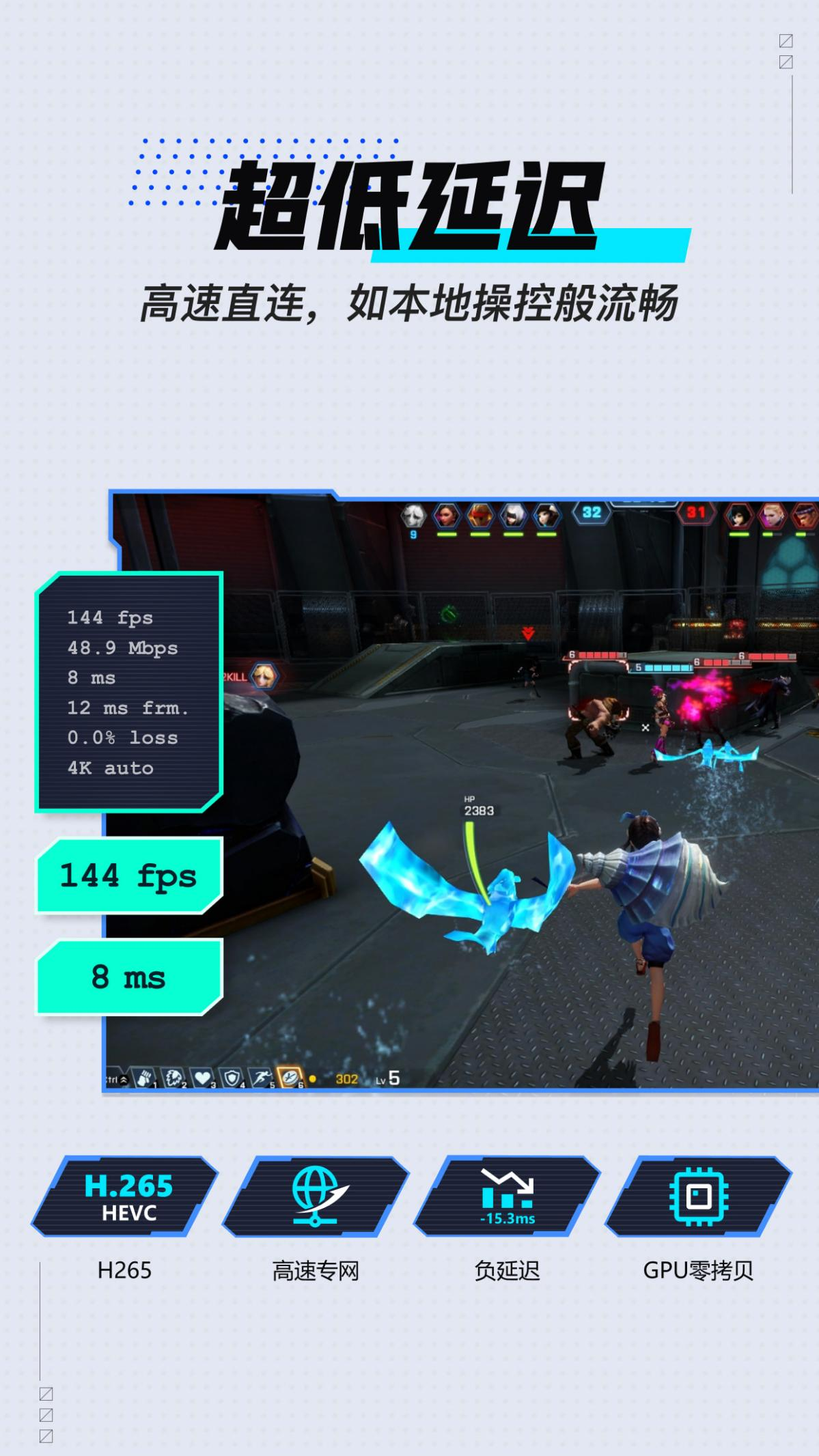
image processing technology
Leading image processing technology supports HDR display, and the true color mode restores the most realistic colors and brightness, solving the problem of blurry game text and interface.
Intelligent image quality adjustment
Automatically matches the image quality and delay according to the current network conditions, ensuring that you can enjoy a high-definition and smooth remote operation experience in different network environments.
remote gaming
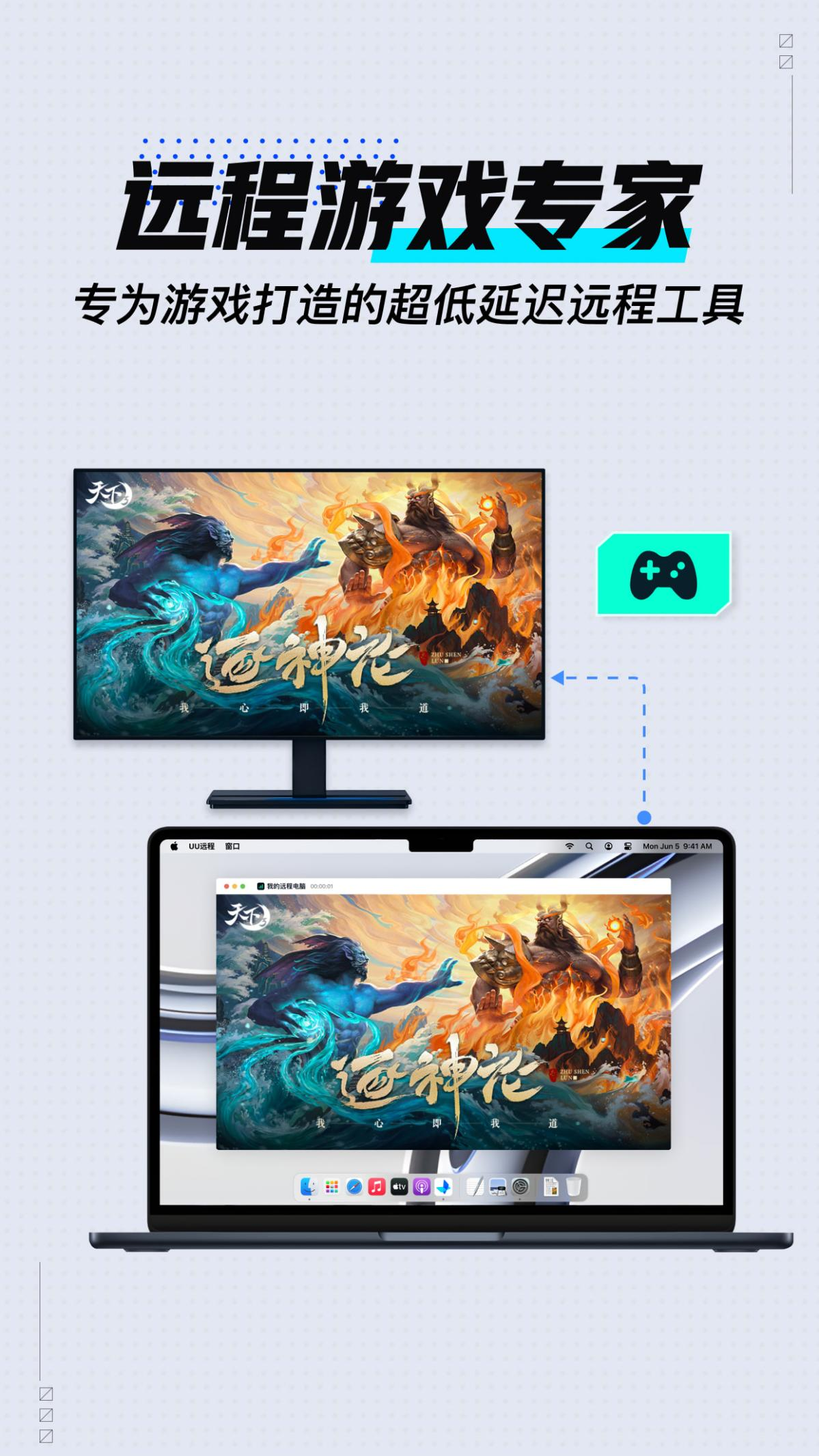
Break through device limitations and play computer games on your mobile phone, supporting 3A masterpieces, PC games, mobile game PC versions, etc.
Provides handle vibration feedback, 3D perspective control and other functions to enhance game immersion.
Support remote hang-up, continuous connection 24 hours a day, stable and reliable.
Advantages of NetEase uu remote computer version software
1. The simple interface makes your remote control easier, improves the remote control experience of your mobile phone, and makes remote control of your mobile phone more casual and easier;
2. A variety of remote control methods make remote control more casual, improve the remote control experience, and make remote control easier;
3. Real-time voice makes remote communication more real, makes work and communication more convenient, gives you a better voice communication experience, and allows you to talk to your family in real time;
4. Share the screen to make screen sharing more real, improve the quality of screen sharing, make the shared screen more real, and make management more convenient;
5. The data interconnection between Android and Apple makes remote operation easier, improves the situation of remote operation, makes remote operation easier, and gives you a better user experience;
6. Same-screen distance teaching makes teaching more casual, improves the quality of distance teaching, makes learning easier, and improves the quality of distance learning;
NetEase uu remote computer version FAQ
Control plan editing issues
Problem description: Unable to edit or save the control plan.
Solution:
On the plan selection page, click "New" or select any plan and click "Edit" to enter editing mode.
Adjust the key position, size, note name, and key response after pressing.
Click "+ Single Key" or "+ Key Combination" to add a single key or combination of keys.
After editing is complete, make sure to save the scheme.
NetEase uu remote computer version update log
Working day and night just so you can be happier
Mummy, Mummy, coax~all the bugs are gone!
Huajun editor recommends:
A very good network sharing software. The editor also uses this software. It is powerful, green and safe. This site also providesChangyan Teaching Guide,Baidu enterprise network disk,Micro force synchronization,Universal printer driver expert,Dandelion WiFiWaiting for you to download.




Useful
Useful
Useful