





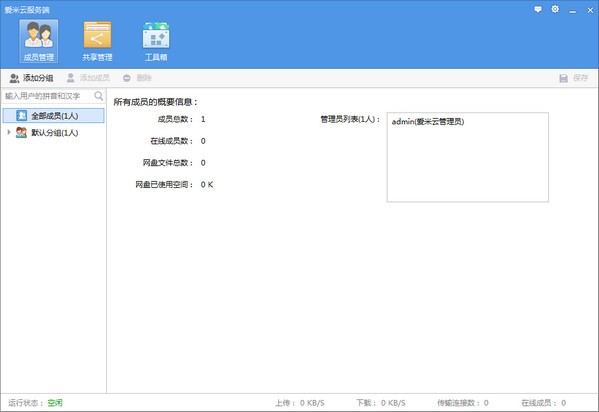
Introduction to network disk system software
Aimi Cloud Network Disk is a cloud file management software specially built for major enterprises. This software integrates a series of functions such as storage, sharing, search, and filtering, which can greatly improve the efficiency of related enterprises. In addition to this, the software also uses the latest generation of security technology, so users feel that they do not have to worry about file loss or leakage.
Network disk system software functions
Simple
Aimi Cloud’s server and client are all running on Windows XP and above systems. No configuration is required. It can be opened and used after installation.
The functions and operations of the Aimi Cloud server are simple and easy to understand, and non-professionals can easily become administrators.
Professional
Aimi Cloud is specially designed and developed to solve the internal file management problems of enterprises. On the basis of ensuring stability and security, it provides necessary functions such as unified file storage, sharing, search, filtering, file folder resume transfer, permission management, etc., aiming to maximize the value of valuable documents and information in the enterprise.
Fast
爱米云为内网通信,传输速度可达10M/S以上。
Aimi Cloud adopts advanced local file list shard synchronization technology, and file viewing and search are close to zero delay.
秒传机制,对于重复数据无需上传直接完成
Province
Aimi Cloud uses a file block verification storage solution. All files stored on the server do not have duplicate data, which can save server hard disk space to the greatest extent.
The files are stored in the server, and the client can browse and search for files without downloading, and does not occupy local space.
The Aimi Cloud server installation package is less than 10M in size, and the memory and CPU usage are extremely low.
Network disk system installation steps
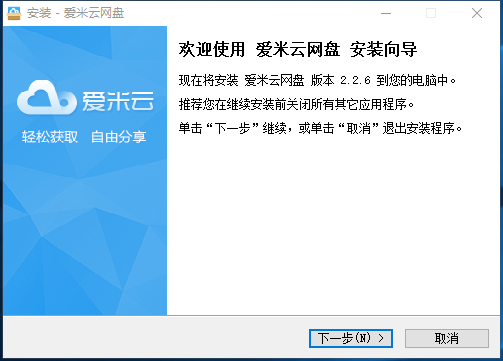
1. Download the latest version of the network disk system installation package from Huajun Software Park. After unzipping, double-click the exe program to enter the installation wizard and click Next
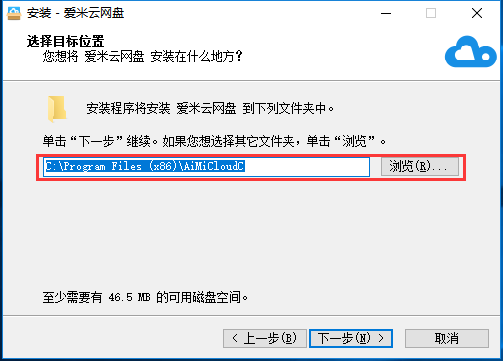
2. Click "Browse" to select the installation folder. Generally, it is installed on the C drive of the computer by default. It is recommended to install on the D drive. Click Next.
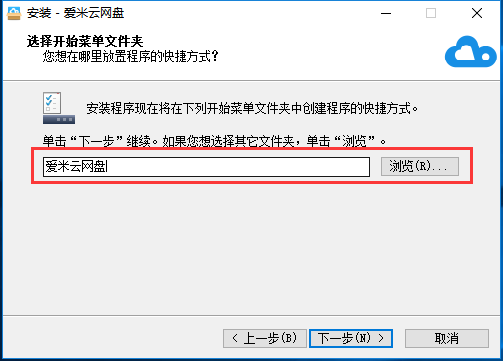
3. Click "Browse" to select the start menu folder and click Next
4. Select additional tasks, check Create desktop shortcut, and click Next
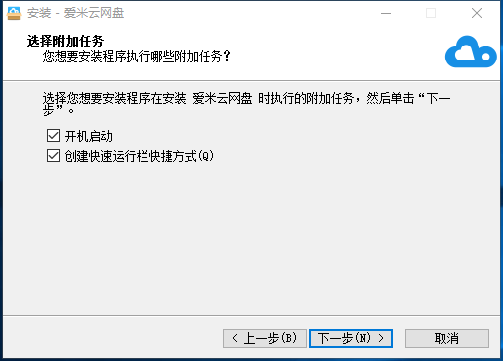
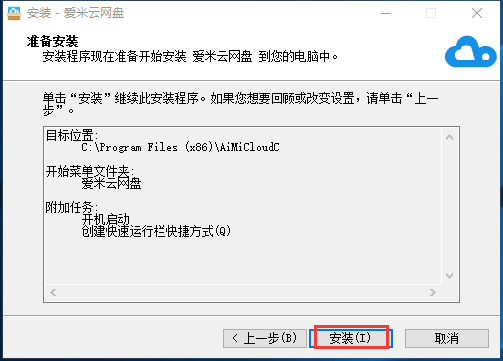
5. The installation program is ready, click Install
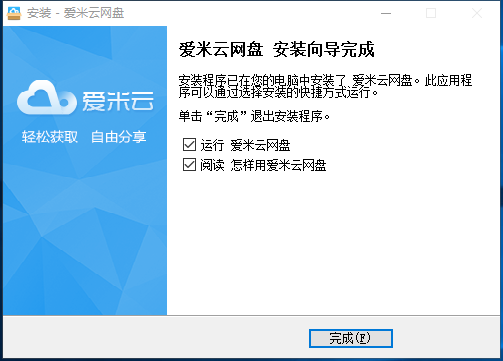
6. The network disk system installation is completed, click Finish to exit the installation wizard
Network disk system update log
1.Fix some bugs
2. Optimized some functions
Huajun editor recommends:
After seeing the introduction provided by the editor of Huajun Software Park above, are you ready to take action? Then download the network disk system and use it quickly. Huajun Software Park also providesChangyan Teaching Guide,Baidu enterprise network disk,Kingsoft Netdisk,Micro force synchronization,Dandelion WiFiWaiting for you to download and use.




Your comment needs to be reviewed before it can be displayed