



iFLYTEK Hear Simultaneous Interpretation FAQ
What languages does iFLYTEK simultaneous interpretation support?
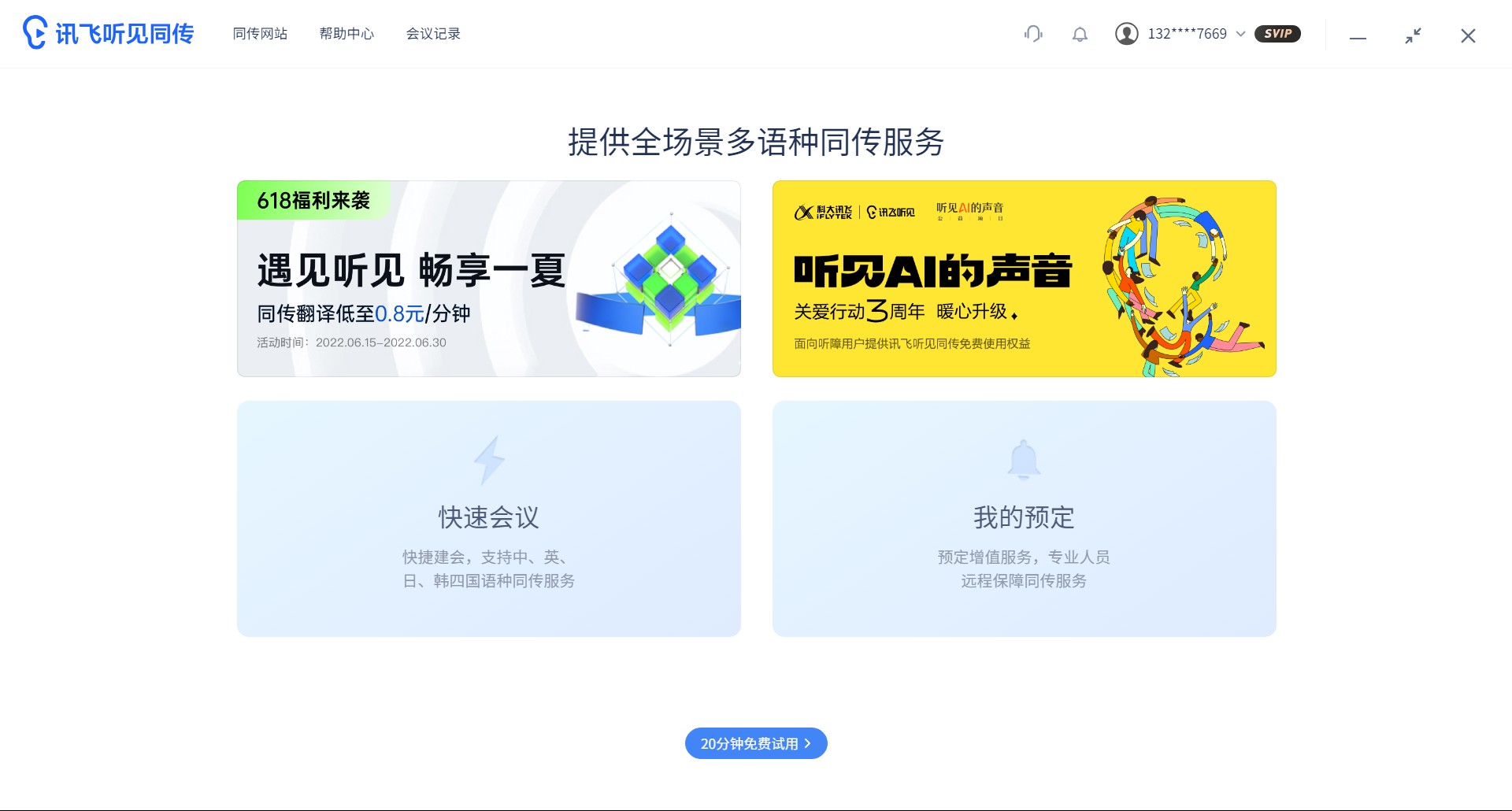
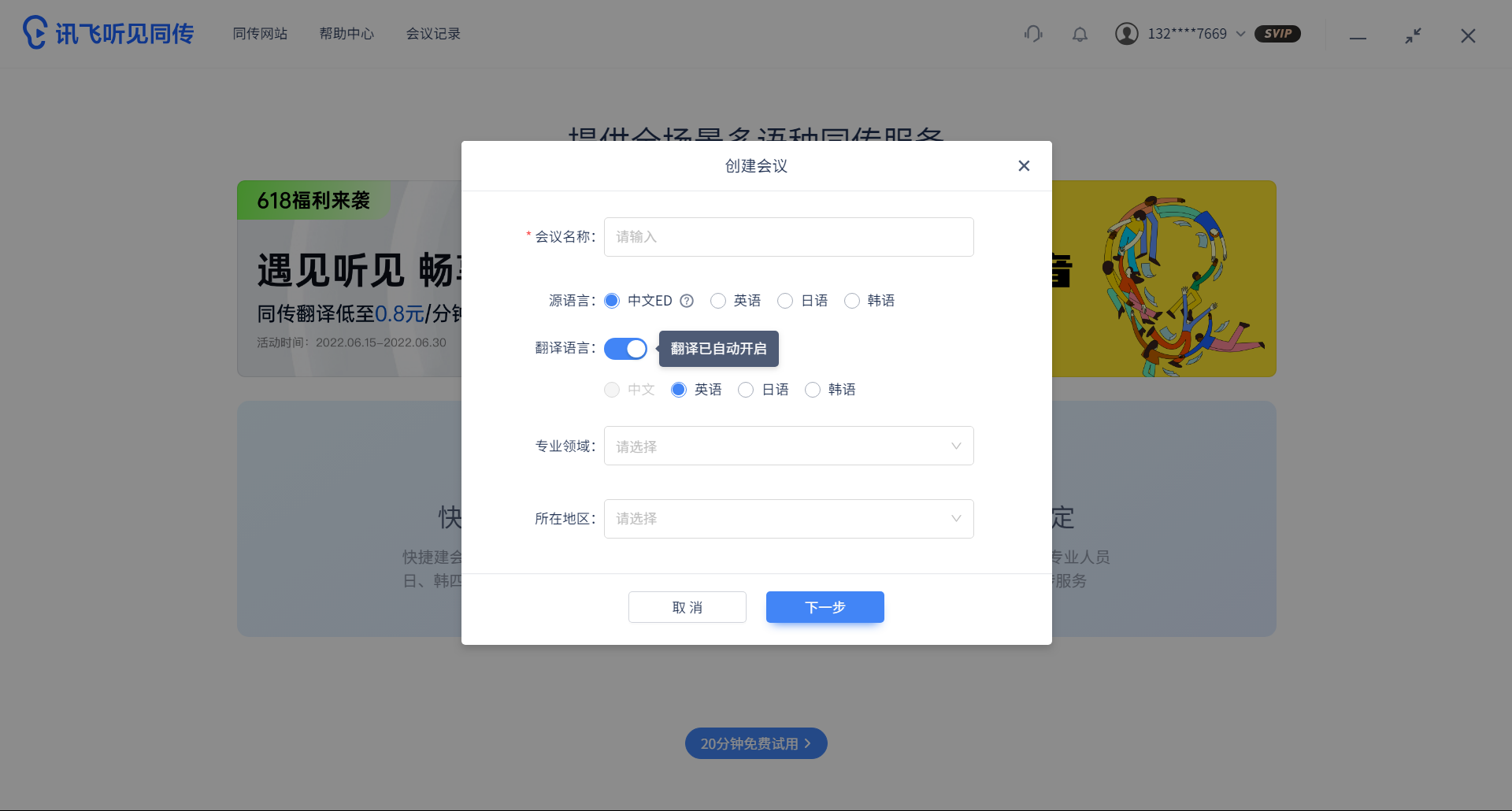
iFLYTEK simultaneous interpretation supports multiple languages including Chinese. The specific languages may vary depending on software versions and updates. Users can view the list of supported languages within the software.
How to enable the sensitive word filtering function of iFlytek Simultaneous Interpretation?
Users can click on the avatar to enter the personal center in the iFlytek Simultaneous Interpretation App, then click on the settings option, and finally turn on the sensitive word filtering function.
Does iFlytek simultaneous interpretation support real-time shooting subtitles and adding bilingual subtitles later in the video?
Yes, iFlytek Simultaneous Interpretation supports real-time shooting of subtitles and the function of adding bilingual subtitles later in the video. Users can find relevant modules in the software for operation.
iFLYTEK simultaneous interpretation update log
1. Optimized some functions
2. Solved many unbearable bugs
Huajun editor recommends:
iFlytek Simultaneous Interpretation is an excellent translation software. The editor strongly recommends it to you. Once you download it, you will know how good it is. The editor has also prepared for youYoudao Dictionary,DXF to G code tool,Sesame Quick Translation,Snowman Computer Assisted Translation (CAT),WORD to PDF converter




Useful
Useful
Useful