





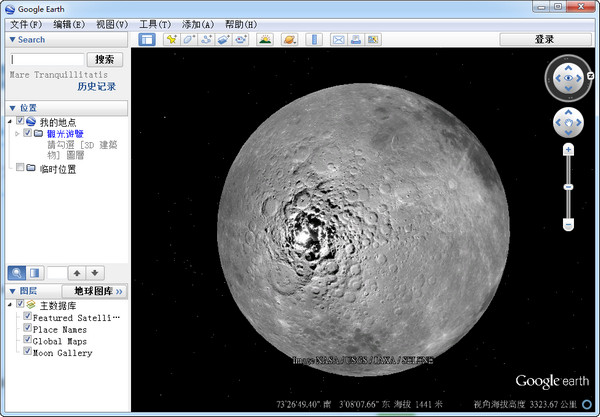
Introduction to Google Moon Map
Google Moon is the latest result of Google's space operations agreement with NASA. Google Moon only has an English version. As for when the Chinese version will be released, the person in charge of Google Moon China said that because the English data of Google Moon is very large, it will take a long time to translate it into Chinese.
Google Moon already has a Chinese version of the interface, but the introductory text inside is in English. For netizens with a high level of English, you can learn a lot about the history of the moon in Google Moon, such as geology, craters, mountain heights, etc. It contains almost most of the lunar research results of decades, and also supports users to measure the height and width of some well-known craters on the moon.
Google Moon installation steps
Download the Google Lunar software package from Huajun Software Park, unzip it, and double-click to open the installer.
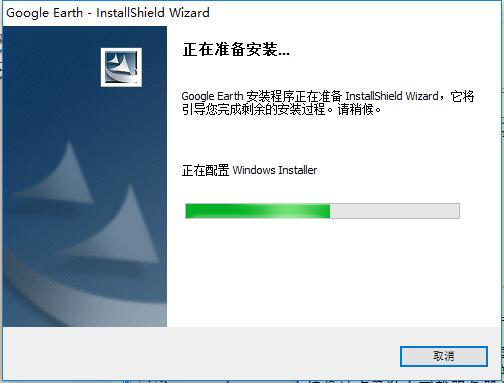
Click to install
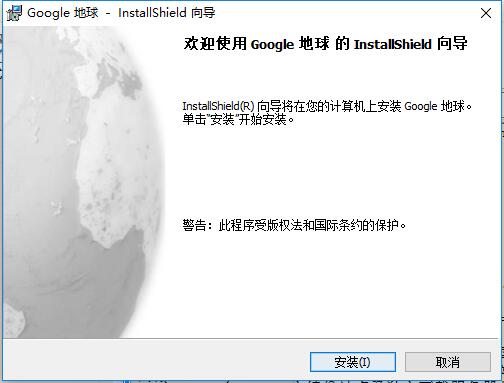
Waiting for installation
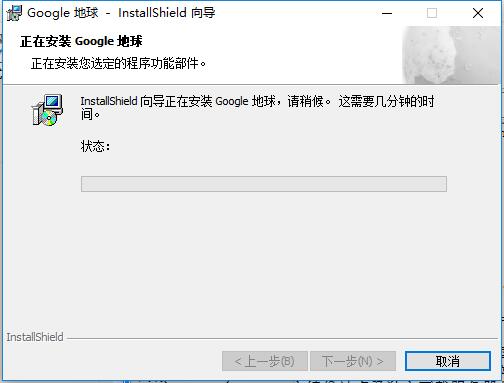
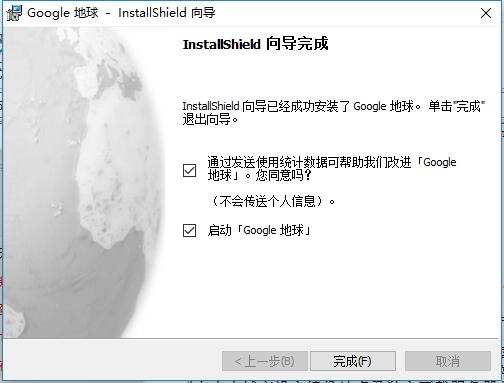
After the installation is complete, click Finish to start using it
Google Moon Instructions
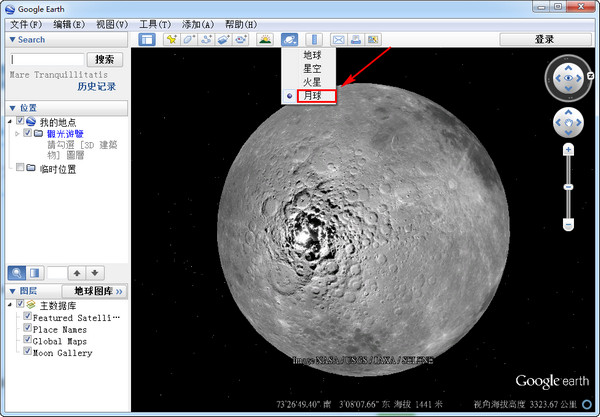
1. The function of "switching between Earth, space and other planets" is new in version 5.0. In particular, the Google Moon was added specifically to commemorate the 40th anniversary of the human landing on the moon. After clicking the "Switch between Earth, Space and Other Planets" shortcut function, select the Moon option, and the software will automatically load the Moon image. Hold down the left button and drag the mouse to move the map, hold down the right button and move the mouse up and down to control the zoom in and out of the map, and move the mouse left and right to control the rotation of the map.
2. After entering the moon map, you can directly enter "apollo11" in the search window below the file bar, and then press the search button. The system will automatically bring your perspective to the direction of the Apollo 11 moon landing. You only need to control the left and right mouse buttons to zoom in and out and adjust your perspective.
3. When the viewing angle reaches about -6000 feet, you can clearly see the three-dimensional model of the Apollo spacecraft. When the viewing angle reaches about -6,300 feet, we feel as if we are standing in front of the Apollo spacecraft. By moving the left mouse button, you can look around the scene of Armstrong's moonwalk. Google has also marked many locations where photography was taken at this location. Just place the mouse on the sign with the camera and you can see the on-site photos taken by the astronauts there.

















Useful
Useful
Useful