
If you are looking for software to use, go to Huajun Software Park! software release AI product list

Hello, if there is a need for software inclusion, please package the software and attach the software name, software introduction, software-related screenshots, software icon, soft copy, business license (if you do not have a business license, please provide the front and back of the corresponding developer ID card and a photo of yourself holding the ID card), and send it to email http://softwaredownload4.com/sbdm/user/login

Close >>

Send to email:news@onlinedown.net

Close >>

Location: Home pagePC softwaremanagement softwareOther industries ISee monitoring software
ISee monitoring software

ISee monitoring software green version

QR code
  • Software licensing: shareware
  • Software size: 12.9MB
  • Software rating:
  • Software type: Domestic software
  • Update time: 2024-12-30
  • Application platform: WinAll
  • Software language: Simplified Chinese
  • Edition: Green version

Reputation rankings in other industries

Download the service agreement at the bottom of the page

Software introduction Related topics FAQ Download address

Basic introduction
ISee monitoring software segment first LOGO
ISee monitoring softwareIt is a remote monitoring program developed for local area networks. After installation, running isee can directly enter the monitoring preview interface without entering a password. The default username and password of the system administrator are admin!
Similar software
Release Notes
Software address

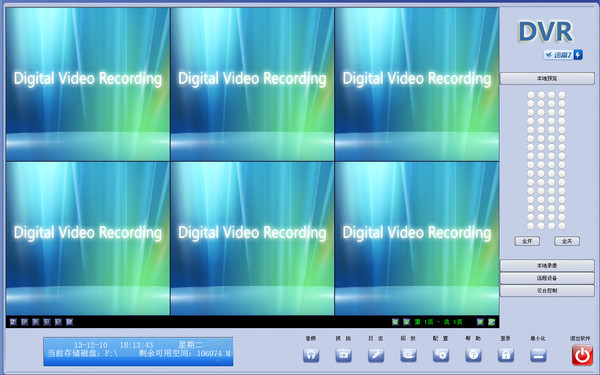
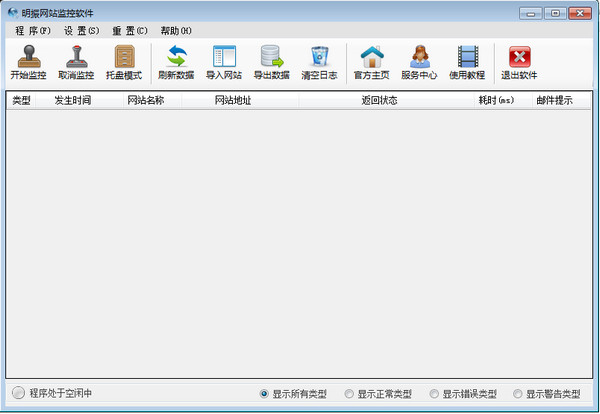
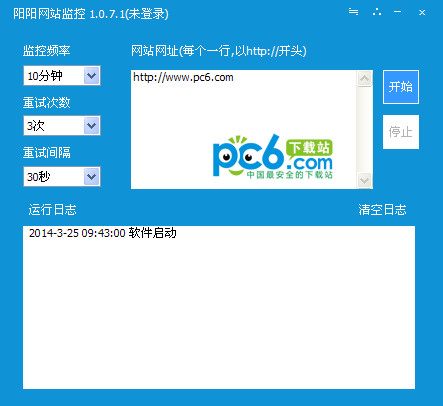
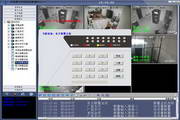
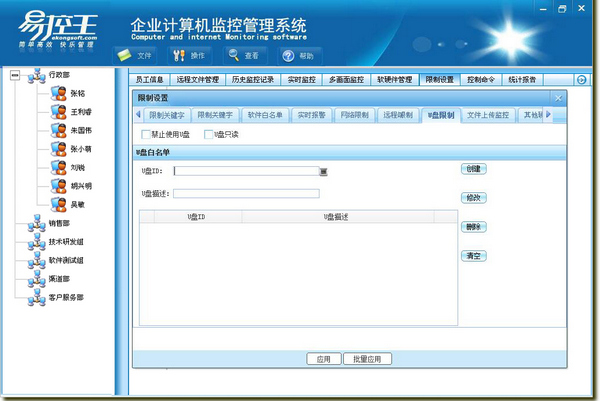
Screenshot of ISee monitoring software

Function introduction

1. Regularly intercept screen data on the client computer and save high-definition screenshots in the database through optimized transmission methods
2. Regularly intercept the screen data and running program data on the client computer, and store them in the database for backup
3. Send messages to any computer in the LAN through the message service or the message module migrated within the program.
4. Remotely shut down, log off, and lock one or more client computers or even the entire LAN
5. The clear screen capture browser and complete printing function make it easy to understand the actions of a certain client at a certain time.
6. The program’s built-in compression function allows you to easily batch backup database contents to local zip files for easy maintenance and management.
7. Since the network settings of each enterprise are different, in order to facilitate users to change the existing network and firewall settings as little as possible, I.See uses "user-defined client settings" to dynamically compile the client installation program.
8. Intelligent database installation wizard, you can easily configure it without in-depth understanding of SQL database
9. Since SQL Server is used as the data storage medium, it is ensured that the program will not reduce performance even if a large amount of data is backed up.

How to use

Supports CX25820/21/58 capture cards, as well as NVP1204/SAA7130/TW68XX series capture cards. Includes video surveillance software instruction manual and surveillance system software

Related topics

  • Special topic on website monitoring software

    Special topic on website monitoring software

  • Monitoring alarm

    Monitoring alarm

  • QQ monitoring software special topic

    QQ monitoring software special topic

  • Temperature monitoring software

    Temperature monitoring software

FAQ

ISee monitoring software

ISee monitoring software green version

Close