




- Green versionView
- Green versionView
- Green versionView
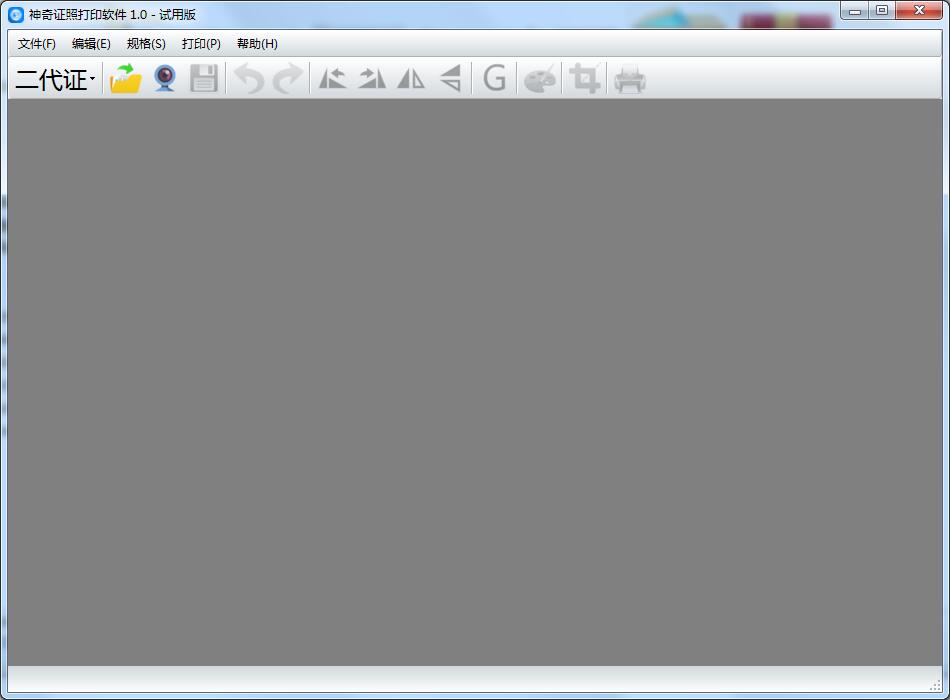
Magic ID card printing software software introduction
Magic ID Photo Printing Software is a professional, easy-to-use, and efficient ID photo printing software. With it, you will no longer have to worry about the format of your ID photo being too demanding, too difficult to remember, or having too many formats that are easy to remember! One-click selection, one-click printing! It’s that simple!
Features of Magic Certificate Printing Software
Magic ID photo printing software has built-in numerous ID photo formats, including
Second generation certificate
Standard 1 inch
Standard 2 inches
driver's license
Graduation certificate
Marriage certificate
police officer certificate
Chinese passport
Hong Kong and Macau Pass
US visa
European visa
Japan visa
canada visa
Australian visa
South Korea visa
Singapore visa
Taiwan visa
Support custom ID photo format
The default search format can be modified freely
Supports restoring default ID photo format
Support camera photography function
Supports image flipping, rotation, grayscale, color adjustment, cropping and other functions
How to use the magic certificate printing software
How to print ID photo?
Step 1: Select the certificate format, open a photo or take a photo, as shown in the figure below:

The software will automatically generate a cropping frame according to the corresponding standard format. The cropping frame can be enlarged or reduced according to the proportion, as shown in the following figure:

Step 2: After the frame selection is completed, click OK to view the photo effect at this time, as shown below:
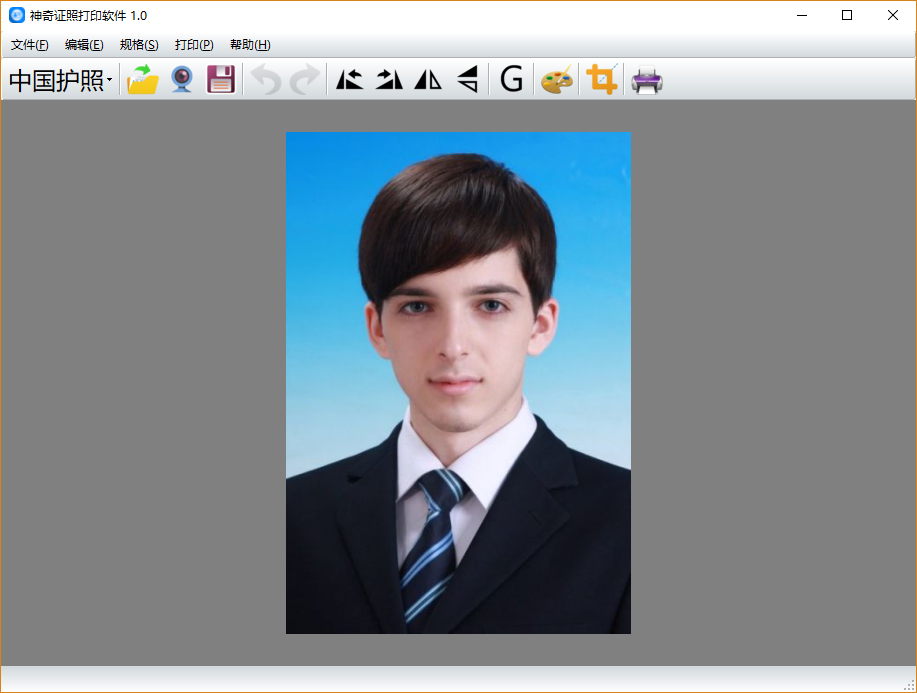
Step 3: After checking that the effect is correct, click the printer button and the interface for printing photos will pop up, as shown in the figure below:

At this time, you can select the printer device, view the paper information, select the photo direction, set the photo spacing, customize the number of photos and customize the printing position, etc.
After all settings are completed, click the "Print" button to complete the printing of the certificate!
Magic ID card printing software update log
1Fix bug
2Optimize some functions
Huajun editor recommends:
Magic ID card printing software takes up little memory, has stable performance, is free of any bundles, is green and safe, and is truly a conscientious software! This site also hasLeyi integrated ceiling design software,Log volume calculator,Pyle Glass Optimization Software,Agricultural Bank of China Certificate,Taiyou CPK calculation tool, available for you to download!




Useful
Useful
Useful