



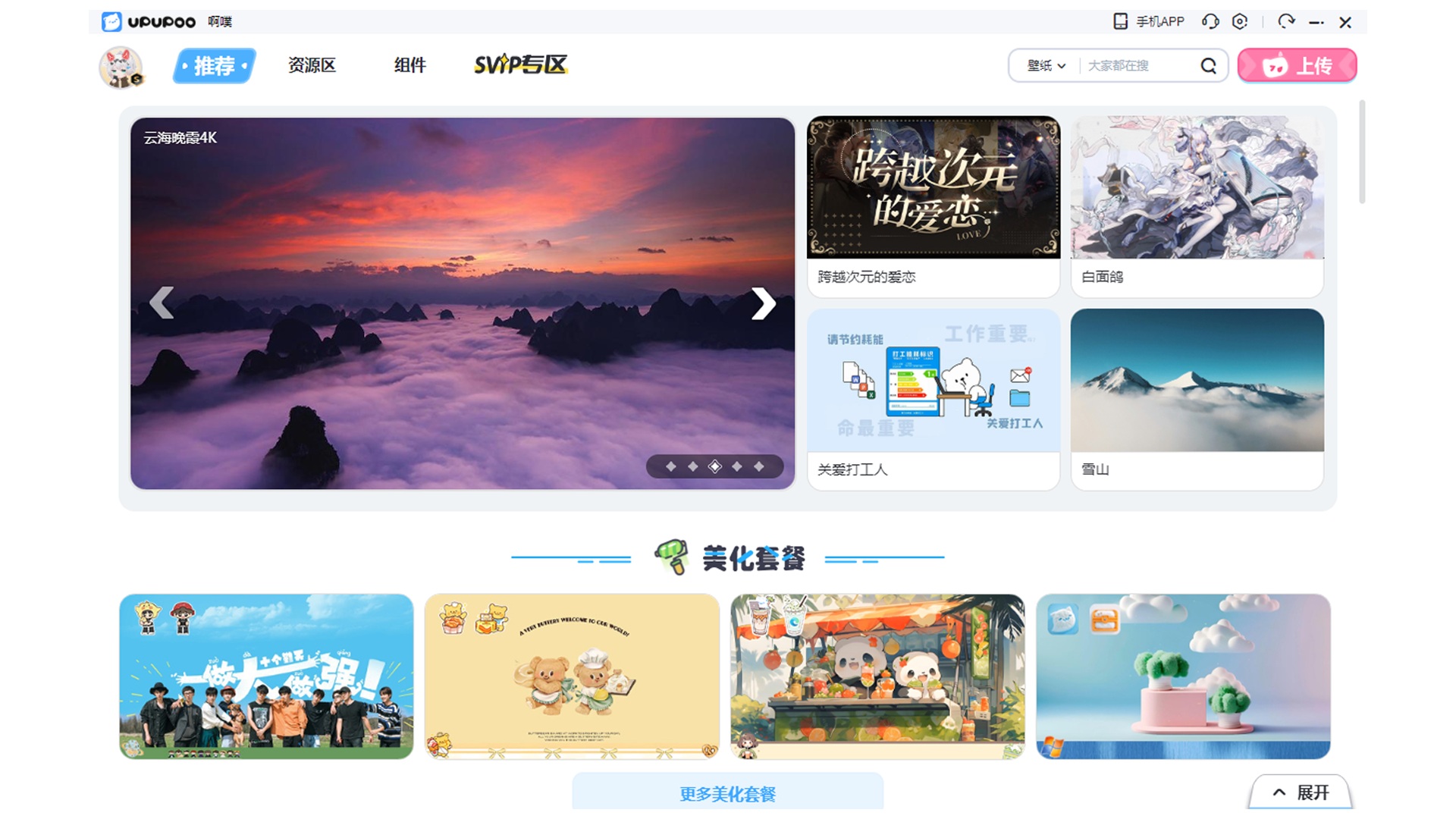
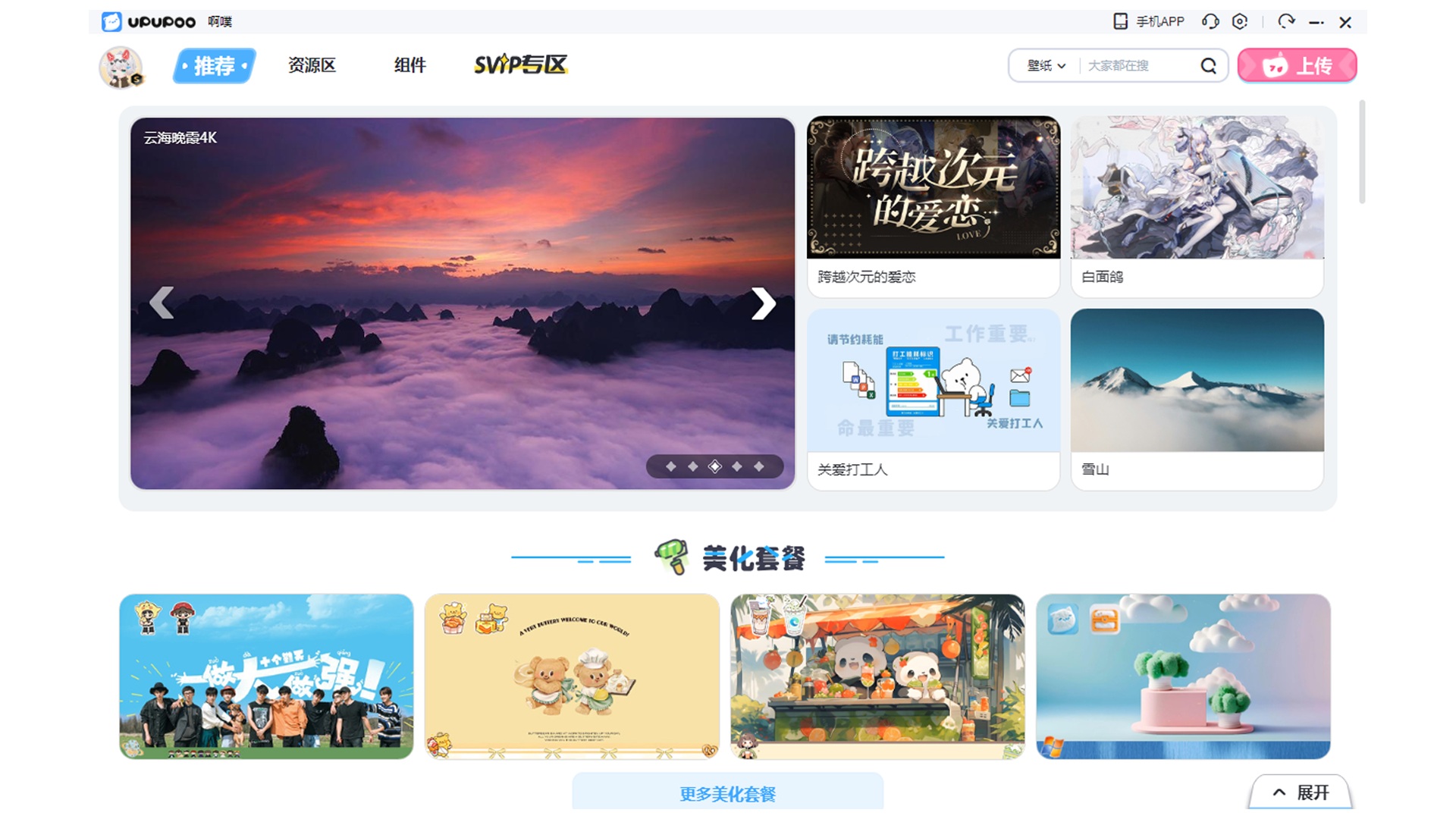
UPUPOO software features
1. Massive dynamic and static wallpapers: UPUPOO wallpaper library contains 17w+ wallpapers, covering nearly 20 categories, which can display videos, pictures, web pages and other formats on the computer desktop. It also contains some fun games, learning calendars and web wallpapers that change over time, making real-time interaction more fun.
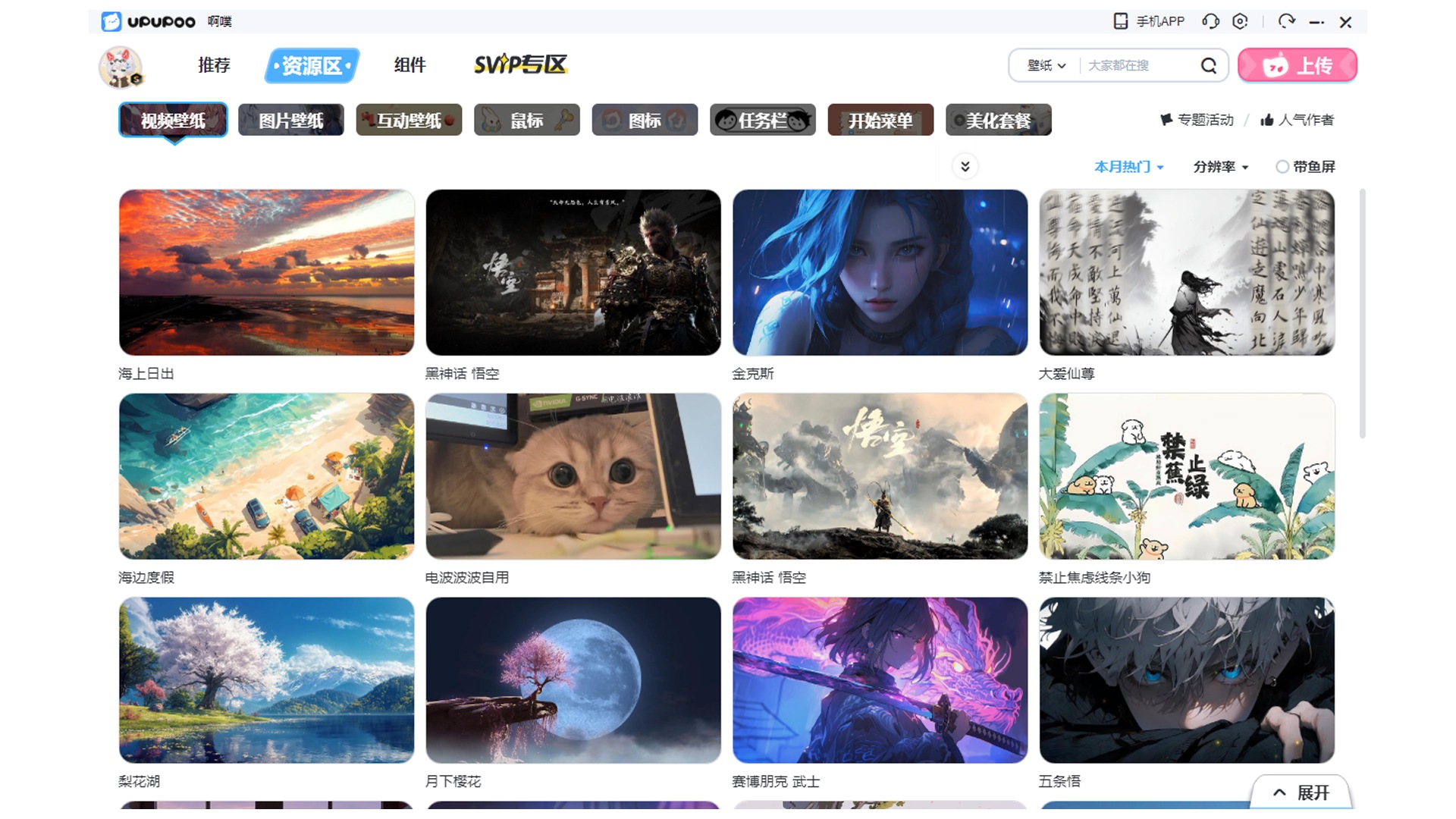
High-quality beautification resources can modify computer system styles super easily and quickly, including mouse pointer, computer icons, taskbar, start menu and other system styles. You can also upload your own beautification styles through the exclusive editor on the software.
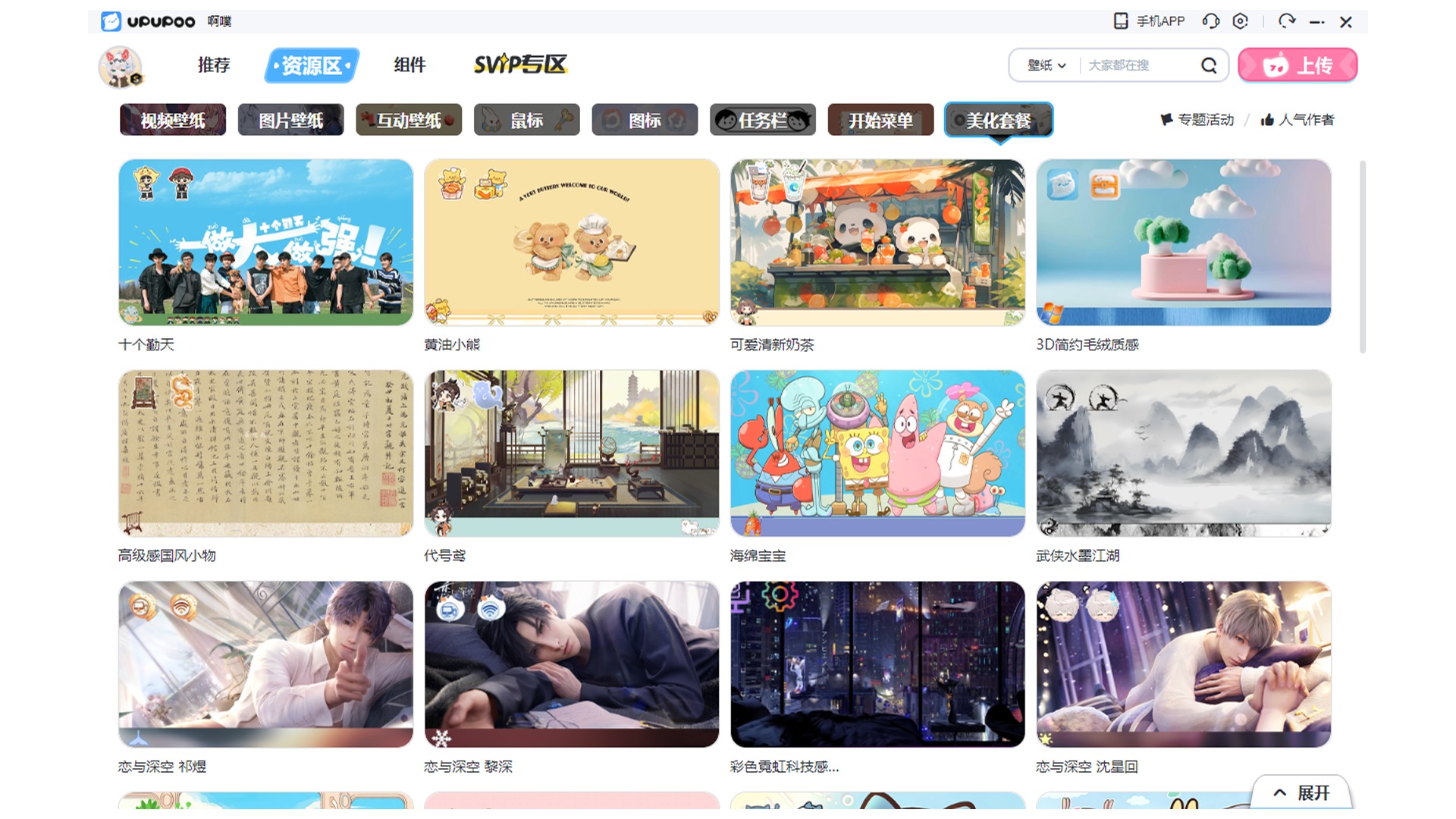
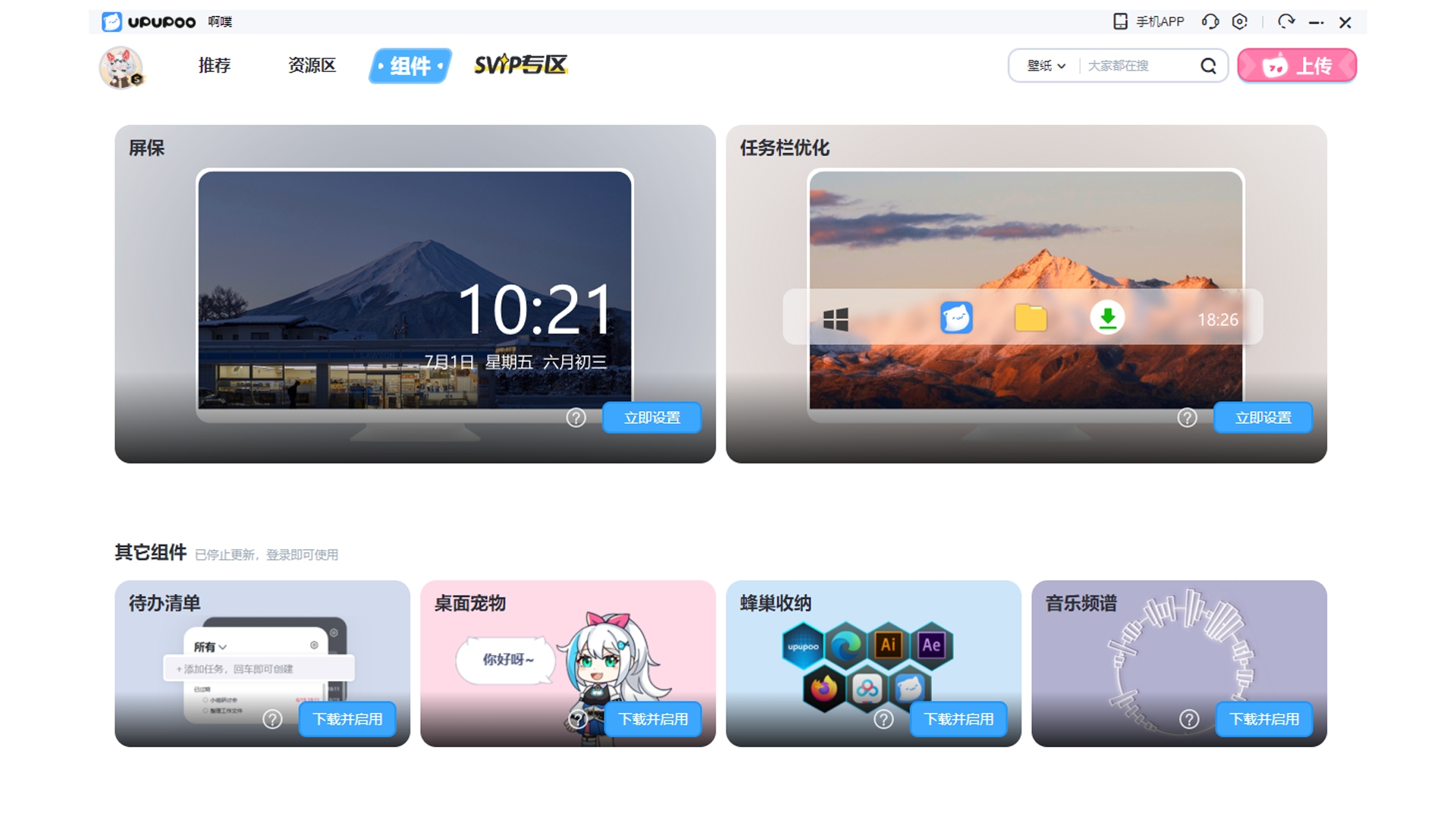
Support desktop widgets for independent applications, which can assist in beautifying the desktop and improve computer usage efficiency. It currently includes six major components: screensaver, taskbar optimization, to-do list, desktop pets, honeycomb storage, and music spectrum to meet a variety of usage needs.
UPUPOO installation method
1. After downloading the latest version of UPUPOO Dynamic Desktop from this site, get an .exe file locally on your computer. Double-click the .exe file to enter the software installation interface and select the components you want to install. After the selection is completed, you can check [Start at startup] and click [Install Now].

2. If you want to modify the installation location of UPUPOO Dynamic Desktop, you can click [Customize]. In the window that opens to select the installation location, you can click [Folder Icon]. In the window that opens, you can choose the software installation location. After selecting, click [Next].

3. UPUPOO dynamic desktop is being installed, you need to wait patiently for the software installation to be completed.

4. After the UPUPOO installation is completed, click [Physical Examination Now] to exit the software installation.
How to use UPUPOO
How to download wallpapers in UPUPOO
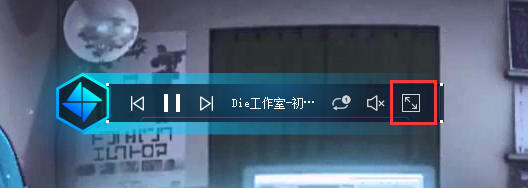
1. Open the UPUPOO dynamic desktop shortcut downloaded from this site and click on the last icon, as shown in the picture.
2. Enter the UPUPOO interface, and you can see the dynamic desktop wallpapers recommended for you.

3. Or you can enter the wallpaper you are looking for through the search box in the upper right corner of UPUPOO and click search.

4. In the displayed search results, double-click the wallpaper you want to download.

5. Enter the wallpaper detailed interface and click [Download Wallpaper] on the right to download the wallpaper.

6. Click [Local Wallpaper] at the top of UPUPOO to view the wallpaper you downloaded.

UPUPOO FAQ
How to upload wallpapers to upupoo
1. Open the official version of UPUPOO software downloaded from this site. After opening the software, click [Local Wallpaper] at the top, double-click here or drag in the picture.

2. In the window that opens, select the image you want to upload and click Save.

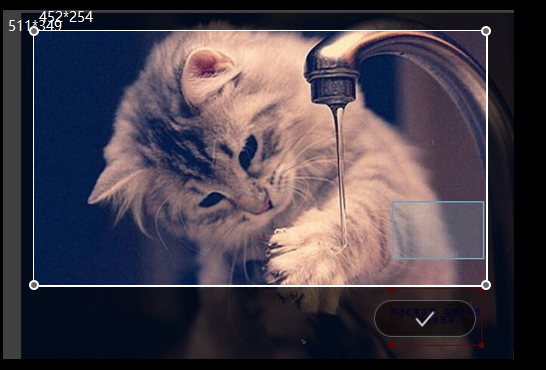
3. It will jump to the UPUPOO wallpaper size cropping interface. You can drag the surrounding dots with the mouse to adjust. After the adjustment is completed, click [√].
4. If you need to add special effects to the wallpaper, you can also add audio files. You can choose it yourself. After completing the selection, click Save in the upper right corner.

5. Enter the name of the wallpaper, click to upload the picture, find the picture you modified, and click [Upload].

How to set UPUPOO dynamic desktop wallpaper to start automatically at boot
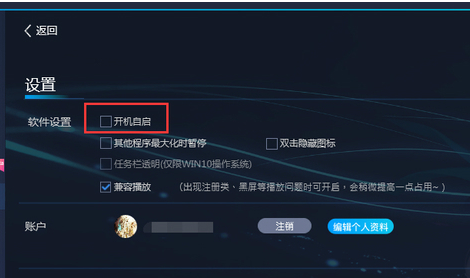
1. Open the UPUPOO software downloaded from this site. After opening the software, click Settings in the upper right corner.

2. In the settings window that opens, check [Autostart at startup]
Which one is better, UPUPOO or Wallpaper?
Both upupoo and Wallpaper are powerful wallpaper software. Upupoo is a free dynamic desktop software with an intuitive and easy-to-understand software interface. Upupoo provides users with functions such as dynamic wallpapers, file organization, and follow-up widgets. It supports video wallpapers, web page interactive wallpapers, and comes with a massive wallpaper library.
WallPaper engine is a paid wallpaper software. The software interface is highly interactive, but a bit complicated. It does not have any small plug-ins. It supports video wallpapers, 3D wallpapers, and GIF animated wallpapers, and it takes up a lot of system resources.
Wallpaper download address: http://softwaredownload4.com/soft/612339.htm
UPUPOO update log
1. Optimized BUG
2. Improved user experience
Huajun editor recommends:
UPUPOO dynamic desktop is a very excellent dynamic video desktop software, which is translated as ah pu ah pu. With rich dynamic video desktop resources, UPUPOO can easily set the desktop to video status. The rich resources allow you to change whatever you want. There are similar software on this siteSticky Memo,AcerGridVista desktop split screen tool,Hide windows with one click,Take regular breaks,Desktop Notes for Kids Latest Version, welcome to click to download and experience!








Useful
Useful
Useful