




- Green versionView
- Green versionView
- Green versionView
- Green versionView
- Green versionView
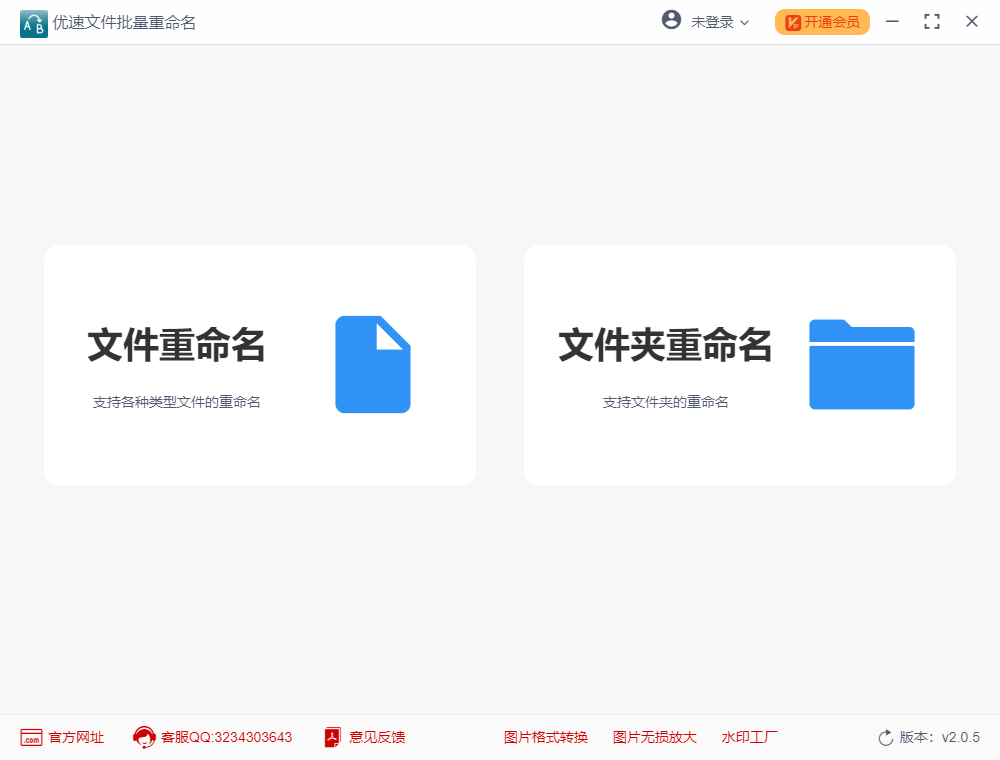
Jumping Fish file batch renaming software function
1. Quickly modify file and folder names in batches, with no limit on the number of files and file types.
2. When adding files in batches, the order of the file names after adding will not change.
3. Supports multiple file renaming methods such as custom/replace/insert/delete/import/properties/one-click deletion/time naming.
4. Supports Chinese/English/numeric and other renaming characters.
5. Supports renaming by increasing numbers in equal amounts.
6. Modify file extensions in batches.
7. To number files in batches, you can insert numerical serial numbers individually into the file names.
8. Supports changing file names to different names in batches.
9. Quickly modify the creation time and modification time of the file.
10. The renaming operation can be undone.
11. Files can be named according to their creation time or modification time in batches.
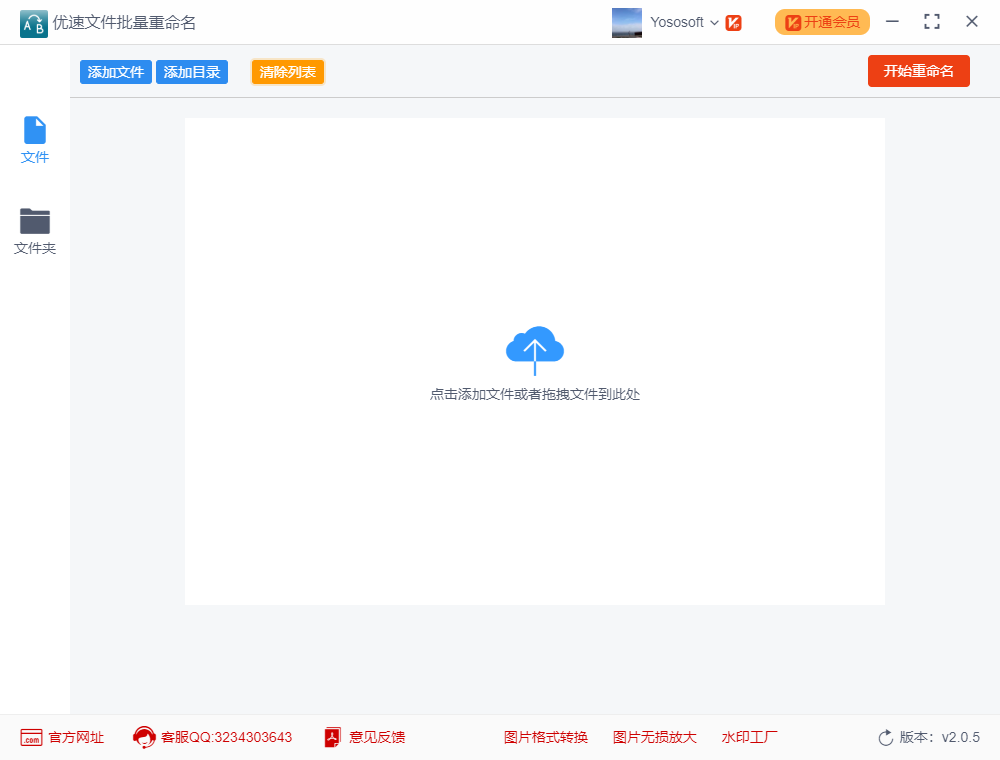
Jumping Fish file batch renaming update log
1. Fixed several bugs;
2. Optimize details;
Huajun editor recommends:
After continuous official updates and iterations, Jumping Fish file batch renaming has become very stable and powerful, meeting all your needs. The editor has also prepared for youBaidu Input Method For Mac,Mac OS X,CleanMyMac,Boot Camp,EaseUS Data Recovery Software




Your comment needs to be reviewed before it can be displayed