





- Green versionView
- Green versionView
- Green versionView
- Green versionView
- Green versionView
Things to note:
Sometimes you will encounter errors when downloading and installing Mac software. Now the editor of Huajun will sort out the more common error situations and provide answers. Friends who encounter errors can refer to the following solutions:
1. "The xxx software is damaged and cannot be opened. You should move it to the Trash"
2. "The xxx software cannot be opened becauseApple can't check if it contains malware"
3. "Cannot open... software because it is from an unidentified developer"
The solution is as follows:
1. Set up on your Mac computerOpen any source.
2. If the error cannot be resolved by opening any source, it means that the application is subject to Apple's restrictions on unsigned applications and needs to bypass application signature authentication by executing command line code. Execute command bypassiosnotarizationGatekeeper.
3. If neither of the above two methods works, then you need tocloseSIPSystem integrity protection.
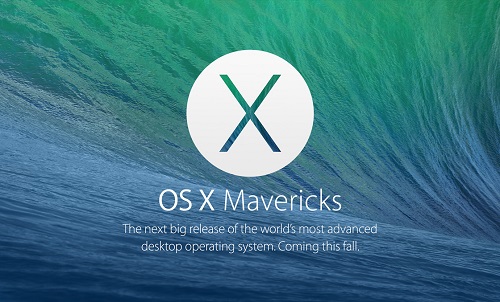
Mac OS X Mavericks Mac software features
1.Finder Tabs label browsing:
Finder The Tabs label allows users to pull the left and right windows under one Tab, which is somewhat similar to the paging operation of the Safari browser. Users can switch and reorder multiple Finder tabs at will, and the operation is very simple, just drag and drop to complete. Finder will support full-screen mode, allowing users to enjoy a more convenient operating experience.
2.Tags tags:
The Tags function can help users easily find the files they need among numerous files. It is a brand-new file management function. Users can add different tags to files to facilitate classification and future searches. Tags can even tag files stored in iCloud.
3.Multiple screen display function:
The new OS X Mavericks has multi-screen display capabilities. The content on each display screen can become an independent work desktop, and operations such as full-screen applications and program switching will not be affected in any way. This will give users greater flexibility when working. Even users can use Apple The TV set-top box uses an HDTV high-definition television set as an auxiliary display.
4. New Safari browser:
The new Safari browser will provide smoother performance and simpler operation interface, and adopt a new sidebar, allowing users to quickly and easily find their most frequently visited websites. Sharing links makes it easy to view content shared by users’ friends on Twitter. Safari adopts new Nitro Tiered JIT and quick start technology, which will make users' access to the website smoother. The new Safari also has a variety of power-saving features that minimize power consumption while maintaining powerful performance.
5.App Nap:
App Nap is a function that supports background rest, which can effectively reduce the power consumption of background applications. Some applications often cause great power consumption, and when we don’t want to close it, we can open another active window so that the power-consuming application takes a secondary position or is covered by other applications. At this time, the App Nap will reduce CPU activity by 72%, making battery life more secure.
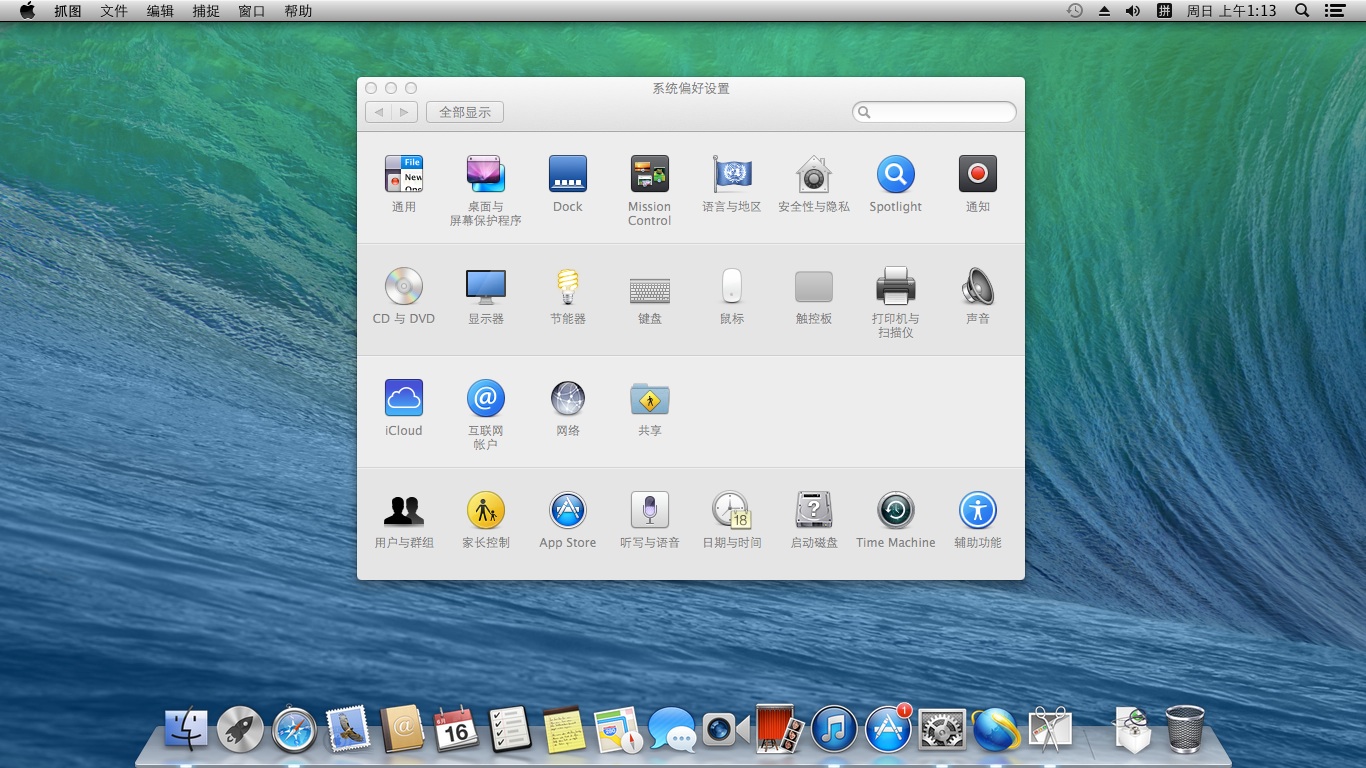
Mac OS X Mavericks Mac software features
iCloud keychain access features:
Users often forget the login password for a certain website and worry about this. OS X Mavericks' new iCloud keychain access function will help users remember these complex passwords and have strong encryption protection. It can remember a user's username and password on any website and push them to the user's other Apple devices. When you log in to a website, the iCloud keychain will automatically help users fill in their passwords. This cloud-based keychain access feature will eliminate the need for users to worry about password management. Of course, the user’s credit card three-digit security number still needs to be entered by themselves.
Notification center features:
The new notification function allows users to understand all reminder information anytime and anywhere, and users can respond directly. All reminder information will appear in the upper right corner of the screen, and users can reply directly to the notification, check emails, etc. If a user subscribes to a major event on the website, even if the user does not open Safari, he or she will receive a notification from the system to remind the user. When the user leaves the Mac temporarily, it will also save all reminder notifications for the user, allowing the user to easily see all the missed information.
Calendar app:
Calendar App in the New OS X Better improvements on Mavericks. The interface not only looks more concise and clean, but also adds many practical functions. Users can easily switch between weeks, months, and years and see their note labels. It is also more convenient when creating new event tags. In addition, the new calendar application function will display the location of the event on the map and automatically calculate the traffic time. Even the weather of the day can be learned in advance, allowing users to be fully prepared before traveling.
Brand new map application:
The map application on iOS 6 has been criticized by users, and Apple has been trying to improve the shortcomings of the map application. On OS X In the new map application of the Mavericks system, users can smoothly zoom in and out on the map and view Flyover 3D effect map. Of course, it also includes various search functions and real-time transportation. When the user selects a good travel route, it can also be easily sent to the user's other iOS devices.
iBook e-book:
The new OS X Mavericks system, iBook is ported to Mac version for the first time. Users can read downloaded e-book content through functions such as sliding pages and zooming to view. And users can take notes in iBook at any time, highlight a certain text in the book and make relevant comments. It also works with iPhone, iPad and iPod touch to synchronize, iCloud will play the role of synchronizing bookmarks.
Mac OS X Mavericks Mac update log
Improved reliability of VPN connections when using USB smart cards for authentication
Improved reliability of accessing files on SMB servers
Including Safari 7.0.6
Special instructions
Baidu SkydiskExtraction code: 83i3
Huajun editor recommends:
Mac OSBaidu Input Method For Mac,Mac OS X,CrossOver Pro For Mac,CleanMyMac,Boot CampAvailable for download.




Useful
Useful
Useful