




- Green versionView
- Green versionView
- Green versionView
- Green versionView
- Green versionView
Things to note:
inmacWhen downloading and installing software, you will generally encounter the following three error situations. Now the editor of Huajun will give you the answers. If you encounter errors, please read them carefully:
1."...The software is corrupted and cannot be opened. You should move it to the Trash"
2."Can't open...software because it comes from an unidentified developer"
3."Can't open...software becauseAppleUnable to check if it contains malware"
When encountering the above three situations, we should:
1. First set:Open any source
2, most software settings can be downloaded and installed normally after opening any source; a small number of softwareiosRestrictions on unsigned application permissions require the execution of command line code to bypass application signature authentication. Therefore it is necessary to:Execute command bypassiosnotarizationGatekeeper.
3. If none of the above operations can solve the problem, then you need to:CloseSIPSystem integrity protection.
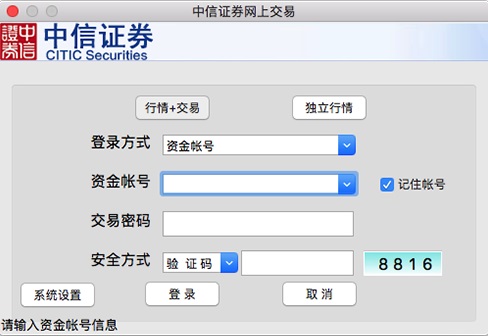
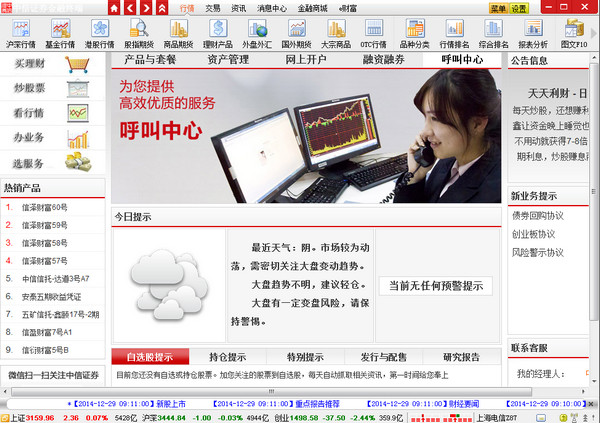
CITIC Securities software functions
1. Online stock buying and selling entrustment trading function;
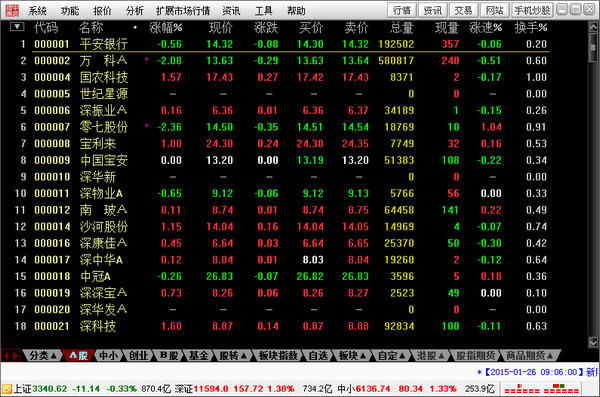
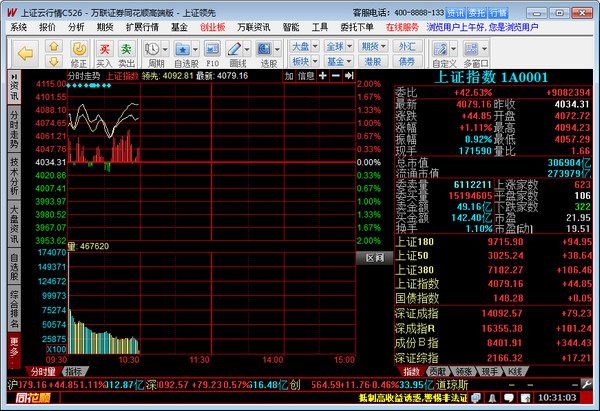
2. Shanghai and Shenzhen stock markets (free main positions increase, capital flow), fund prices;
3. Macroeconomics, industry sectors and individual stock F10 information;
4. Foreign exchange, Hong Kong stocks, US stocks, futures, stock index futures, etc.
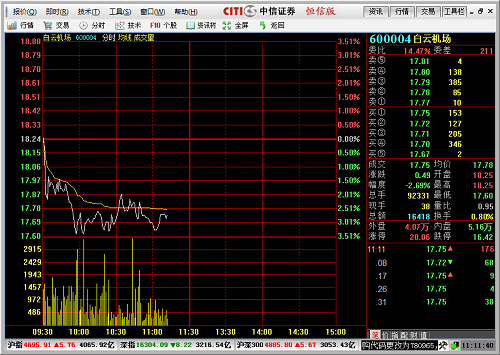
CITIC Securities Software Features
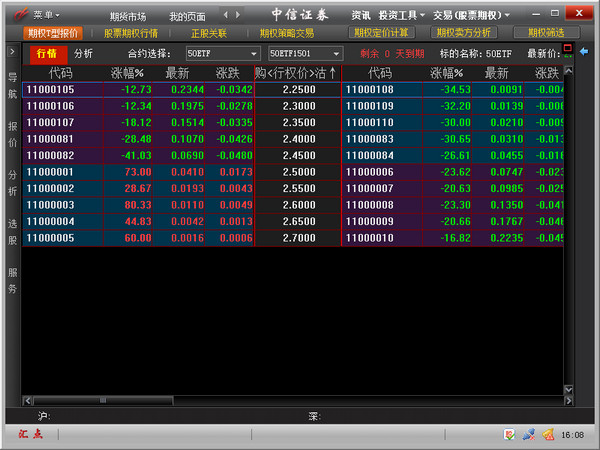
1. Quotes
, supports adding optional stocks.
2.Information
The latest and fastest market-wide information, the exclusive "CITIC Column" information column, provides you with customized information services.
3. Transaction
Provides general transactions, credit transactions and financial product buying and selling functions to meet your transaction needs anytime and anywhere.
CITIC Securities Instructions for Use
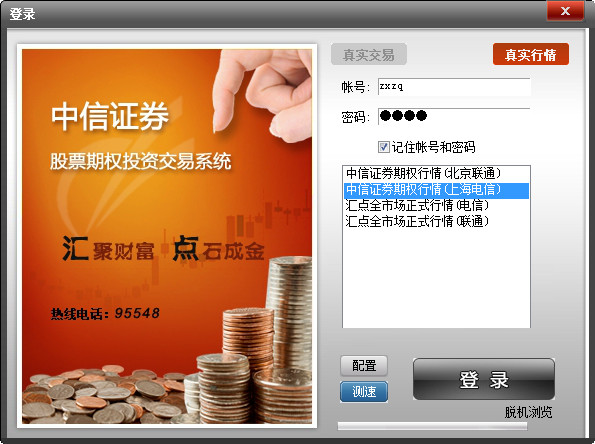
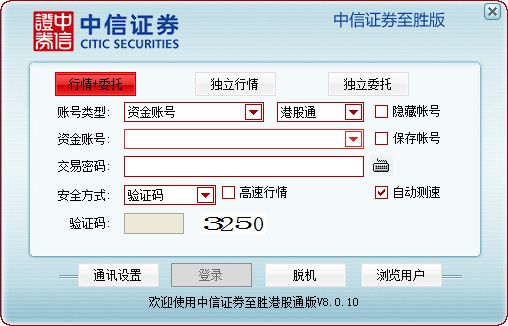
1. Transaction login entrance:
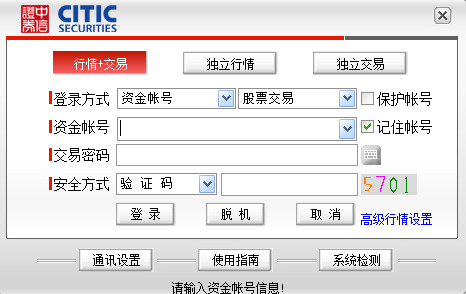
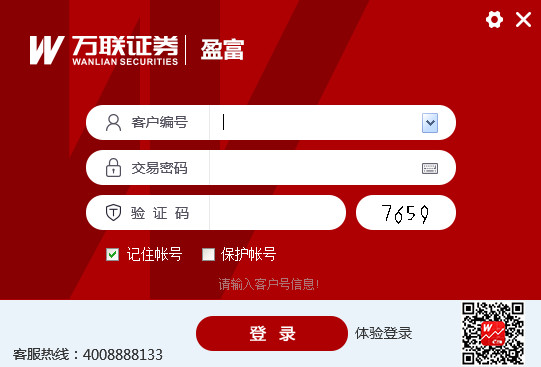
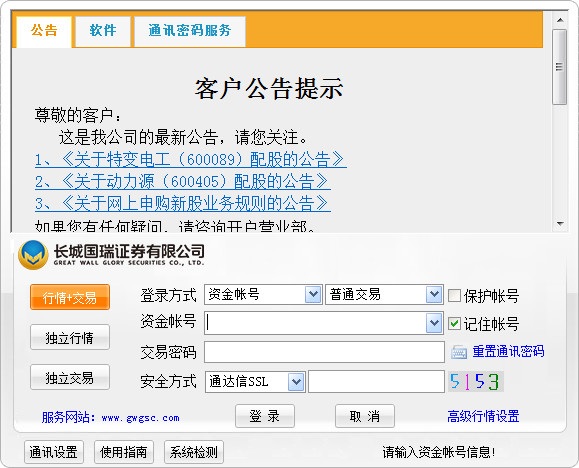
Click the "Module Navigation Area"-"Traditional Trading", "Trading", "Securities Trading Not Login" or other trading-related entrances, etc. The main trading login box will pop up, and the login entrance is shown in the figure below.
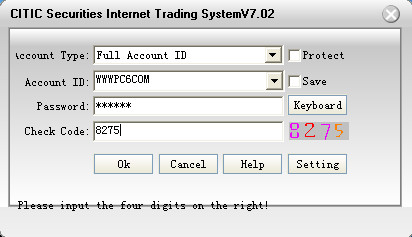
2. Main transaction login interface:
The main trading login interface defaults to the capital account login. After entering the complete capital account and password, click "Login" to log in to the transaction.
Warm reminder: This client supports one login, that is, if a customer number has opened a regular account and a credit account in our company at the same time, if you choose any of the fund accounts to log in, you will be logged in to the regular and credit accounts under the unified customer number at the same time. Select the corresponding account through the login account drop-down to switch, and you can operate the selected current account.
3. Add other types of accounts:
If you need to log in with other types of accounts, you can click the avatar icon or select "Add Account" in the "Settings" menu in the upper right corner. You can choose other types of accounts to log in.
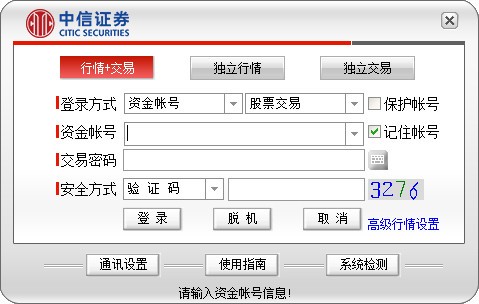
The fund account number in the picture below is a drop-down selection box. You can drop down to select other account types. After selecting, enter the corresponding account number in the input box below.

Enter the corresponding type of account, click "Add Account", return to the original main transaction login interface, the added account has been filled in, enter the password to log in. Click "Cancel Add" to return to the main transaction login interface.
CITIC Securities update log
1. Fixed other bugs;
2. Optimized software compatibility.
Huajun editor recommends:
Don’t miss it when you pass by. If you miss CITIC Securities, you will never experience such good services again. This site also recommends to youBaidu Input Method For Mac,CrossOver Pro For Mac,CleanMyMac,Boot Camp,EaseUS Data Recovery Software



















Useful
Useful
Useful