




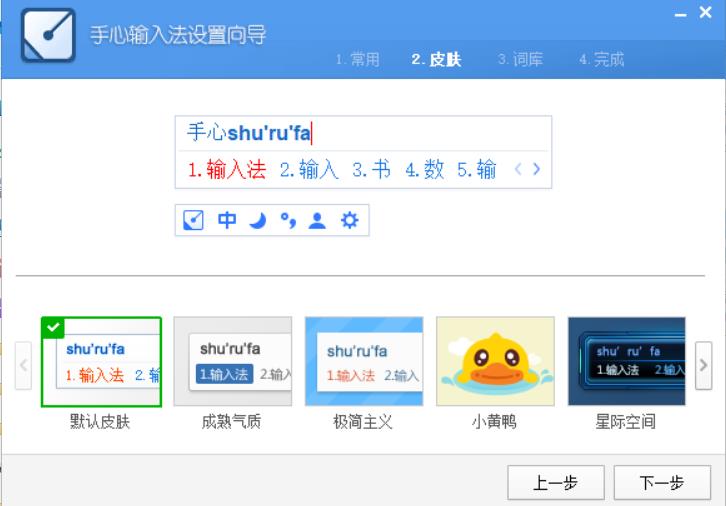
Introduction to palm input method functions
1. Pinyin input
2. For double-pin input, you can choose a double-pin program and support custom auxiliary codes.
3. Stroke input supports components and automatic word segmentation. If you input "丿一丿丨", "we" will appear.
4. Handwriting input, supports continuous writing, overlapping writing and other modes.
5. Voice input.
6. External keyboard input, including peripheral keyboards connected by Bluetooth or OTG.
7. The palm input method supports account synchronization of user lexicon.
Features of palm input method software
1. Avoid advertising harassment
2. Simple design interface
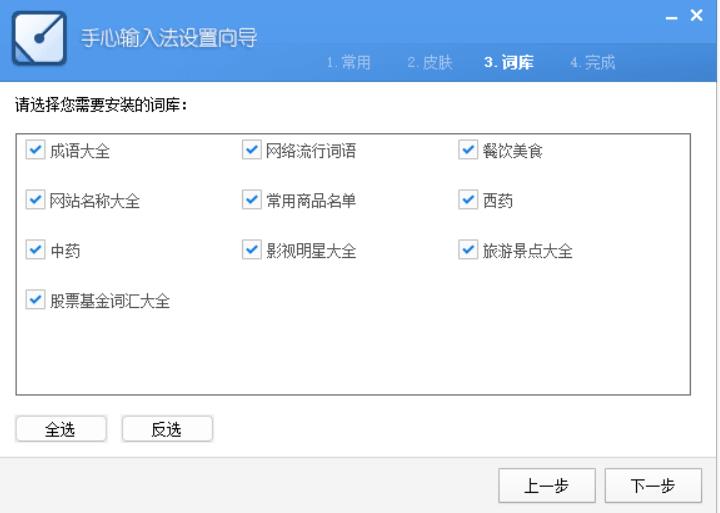
3. Rich vocabulary
4. Extreme speed experience
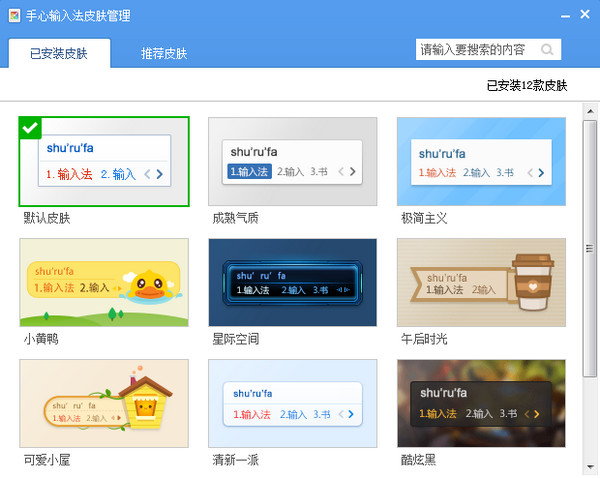
5. Diversified skin
Frequently Asked Questions about Palm Input Method
Input method cannot be switched/started
Possible reasons:
The system language bar does not enable third-party input methods
Input method service was mistakenly killed by security software
The installation package is damaged or not registered correctly
Solution:
Check the language bar settings:
Right-click the taskbar →Taskbar Settings →Turn system icons on or off →Enable "Input Instructions"
Add language: Settings → Time and language → Language → Chinese (Simplified) → Options → Add keyboard → Palm input method
Check the security software whitelist (such as 360, Tinder) and add imservice.exe as a trusted process
Uninstall and reinstall the latest version
Comparison between palm input method and Sogou input method
The palm input method and Sogou input method are almost the same in appearance, and in terms of daily text input, the palm input method is not inferior to the big brother Sogou input method. It has pinyin, strokes, handwriting, voice and other input methods. So what are the differences between these two input methods?
The functions of the palm input method are relatively simple and clean, and there is not much bundled information, nor any advertising pop-ups, etc. Sogou Input Method is well-known and has a large user base, but it has many advertising pop-ups and bundles and is not liked by everyone.
If you need to experience Sogou input method, please get the link address here:http://softwaredownload4.com/soft/49946.htm
Palm input method update log
1. Account login supports backup of personalized phrases, auxiliary codes, and customized double spelling solutions
2. When clearing local user words, you can check the box to also clear the cloud backup user word library.
3. Custom phrases can be managed separately under Shuangpin and Quanpin
4. Add custom symbol function
|
Huajun editor recommends: Want to find a clean input method without any bundling behavior and without advertisements? The editor recommends you to use this palm input method, which can meet the above two conditions. The palm input method does not have many functions that have nothing to do with the input method. It can also support pinyin input, stroke input, handwriting input, voice input and other functions. The editor has been using palm input method software for many years, but this software is still easy to use. Sogou input method and Baidu input method are also good software, and I recommend students to download and use them. |















Useful
Useful
Useful