





- Green versionView
- Green versionView
- Green versionView
- Green versionView
- Green versionView
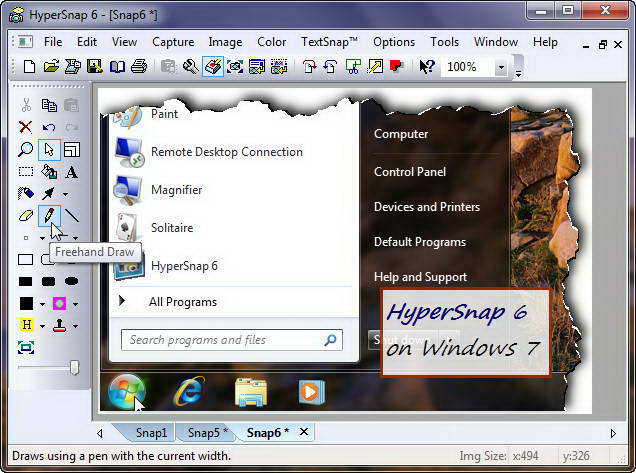
Introduction to HyperSnap-DX
HyperSnap-DX provides professional-level image effects and also allows you to easilycapture screenpicture. HyperSnap-DX supports capturing game screens and DVDs using DirectX technology, and uses a new background removal function that allows you to remove unnecessary backgrounds from captured graphics; the preview function can also correctly show how your graphics will look when printed, etc.
When I often create software articles, I inevitably have to deal with various capture software. After using it for a long time, the requirements for the capture software become higher and higher.
HyperSnap-DX software features
1. HyperSnap-DX is easy to operate and supports hotkey operations, especially simple operations such as copying and pasting;
2. HyperSnap-DX supports a variety of regional capture methods, such as rectangle, square, ellipse, custom graphics, etc.;
3. HyperSnap-DX should support a wide range of image formats and be widely adapted to current mapping needs;
4. HyperSnap-DX can make appropriate modifications and annotations to pictures;
5. HyperSnap-DX has the functions of continuous screen capture and quick saving.
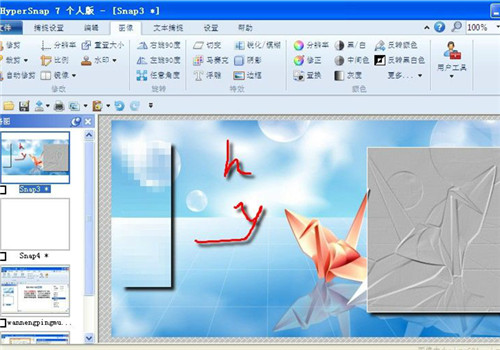
Functions also include: Display mouse tracks in the captured image, collect tools, have a palette function and the ability to set the resolution, as well as the option to capture images from TWAIN devices (scanners and digital cameras).
HyperSnap-DX installation steps
1. Double-click the downloaded HyperSnap-DX installation package and click [Next] according to the prompts;
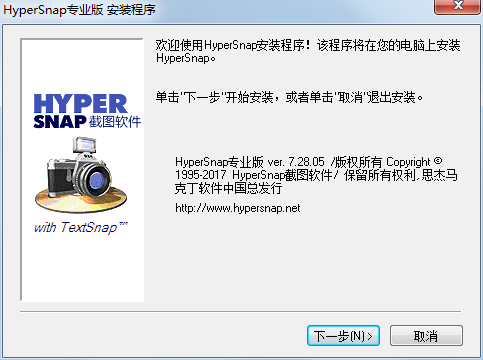
2. Click [Yes] to accept the software license agreement;

3. Just keep clicking [Next] according to the prompts;
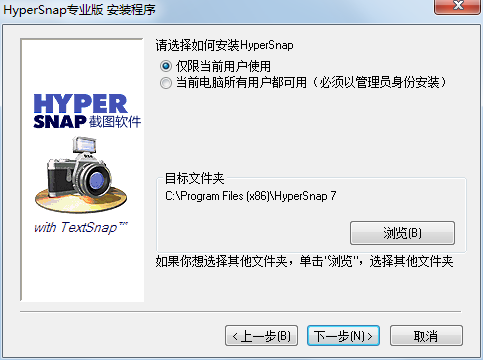
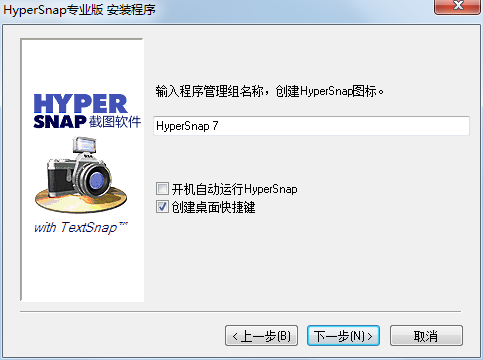
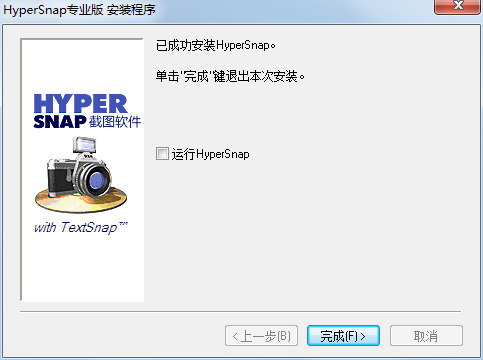
4. Finally, click [Finish] to complete the installation of HyperSnap-DX.










Useful
Useful
Useful