





- Green versionView
- Green versionView
- Green versionView
- Green versionView
Highlights of Ling Keli
System cache: Clear temporary files, thumbnail cache, log files, etc. (such as the %Temp% directory of Windows).
Application Residues: Configuration files and registry entries remaining after uninstalling the software (please operate with caution to avoid accidentally deleting key system entries).
Redundant data: duplicate files, expired backups, useless download records.
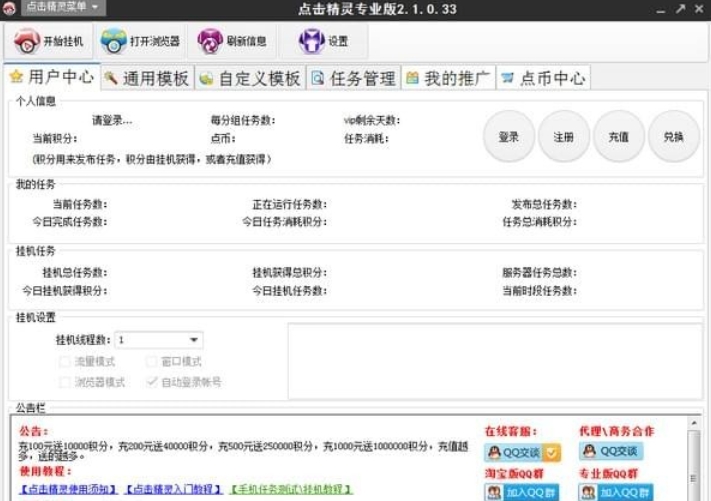
Pleasant features
Browser data: history, cookies, cache, form autofill information, download history.
System activity traces: Clipboard history, recently opened file list, USB device usage record.
Application traces: media player playback records, instant messaging software chat records (note the need for data backup).
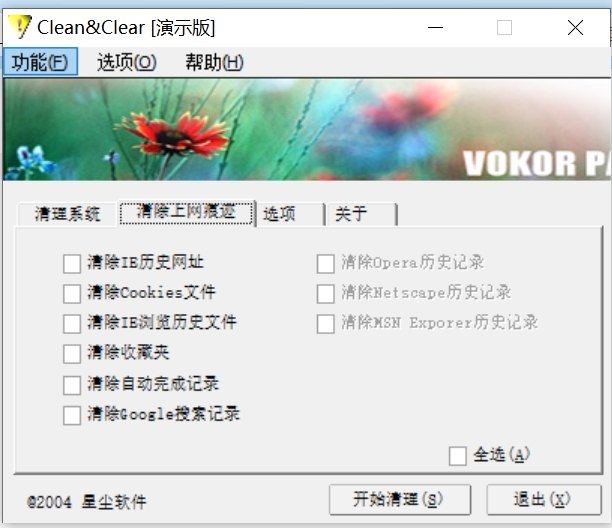
Pleasant functions
1. Basic cleaning module
System cache cleaning:
Quickly clear temporary files generated by the system to free up storage space.
Apply residue cleanup:
Scan and clean configuration files and registry entries left behind by uninstalled software.
Redundant data cleaning:
Identify and delete useless data such as duplicate files and expired backups.
2. Privacy protection module
Browser privacy cleanup:
Supports the cleaning of history, cookies, cache and other data of mainstream browsers.
System activity trace cleaning:
Clear the list of recently opened files, USB device usage records, etc.
Application trace cleaning:
Remove playback history and chat history from media players and instant messaging software.
3. Security and data destruction module
Disk wipe:
By overwriting multiple times, it is ensured that deleted data cannot be recovered.
File shredder:
Separately handle sensitive files and completely overwrite storage space.
Privacy scoring system:
Generate a privacy security report to help users understand the privacy leak risks of the current device.
4. Advanced features
Startup item management:
Allows users to disable or delay the startup of unnecessary programs to improve system startup speed.
Deep scan mode:
Scan your system deeply to discover and clean hidden junk files.
Custom cleanup rules:
Users can set cleaning rules according to their needs to achieve personalized cleaning.
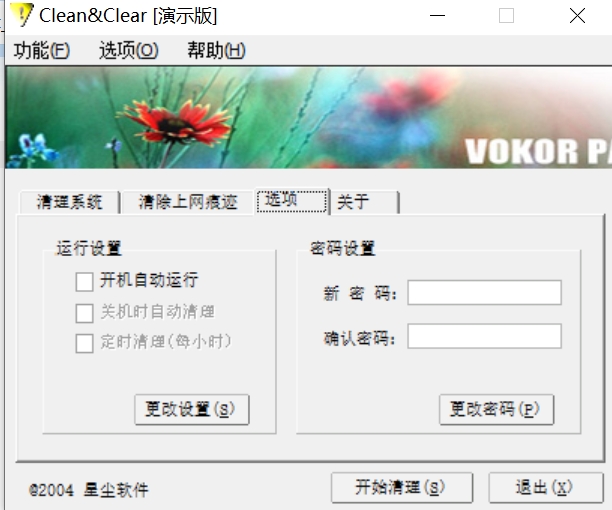
Ke Ling Ke Li FAQ
Junk files are not cleaned thoroughly
Performance: A large number of temporary files, cached or duplicate files remain after scanning.
Cause: All cleaning items (such as browser cache, system logs, etc.) are not checked, the software version is too old, and the system permissions are insufficient.
Solution:
Enable "Deep Scan" or "Custom Clean" in the software and check all cleanable options.
Update the software to the latest version to ensure support for new system or newly applied cleaning rules.
Run the software as an administrator to avoid cleanup failures due to insufficient permissions.
Incomplete removal of privacy traces
Performance: Browser history, download records or application usage traces have not been deleted.
Reason: There is no special cleaning for specific browsers or applications, and the cleaning rules do not cover all private data types.
Solution:
Select the "Privacy Cleanup" or "Browser Cleanup" special function in the software and make sure the target browser or application is checked.
Manually check the privacy settings of your browser or app to confirm whether third-party tools are allowed to access private data.
Ke Ling Ke Li update log:
1. Optimized some functions
2. Solved many intolerable bugs
Huajun editor recommends:
The operation steps of this software are very simple and very fast, so users can use it with confidence. Also recommendedFirefox,Firefox Enterprise,Google Chrome,Google Chrome,Maxthon Cloud BrowserDownload and use related software.
































Your comment needs to be reviewed before it can be displayed