





- Green versionView
- Green versionView
- Green versionView
- Green versionView
Xiaozhi dual-core browser FAQ
How to set dual-core browser as default browser?
First, you need to click the "Customize and Control" button and the "Settings" button in the upper right corner of the browser to find the "Default Browser" item. , click "Set Dual-Core Browser as your default browser." If you have installed security software such as QQ Manager or 360 Guardian, please allow the dual-core browser to modify the relevant configuration. If the security software has locked the default browser, you need to unlock it first.
How to start an incognito window?
Click the "Customize and Control" button in the upper right corner of the browser, find "New Incognito Window" in the pop-up menu, and click the button to open the incognito window.
How to change skin?
Click the "Customize and Control" button in the upper right corner of the browser, click the "Skin" button in the pop-up menu, and select the skin of the corresponding color.
How to add extensions?
At present, the plug-in market for dual-core browsers is still under development. If users want to add their own plug-ins, you can open the "Extensions" page in the system settings, drag and drop the crx plug-in package into the interface, and install it.
How to upgrade dual-core browser?
Currently, dual-core browsers require users to actively upgrade. You need to first enter the "About" category from the system settings menu and click the "Check for Updates" button to perform client version upgrade detection.
How to switch browser kernel?
The browser has an intelligent switching engine that dynamically selects the kernel to configure different web pages. You can also manually select the appropriate kernel through the kernel icon in the address bar, which ensures compatibility while browsing at extremely high speeds.
How to use Xiaozhi dual-core browser
1. Click the dual-core browser shortcut on our computer desktop to open the browser
2. After entering the software, click on the upper right corner icon to enter the browser settings interface
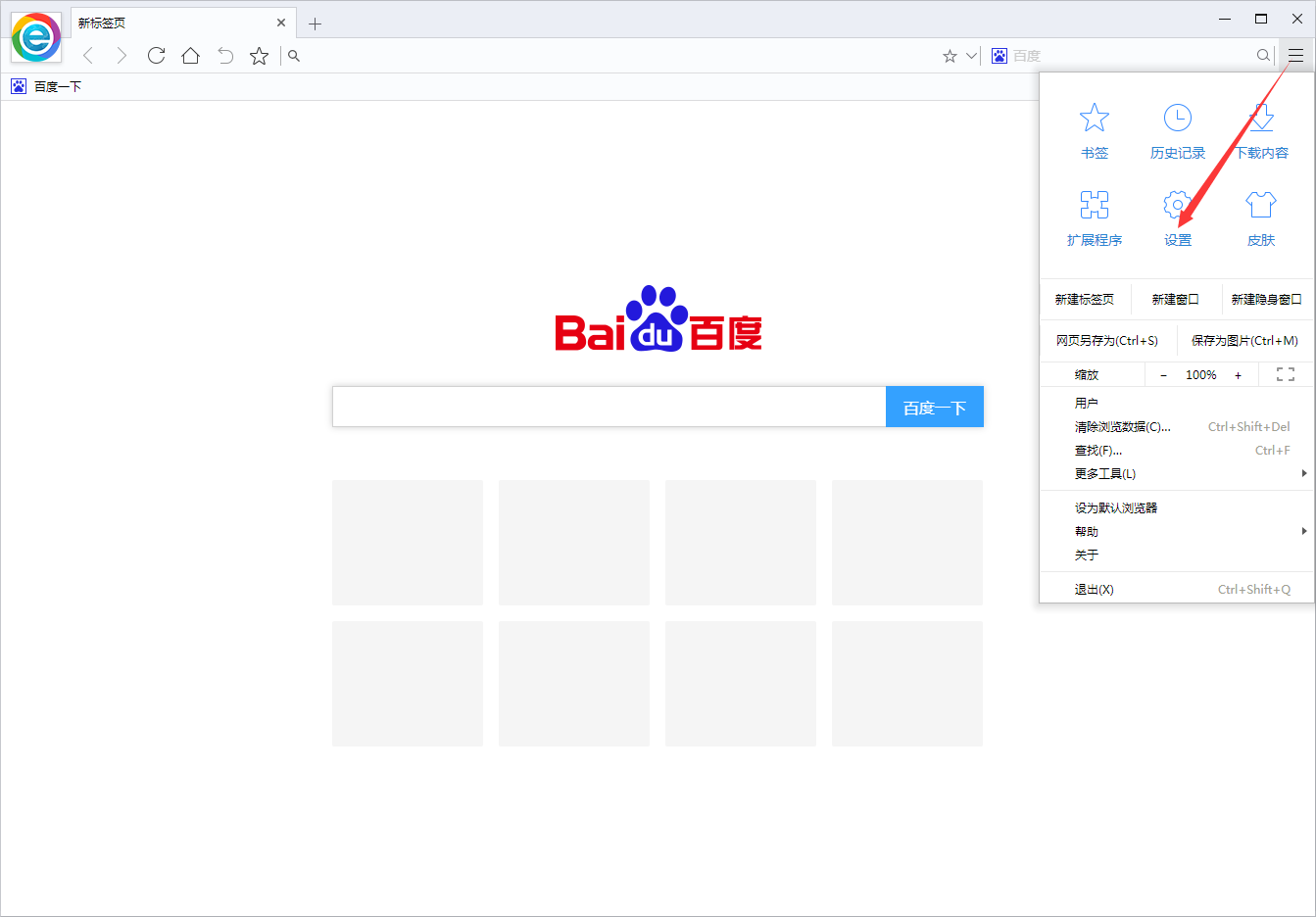
3. We can choose to log in to the account so that we can synchronize bookmarks, settings and password forms between different devices in the cloud
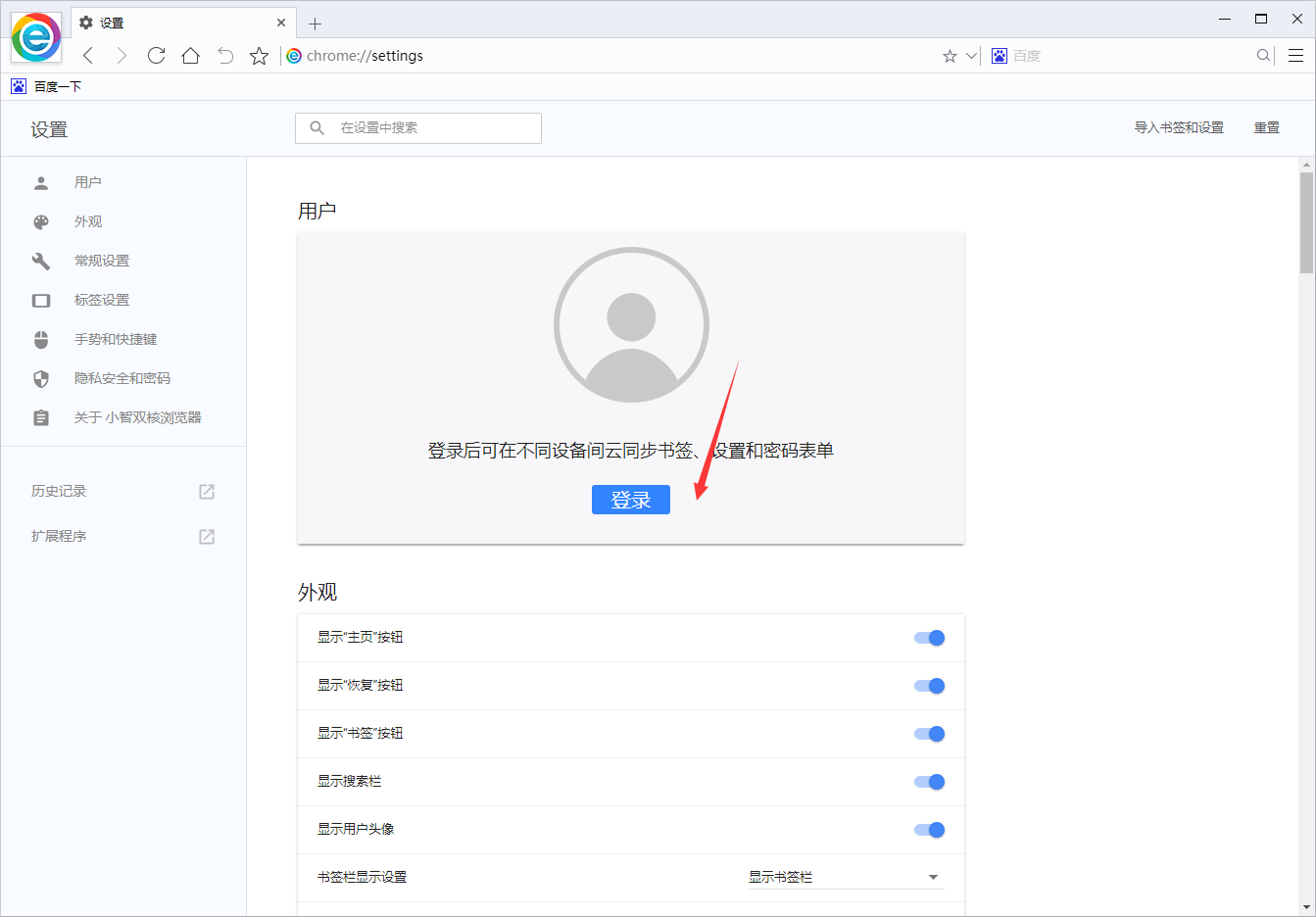
4. Click on General Settings, set the homepage, and Huajun editor settingshttp://softwaredownload4.com/for homepage
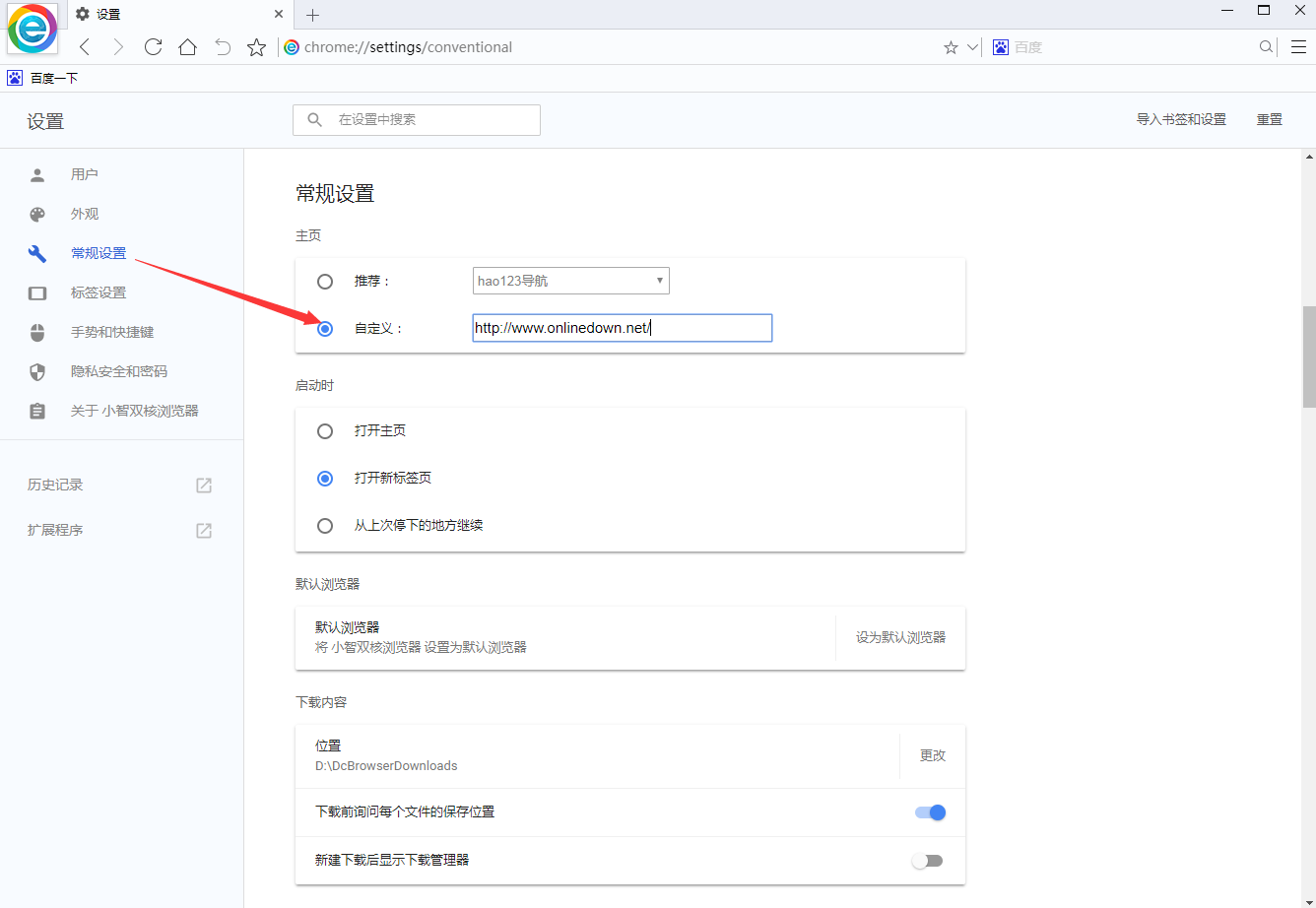
5. The software also supports us to set the file download and save location
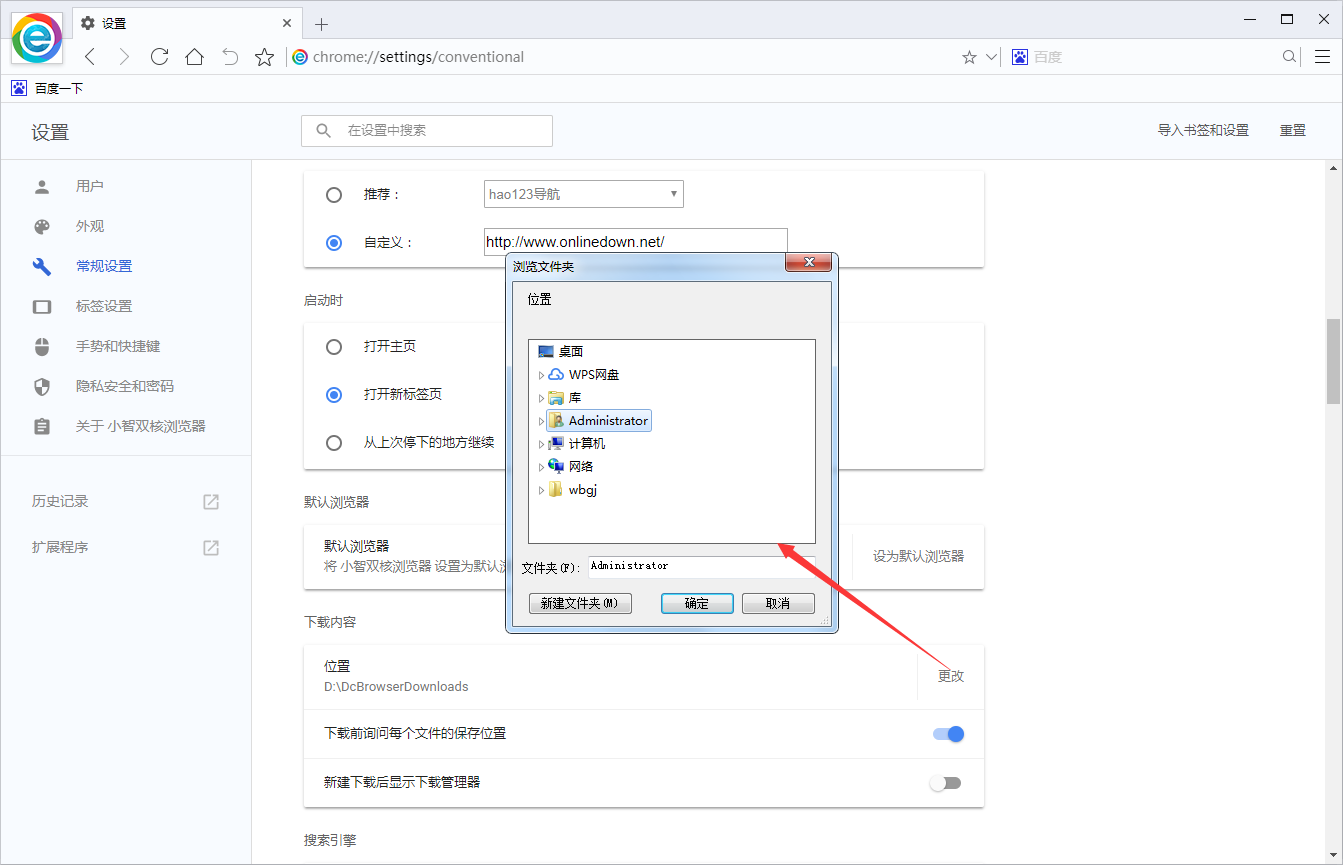
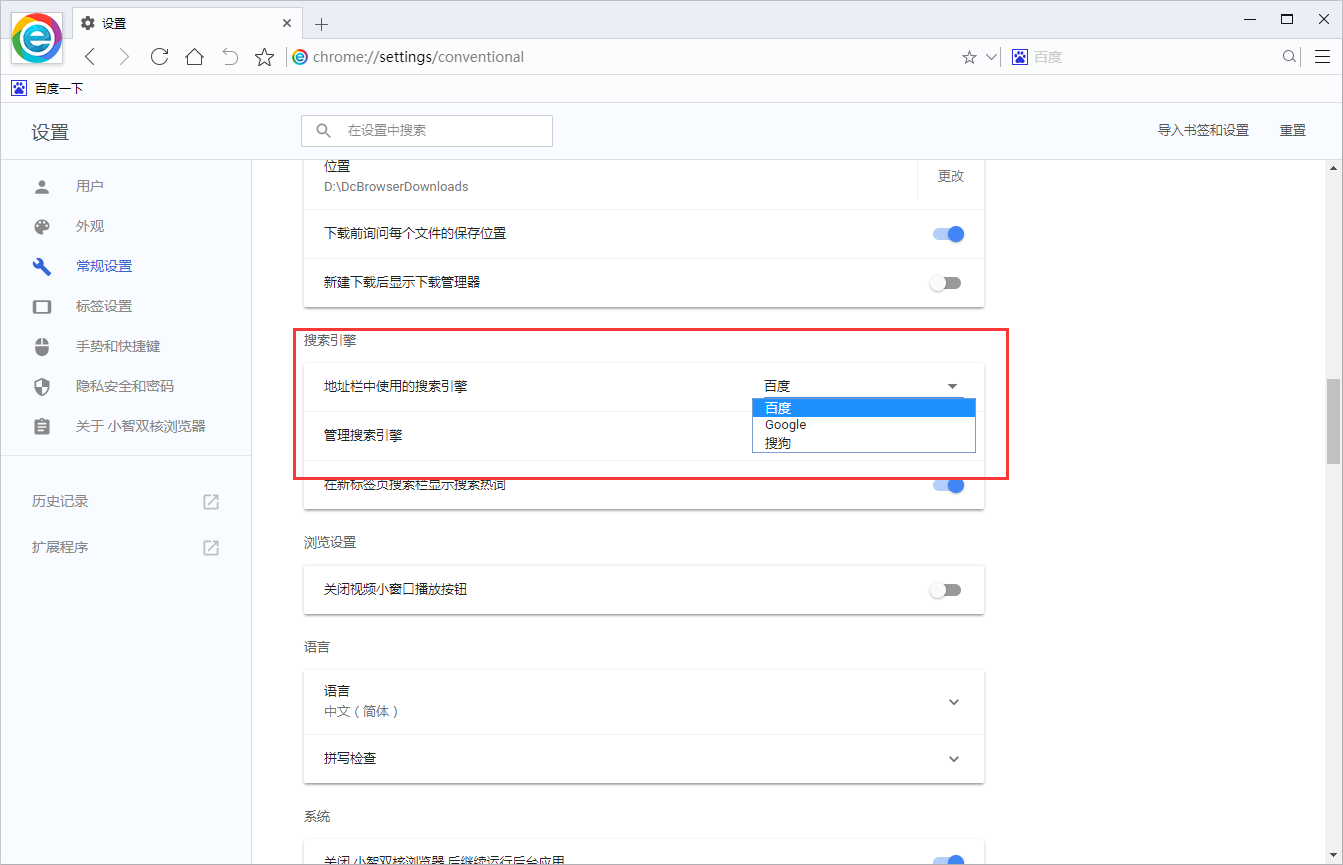
6. Choose a search engine
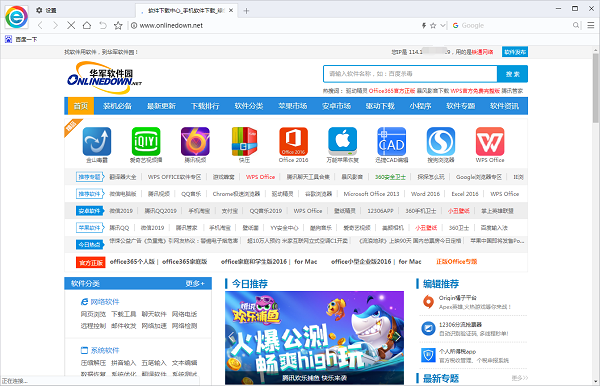
7. After the setting is completed, we return to the home page and the following interface is displayed.
Xiaozhi dual-core browser function introduction
Drag-and-drop search
Quick mouse gestures
Label preview
Scroll wheel to switch Tab
History record management
Download management
Bookmarks and password synchronization
Browse privately
Ad blocking
Flash video download
Night mode
Web page screenshot
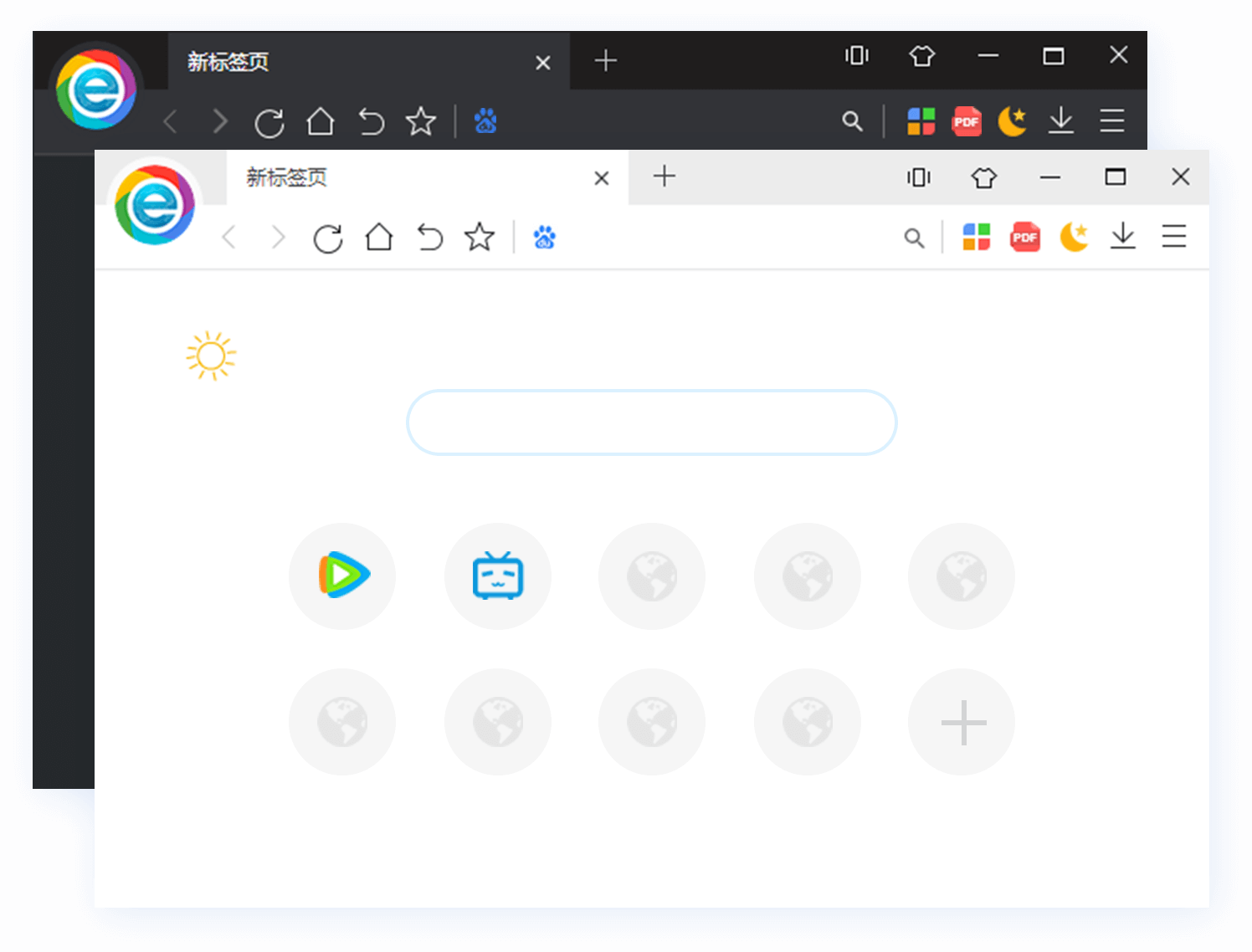
Features of Xiaozhi dual-core browser
Safe mode
(1) Click the menu icon in the upper right corner of the browser and click "New Incognito Window". In the new incognito window, you can browse safely and incognito. Other users sharing this device will not see your activities, but the content you downloaded and the bookmarks you added will still be saved on the device.
(2) Dual-core browsers will not save the following information:
Your browsing history
Cookies and website data
Information filled in the form
(3) Your activity may still be visible to the following parties:
The website you visited
Your employer or your school
Your internet service provider
Super drag
Drag text to search, drag links to open web pages in the background
Default shortcut keys
Ctri+T Open new tab
Ctrl+W Close the current tab
Ctrl+1 switches to the first tab
Ctrl+D Add the current tag to favorites
Ctrl+H Open history
F5 reload
Ctrl+Shift+Tab Switch to the left tab
Ctrl+Shift+B Show/Stabilize Bookmarks Bar
Ctri+S save web page as HTML file
Ctrl+Shift+Delete Clear browsing data
Ctrl+- Reduce the proportion of the web page
Ctrl+N Open a new window
Ctrl+M Save web page as image
Ctrl +Tab switches to the right label
Ctrl +9 switches to the last tab
Ctrl+J opens the download list
Ctrl+L/Alt+D switches focus to the address bar
Ctrl+Shift +F5 Reload all tags
Ctrl+Shift+T Restore the just-closed tab
F6 switches focus to the address bar
Ctrl+P Print Preview
Ctrl ++ enlarge the web page
Ctrl+0 reset web page proportions
Ctrl+Shift+N Open an incognito window
Xiaozhi dual-core browser installation instructions
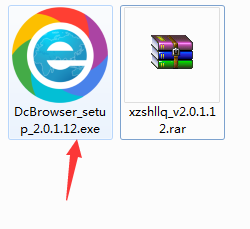
1. Download the Xiaozhi dual-core browser official version software package from Huajun Software Park, unzip it and find the DcBrowser_setup_2.0.1.12.exe program, double-click it to start the installation
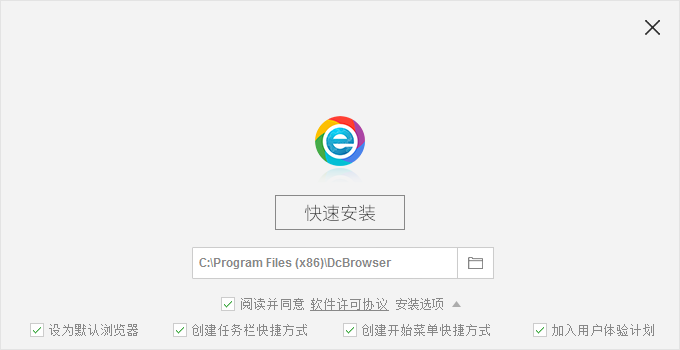
2. The default installation path of the software is C:Program Files (x86)DcBrowser. The editor of Huajun chose D:3 to download the Xiaozhi dual-core browser Huajun Software Park DcBrowser.
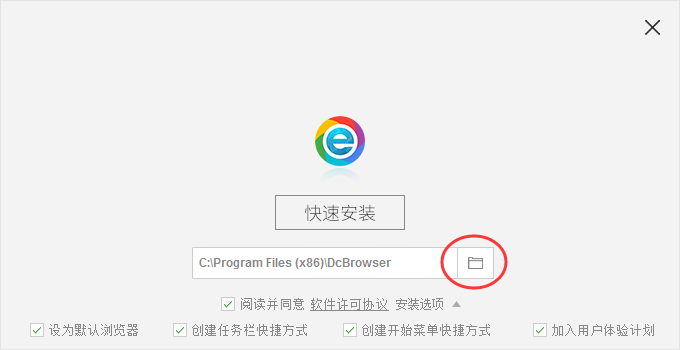
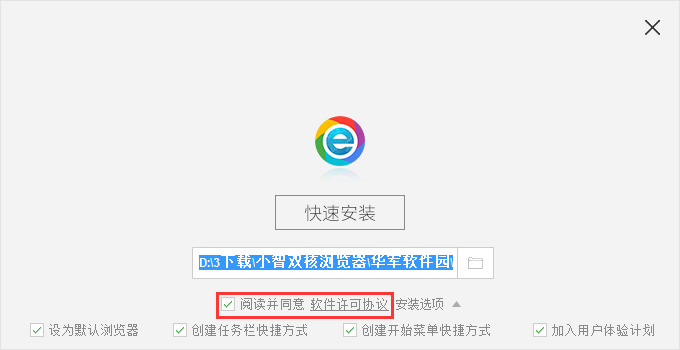
3. Read the software license agreement
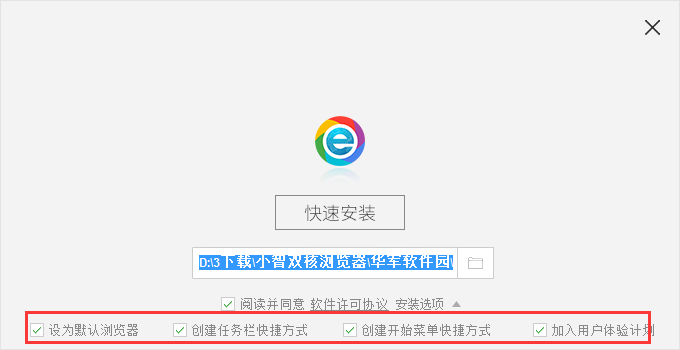
4. Select whether to set it as the default browser, whether to create a taskbar shortcut and other installation options, and then click Quick Install.
5. Installation is in progress. The installation process will take a few minutes. Please wait patiently.

6. When the installation is complete, click "Try Now" to start the software, or click "X" to close the installation wizard

Xiaozhi dual-core browser update log
【Upgrade】1. The Chromium132 kernel has been upgraded to make the browsing experience faster, smoother and safer;
【Optimization】2. The expansion market has been refreshed, and more practical extensions have been added to cover a variety of usage scenarios.
【New】3. The new tab page supports dragging URL icons to create folders, adding more efficiency tools
【Optimization】4. Other optimization details are waiting for your discovery.
Huajun editor recommends:
Children's shoes, Xiaozhi dual-core browser can definitely meet the needs of parents. From the software interface to the software functions, it is absolutely eye-catching. Welcome everyone to download and use it! There are similar software on this siteFirefox,Firefox Enterprise,Google Chrome,Google Chrome,Maxthon Cloud Browser!






















Useful
Useful
Useful