





 You may like






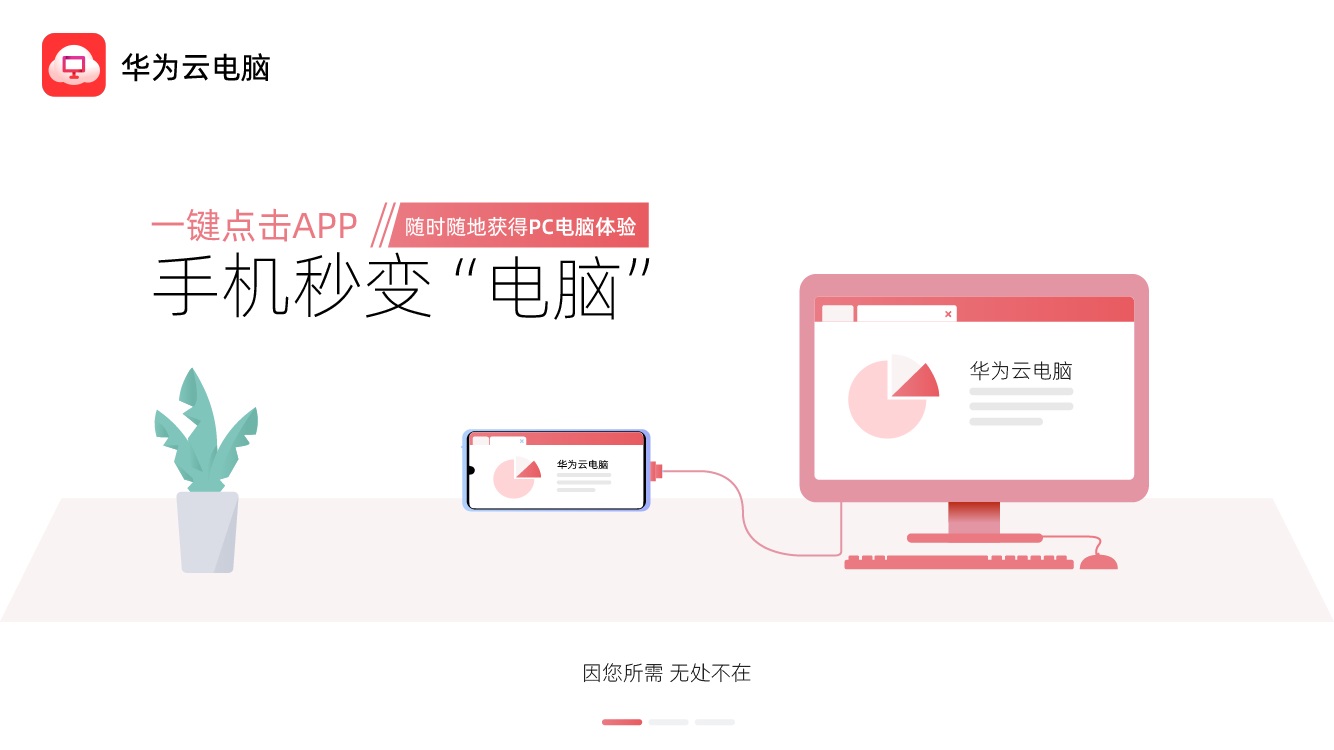
Features of Huawei Cloud Computer Software
Efficient and convenient: Users can enjoy high-quality office and learning experience through cloud computers without purchasing expensive high-performance computers. At the same time, the cloud computer supports fast startup and response, so users can start working and studying anytime and anywhere.
Data security: Huawei Cloud Computer adopts multiple security protection measures, including data encryption, access control, real-time monitoring, etc., to ensure the security and privacy of user data.
Flexible and scalable: Users can create cloud computers with different configurations according to their own needs, such as office type, design type, etc. At the same time, cloud computers support on-demand payment and elastic expansion, and users can flexibly adjust resource usage according to actual conditions.
Cross-platform compatibility: Supports access to multiple terminal devices, including mobile phones, tablets, laptops, etc., to achieve seamless connection and collaborative work across platforms.
Ecological integration: Huawei Cloud Computer is closely integrated with Huawei's other products and services, such as Huawei Cloud Space, Huawei Cloud Conference, etc. Users can directly access these services in the cloud computer to further improve work efficiency.

Introduction to Huawei Cloud Computer Functions
Cloud desktop access: Users can access a complete desktop environment in the cloud through a network connection, including operating systems, application software, etc., allowing them to work and study anytime and anywhere.
File management: Provides cloud storage services. Users can manage their own files on cloud computers and implement file upload, download, sharing and other operations.
Collaborative office: Supports multiple people to access and edit the same file at the same time, very suitable for teams that need to work together across regions.
Personalized settings: Users can personalize the desktop, themes, wallpapers, etc. of the cloud computer according to their own preferences and needs.
Application software installation: Supports the installation of various commonly used office software, design tools, development environments, etc. to meet the personalized needs of users.

Highlights of Huawei Cloud Computer
Mobile office: For users who need to handle work anytime and anywhere, Huawei Cloud Computer is an ideal choice. Users can install the Huawei Cloud Computer App on their mobile phones or tablets, access their cloud computers through network connections, and perform office operations such as document editing and email sending and receiving.
Professional design: For professionals who need high-quality picture and video editing, Huawei Cloud Computer provides powerful computing and storage capabilities. Users can install professional design software such as Photoshop on cloud computers to perform high-quality design work.
Online education: For users who need online learning or distance teaching, Huawei Cloud Computer also provides a convenient learning environment. Users can access online courses, submit assignments, or take remote exams on cloud computers.
Entertainment games: Huawei Cloud Computer also supports users to play various client games on mobile phones or tablets to enjoy a richer entertainment experience.
Huawei Cloud Computer Frequently Asked Questions
What should I do if the connection fails or freezes?
Check the network: Switch to a more stable network environment, or close bandwidth-hogging applications.
Restart the app: log out and log in again, or clear the cache and try again.
Contact customer service: If the problem persists, submit a log through "Help and Feedback" in the app.
Huawei Cloud Computer Update Log
Working day and night just so you can be happier
are all gone!
Huajun editor recommends:
If you are dazzled by the introduction of so many functions above, then download Huawei Cloud Computer quickly. This site also providesQuickShortcutMaker,Bipbip,Deep Recovery Master,Korean drama TV,Master Lu 2021Waiting for you to download.


































Useful
Useful
Useful