





 You may like






QuickShortcutMaker official version
The official version of QuickShortcutMaker is a shortcut creation software specially designed for Android phones. QuickShortcutMakerAPP can create multiple shortcuts, allowing you to choose more conveniently and quickly, without having to search for software repeatedly. The function in QuickShortcutMaker is just like its name, supporting the quick creation of applications, even running applications can be operated. Huajun Software Park provides download service of QuickShortcutMaker software. To download other versions of QuickShortcutMaker software, please go to Huajun Software Park!

QuickShortcutMaker software features
1. There are a variety of themes for you to choose from, and you can change to whichever one you want;
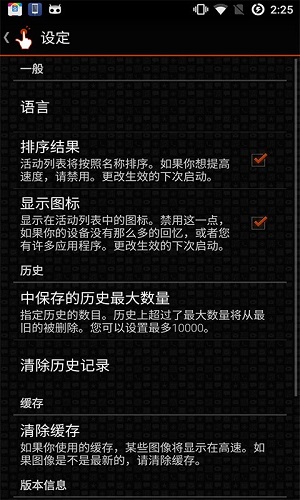
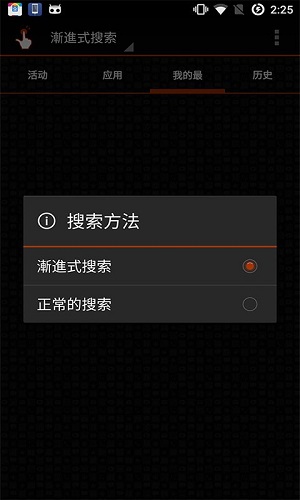
2.Support progressive and normal search;
3. Create an independent shortcut to the installed application;
4. Manage and set shortcuts;
5. There are too many applications on your mobile phone. You can classify them and create different shortcuts to make it easier to find which one you want to run.
QuickShortcutMaker software advantages
1. It can be said to be a powerful and convenient gadget application, which can be used to select desktop themes in the application of creating shortcuts;
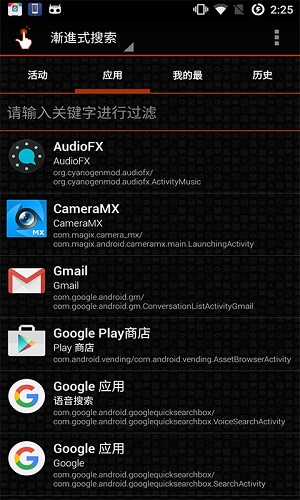
2. You can create even running applications, support switching between multiple search methods, and classify them according to applications and favorites;
3. There are actually detailed prompts, so the operation is relatively simple. When there are too many applications on the device, remember to create different shortcuts to make it easier to find.
QuickShortcutMaker Software Highlights
1. There are a variety of themes for you to choose from, and you can change to whichever one you want;
2. Support progressive and normal search;
3. Create an independent shortcut to the installed application;
4. Manage and set shortcuts;
QuickShortcutMaker Instructions for Use
1. Long tap on the home screen.
2. Click "Widgets".
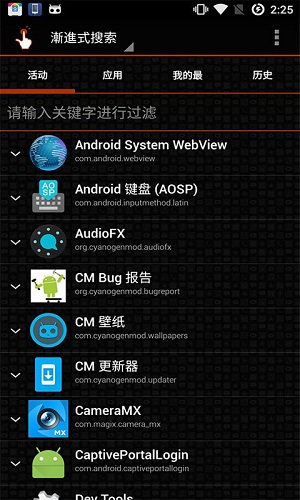
3. Long click on "Activities", it has the icon of shortcut icon.
4. Drag it somewhere on the screen.
5. Fast shorts maker will launch.
6. Select an activity, edit it, and click Create.
7. A shortcut will be created on the home screen.
Comparison of similar software
Convenient classified information management systemThe official version is a professional information management tool. The latest version of the convenient classified information management system supports query, branch document addition and management functions. It is a software specifically designed to help users with information management. The convenient classified information management system software can meet most of the user's information management needs.
SQL, Oracle service convenient control softwareIt can quickly help many programmers use SQL and Oracle service software.
Huajun editor recommends:
QuickShortcutMakerAPP can create multiple shortcuts, allowing you to choose more conveniently and quickly, without having to search for software repeatedly. Believe me, as long as you use QuickShortcutMaker and other system tools, you can uninstall it and it will definitely meet all your needs.














Useful
Useful
Useful