



WinMTR terminology explanation
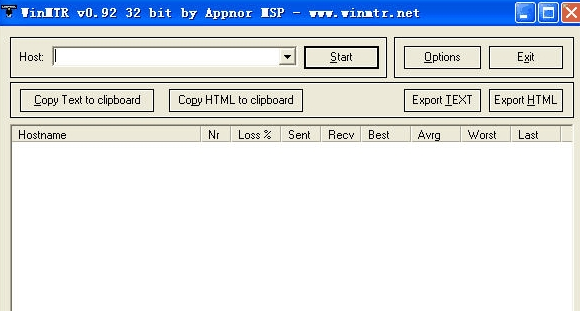
Hostname: The host IP or name of each node to be passed to the destination server
Nr: the number of nodes passed through
Loss%: The percentage of ping packet reply failures
Sent: The number of data packets that have been transmitted
Recv: Number of successfully received packets
Best: the minimum response time
Avrg: average response time
Worst: Maximum response time
Last: the response time of the last data packet
Advantages of WinMTR software
There is no IP database to call, directly display the IP address or the rDNS information of the IP. But this software has a feature, it is fast! The process of obtaining the entire Tracert only takes one second! And the Ping value information of each IP is refreshed regularly. This refresh process will not stop until you press the stop button.
WinMTR installation steps
1. Download the APIHook scanning tool software from Huajun Software Park
2. Then unzip the downloaded software package to the current folder
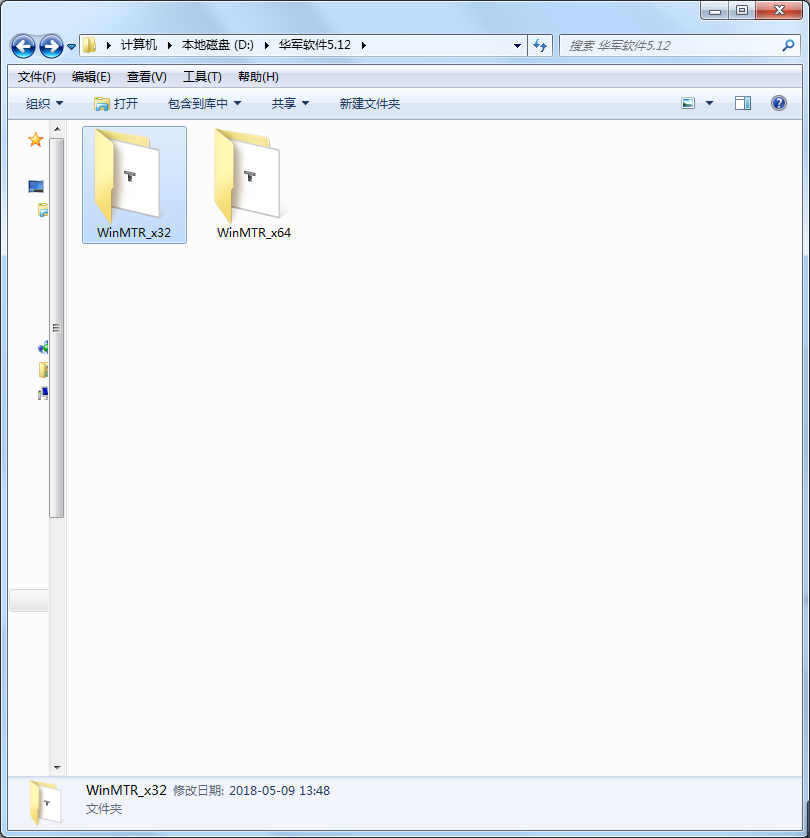
3. At this time, we click on the WinMTR.exe application in the folder
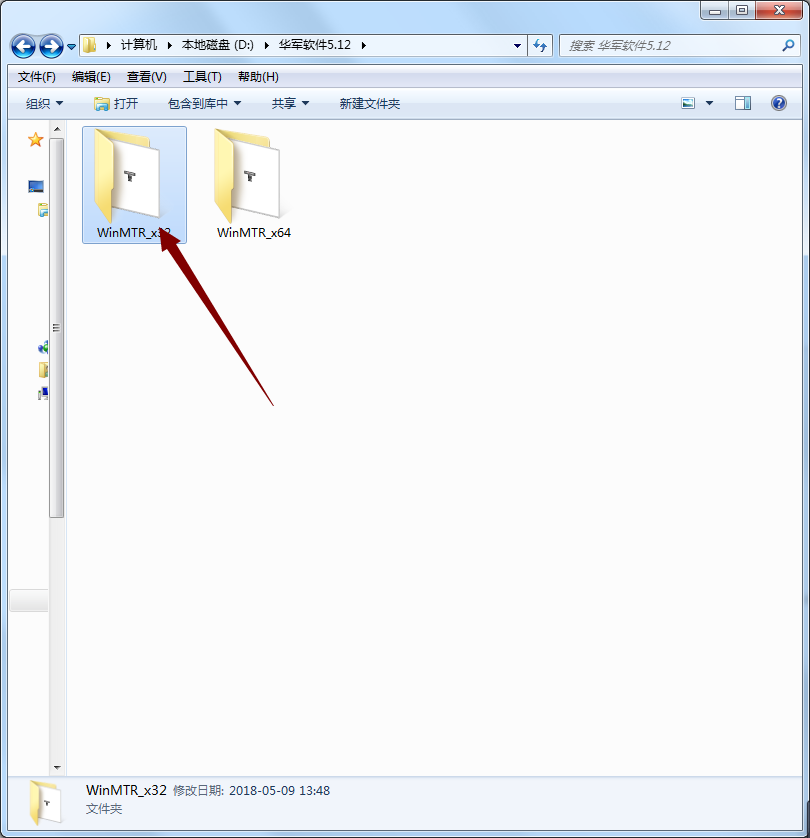
4. Because the APIHook scanning tool is a green version, you can use it directly after opening it.
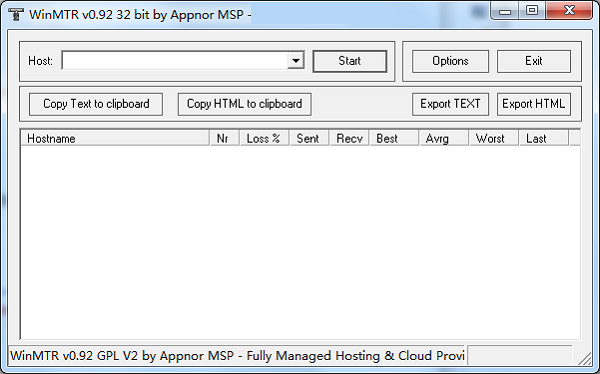
WinMTR Instructions for Use
Click WinMTR.exe to run. After opening WinMTR free version, we can see the text box in the Host column. Enter the IP or domain name you want to track in the Host text box, and then press Start. At this time, you can see the results of tracert and Ping as shown in the figure below. The figure is as follows:
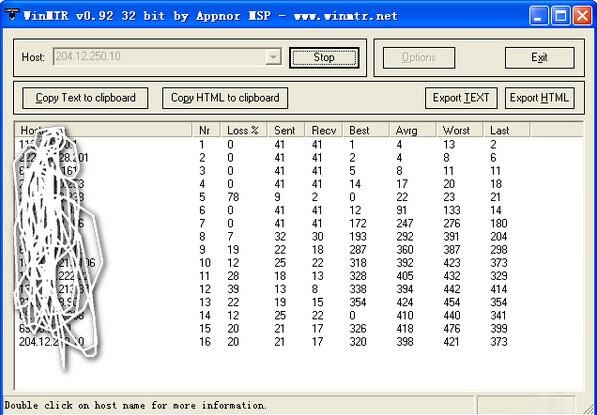
After the test is completed, we can export the results:
Copy Text to clipboard - Copy the result as text to the clipboard
Copy HTML to clipboard - Copy the results to the clipboard in HTML form
Export TEXT - Export the results as text
Export HTML - Export the results as HTML
Options - Settings
There are several options that can be set in Options, including the interval between packet transmission, the size of ping packets, the maximum number of routing node hosts that can be passed through, and whether to resolve to IP.
WinMTR software use
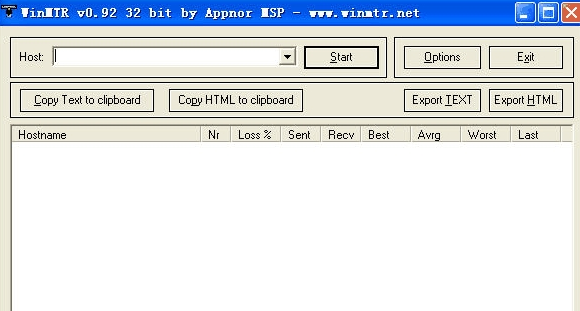
Common operations: fill in the other party’s IP or domain name in the host text box, and then press start. You can view the results of tracetr and ping at the same time. This tool includes two tests: ping and tracert. The specific usage methods and comparison parameters are as follows:
Hostname: Each host IP or name to be passed to the destination server
nr: the number of nodes passed through;
Loss: The percentage of ping packet reply failures; use this to determine which node (line) is faulty, whether it is the computer room where the server is located or the international routing trunk road
avrg: average response time
Worst: the maximum response time
last: the response time of the last data packet
sent: the number of data packets transmitted
recv: the number of successfully received packets
best: the minimum response time
FAQ
How to analyze network bottlenecks or problem nodes?
Users can analyze network bottlenecks or problem nodes by observing the packet loss rate and delay values in the WinMTR test results. If a node has unusually high packet loss or latency values, there may be a problem with the node or network congestion.
What impact does the WinMTR runtime have on system resources?
WinMTR occupies less system resources when running and will not affect the normal operation of other applications. Therefore, it is ideal for network maintenance and troubleshooting.
WinMTR update log
1: Optimized performance
2: We are serious about solving bug problems
Huajun editor recommends:
After so many years of updates and optimizations, WinMTR has become more user-friendly and more technological. It is highly recommended to everyone and welcome to download. Those who are interested can also downloadChangyan Teaching Guide,Baidu enterprise network disk,Kingsoft Netdisk,Universal printer driver expert,Dandelion WiFi.








Useful
Useful
Useful