






Apabi Reader (ceb file reader) software features
Copyright worry-free
Good books and new books
Recommended by publisherbooks, special books, works recommended by libraries of universities and scientific research institutions
Relevant award-winning books, books recommended by special consultants, and new books published after 2002 account for 70%.
Complete range
Apabi Reader ceb file reader covers all secondary classifications of CLC, and is focused on computer, management, foreign languages, literature and other aspects.
Rich in quantity
Apabi Reader ceb file reader cooperates with 400 publishing houses across the country to carry out online publishing. It has published 100,000 e-books, with an increase of 50,000 kinds every year.
Rich functions
Apabi Reader ceb file reader can realize full-text search, chapter jump, underlining, annotation, etc.
Apabi Reader (ceb file reader) installation steps
1. First, find the download address on this page and select any address to download the Apabi Reader (ceb file reader) software package locally. After downloading, double-click to decompress and find the .EXE format program and run it. As follows: We need to select the installation method. After selecting, click [Next] to start the installation.
Apabi Reader quick installation: The installation steps are relatively simple. It is recommended for friends who don’t know much about the software to install it.
Apabi Reader custom installation: This installation step is more complicated and has a few more setup steps. If you are willing, you can choose this installation type for installation. The editor will demonstrate in the [custom installation] method.
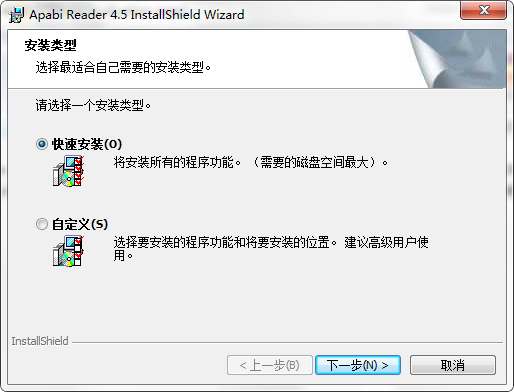
2. Select the Apabi Reader custom installation type and you will enter an installation confirmation interface. We can just click [Next] to start the installation.
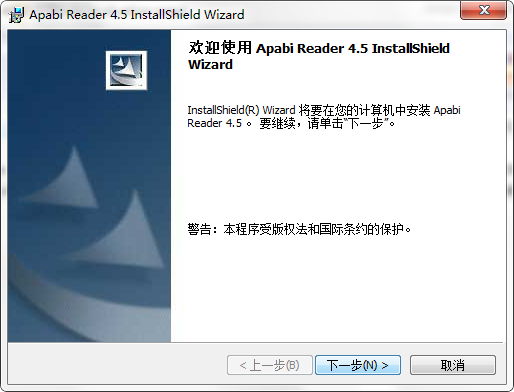
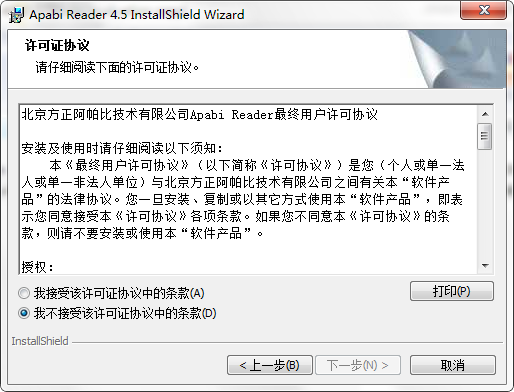
3. After starting the installation, enter the installation agreement interface of Apabi Reader. In this interface, we need to understand the content of the installation agreement and agree to it before continuing the installation. Agree to the agreement, select "I accept the license.." and click [Next]
4. After agreeing to the agreement, enter the component setting interface of Apabi Reader. There are many plug-ins for us to choose from. Friends can choose the plug-ins they need. Also, we need to set the specific path where the Apabi Reader installation files are stored. Please click [Change] settings and set it in a directory other than the C drive. Continue to click [Next] to proceed with the installation.

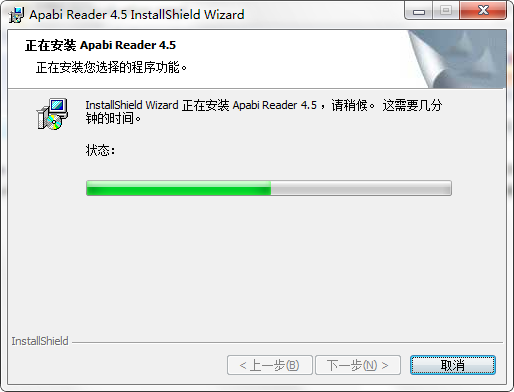
5. After setting the above information, you will enter the installation progress bar interface of Apabi Reader. In this interface, we can wait patiently for the installation to be completed.
6. After installation, the following interface will pop up. You can set other documents to use Apabi Reader as the default opening tool. If not, you do not need to set it, and click [Next].
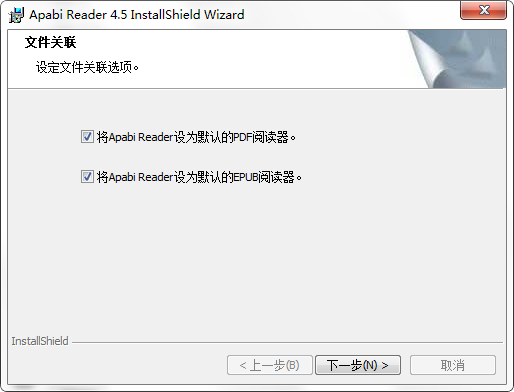
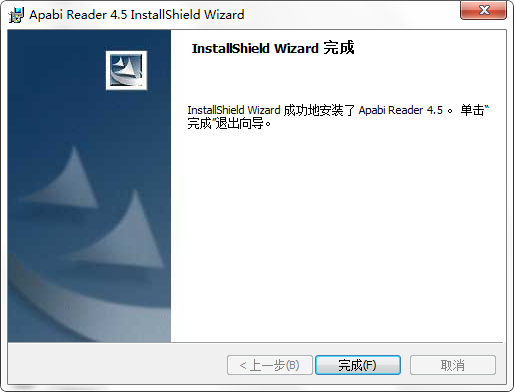
7. Finally, the installation of Apabi Reader is completed. Click [Finish] to close the interface and start experiencing Apabi Reader~
How to use Apabi Reader (ceb file reader)?
There are three ways to open documents in Apabi Reader (ceb file reader). Next, the editor will introduce them to you one by one:
The first one: Open from Apabi Reader (ceb file reader) software
1. First run and open Apabi Reader (ceb file reader), and then select the [File] - [Open] option in the upper left corner.

2. After entering the document opening interface, select the document format file supported by Apabi Reader (ceb file reader) and click the [Open] button.
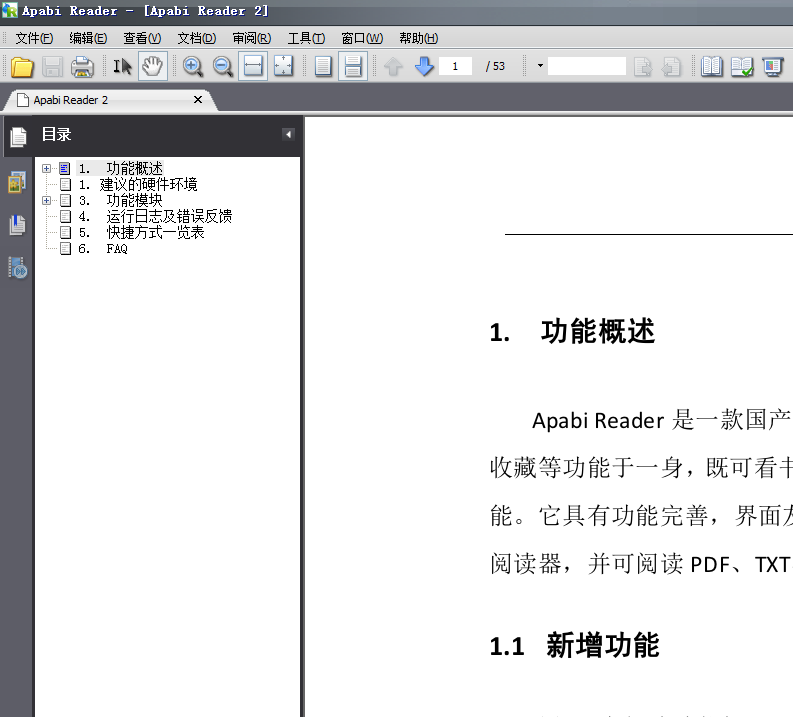
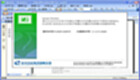
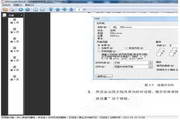
3. The effect after opening is as shown in the picture above:
The second type: open with a certain document as the core
1. First, we need to find the open document (it must be a document format supported by Apabi Reader (ceb file reader)), then select the document, right-click the mouse and select [Open with].
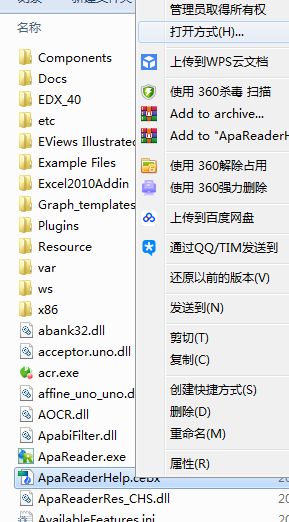
2. Enter the program selection interface, and we can directly select the [Founder Apabi Multifunctional Digital...] program. If it does not exist, you can select [Browse] to search.
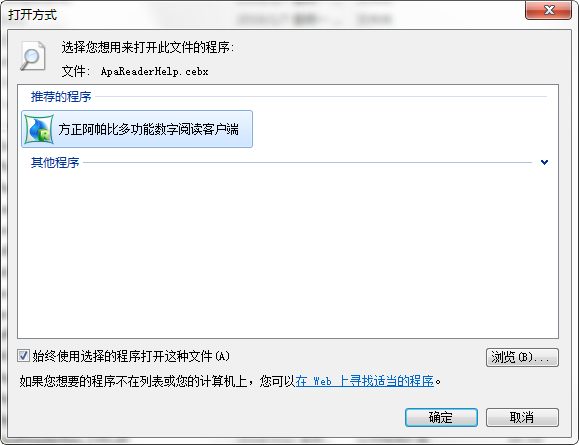
The third way: simple and crude opening method, drag and drop directly
Directly open the Apabi Reader (ceb file reader) software and document, then drag the document you need to open and drag it directly into the software interface to open the display. As follows:

Apabi Reader (ceb file reader) FAQ
Can apabi reader be converted into word?
1. Apabi Reader (ceb file reader) does not support direct conversion to Word format, but we can convert the document opened by Apabi Reader (ceb file reader) into text format and then browse it with the word opening tool.
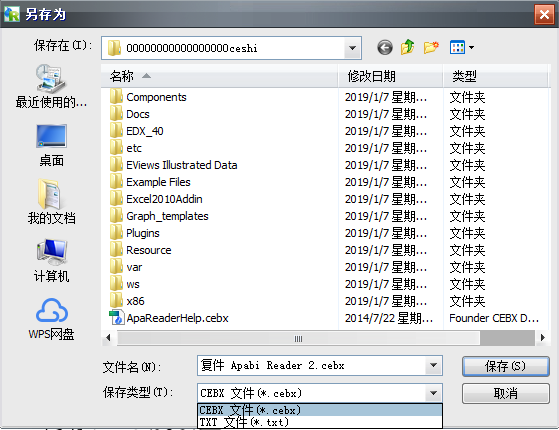
2. Save the opened file as a .txt format file, and then open the word tool to display the document.
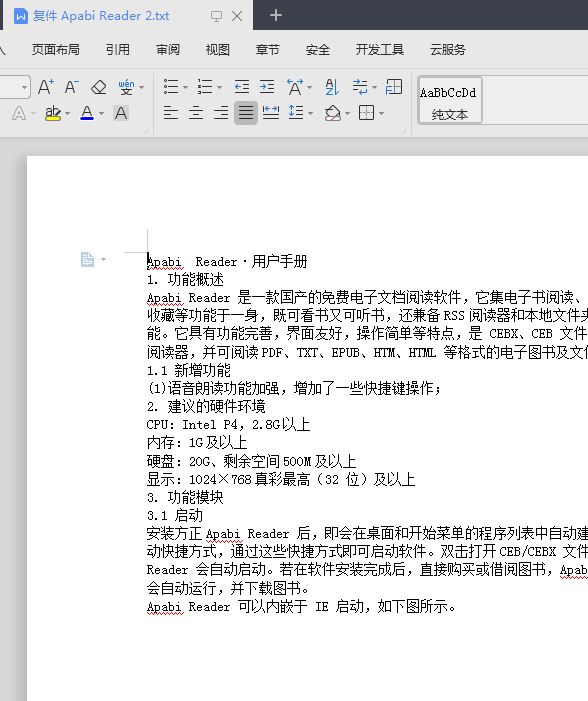
How to edit content in apabi reader?
Apabi Reader (ceb file reader) does not support editing and opening files, but you can follow the previous question. First save the file to be edited as a txt format file, edit it, and then open it with Apabi Reader (ceb file reader) for viewing.
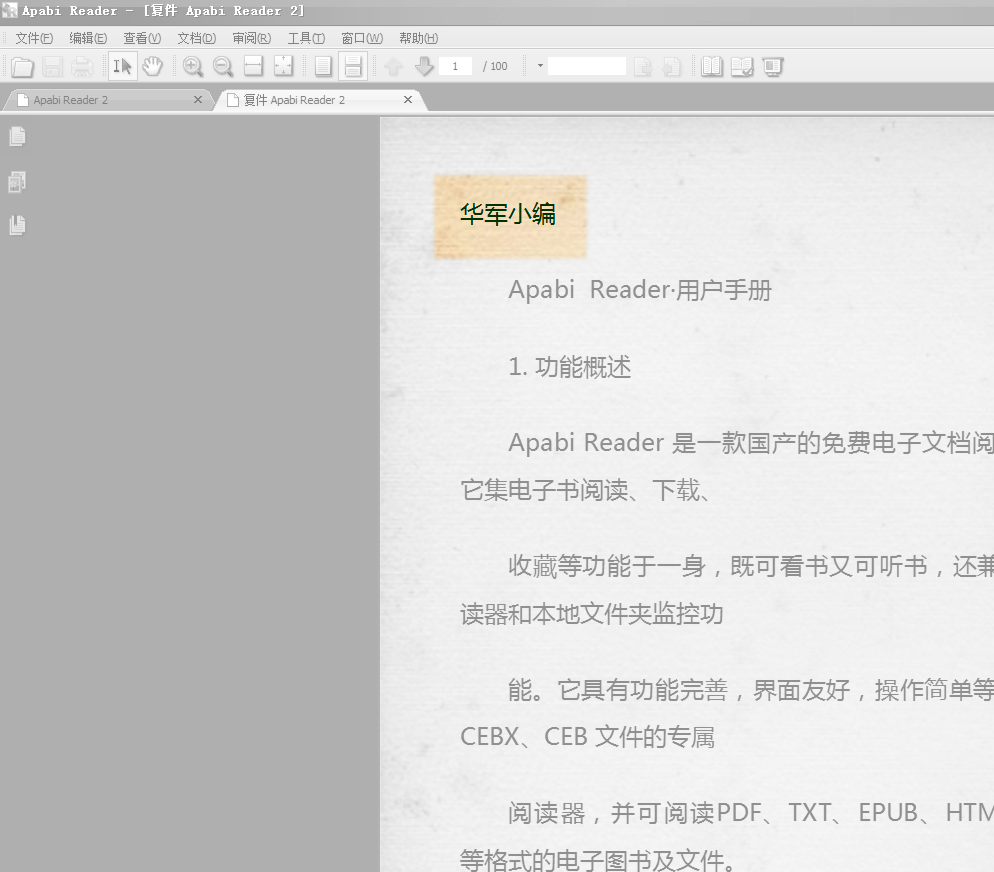
Note that if you convert a ceb format file to a txt format file, you will no longer have the display effect of directories at all levels, so modify it carefully.
Apabi Reader (ceb file reader) FAQ
Apabi Reader is a reader that supports CEB format files and is suitable for reading Chinese e-books and electronic documents. Here are some frequently asked questions and their answers:
1. How to install Apabi Reader?
Answer: You can download Apabi from the Apabi official website Reader installer and then follow the prompts to install it.
2. What file formats does Apabi Reader support?
Answer: Apabi Reader supports CEB, PDF, EPUB and other file formats.
3. How does Apabi Reader perform streaming reflow?
Answer: In Apabi In Reader, you can realize the streaming reflow function by clicking the "Page" button and selecting the "Streaming Reflow" option.
4. How to annotate and search in Apabi Reader?
Answer: In Apabi In Reader, you can perform annotation and retrieval operations by clicking the "Tools" button and selecting the "Annotation" or "Search" option.
5. Does Apabi Reader support encrypted document applications?
Answer: Yes, Apabi Reader can extend CEB files into encrypted document applications to achieve encryption and protection of documents.
Hope the above answer can solve your problem. If you have any further questions, please feel free to ask.
Apabi Reader (ceb file reader) update log
Greatly improve startup speed.
Optimize the display part of CEBX form.
Optimized the display speed of CEBX/CEB/PDF.
Supports CEBX rearranged display with logical structure information.
Supports new generation DRM system, more flexible permission control.
|
Huajun editor recommends: If you guys just want to open and read some electronic documents, or read some documents with more organized content (with a table of contents). You can choose to install Apabi Reader (ceb file reader). Although this ceb file reader is not large in size, it has more practical functions. You can use Apabi Reader (ceb file reader) to make some notes on some places that need to be marked, or add bookmarks for viewing next time. In addition, the editor of Huajun has also collected and compiled other [document reading] tools for everyone to choose and download, such as: PdfReader document reader, electronic document reading player, etc. |















Useful
Useful
Useful