





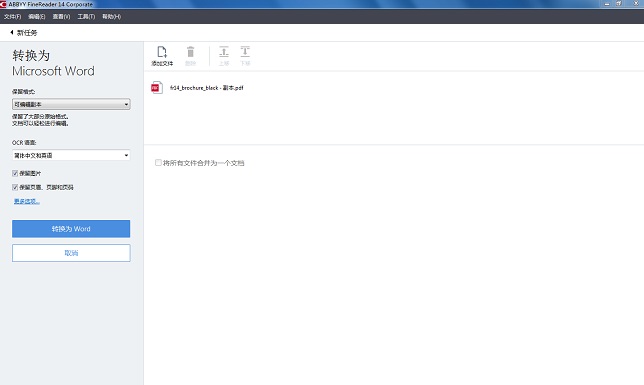
FineReader function introduction
1.Innovative backend OCR
While OCR processing of documents of any size is performed in the background, the document can be opened, viewed and processed, thus saving a lot of time;
2. The recognition speed is accelerated by 15%;
3. Easily extract data and citation text
Tables or formatted text can be copied from a selected area without identifying the entire file;
4. The accuracy of business document recognition is increased by 30%
ABBYY FineReader 12’s new tools can remove color stamps and pen marks, preserve diagrams more accurately, and more;
5. Table conversion efficiency increased by 40%
It can help engineers, financial professionals or other experts who deal with numerical data save a lot of time and energy;
6. The accuracy of Chinese, Korean and Japanese recognition is increased by 20%, Arabic by 15%, and Hebrew by 10%;
7. Save and retrieve cloud files more easily
Through FineReader 12, you can more easily access common cloud storage services such as Goog%e Drive, Dropbox, and SkyDrive;
8. Strengthen sharing functions
将ABBYY FineReader 12企业版和Microsoft SharePoint、Online/Office 365 direct integration further strengthens the file sharing function;
9.ABBYY camera OCR and PreciseScan technology
Convert photo files into scanner-quality images for easier reading and archiving or to improve printing results;
10. Verification and correction are faster
Also provides spelling and formatting correction. Intuitive shortcut keys and tab controls make navigation during the verification process easier;
11. Compatible with Windows 8/8.1, and supports scrolling and zooming operations on the laptop touch screen through basic touch operations;
12.ABBYY FineReader 12 Corporate (Enterprise Edition) enhances the hot folder function
Batch conversion of hot folder files has been improved to speed up the entire conversion process, plus dual-core processing support is provided.
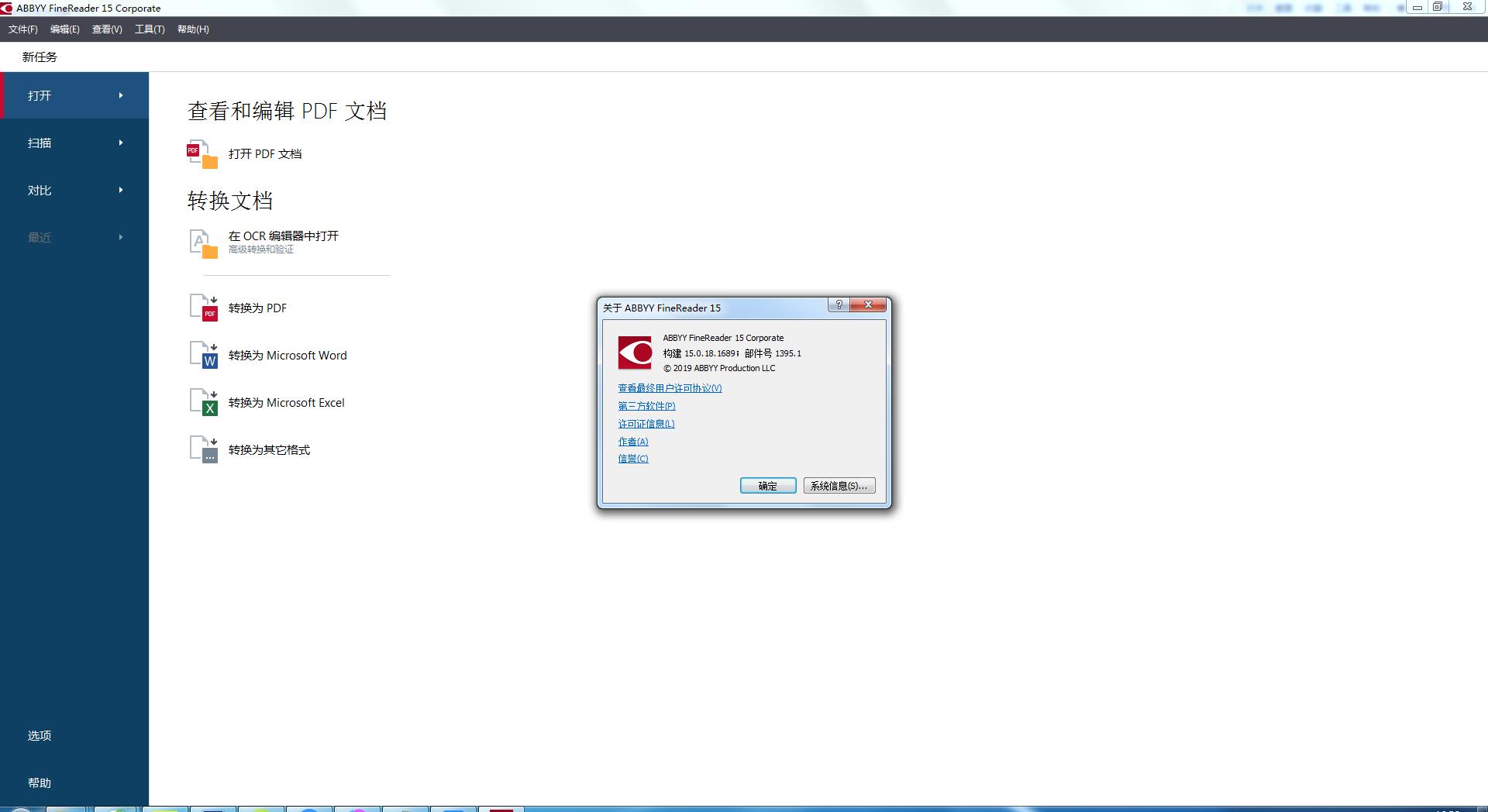
FineReader software features
1. Brand new document comparison function: Detect relevant changes in important documents, no matter what file format you compare - PDF, Word, or just document photos.
1. Reduce the risk of negligence
2. Only read important content
3. Digital comparison documents
2. OCR enhancements you need every day: The latest technology improvements provide better table analysis, improved document layout preservation and outstanding character recognition accuracy.
1. Advanced copying of tables and icons
2. Keep text styles when exporting to Word
3. Single line mathematical formula support
3. Multiple PDF editing tools: From adding new pages to content editing, you can take your PDF work to a whole new level.
1. Edit text
2. Modify pictures
3. Arrange pages
4. Protect documents
5. Review and comments
6. Fill in the form
FineReader Instructions
The latest ABBYY FineReader 14 has major breakthroughs in converting PDF and scanned files, editing and commenting on PDFs, comparing documents, and automatic conversion. Easily create editable digital copies of paper documents without retyping them.
And converting scanned documents into searchable, high-precision PDF documents for digital archiving is one of the major features of FineReader 14. Thanks to ABBYY’s powerful OCR technology, ABBYY FineReader 14 can accurately scan paper documents, images
and PDF files to Word, excel, searchable PDF and other formats, making the digitization process quick and easy. This tutorial teaches you how to use FineReader 14Insert and edit pictures:
1. Insert and edit pictures:
1. On the ‘PDF Tools’ toolbar, click the ‘Picture’ button.
2. In the dialog box that opens, select a picture and click ‘Open’.
3. Move the image to the target location on the page.
Pictures can be moved, rotated, deleted and resized. When you move an image, it may overlap with other images on the page. To move the overlapping image to the front, right-click the image and select 'Bring image to front'.
2. Delete pictures:
1. If you want to delete a picture in a PDF document created in another application, right-click the picture and click 'Delete' in the shortcut menu.
2. You can also delete part of the document image, or any content that may contain pictures.
On the ‘PDF Tools’ toolbar, click the ‘Erase’ button, and then select the area you want to erase.
FineReader update log
1.Fix several bugs;
2. Optimize detailed issues;
Huajun editor recommends:
The operation steps of FineReader software are very simple and very fast, so users can use it with confidence. Also recommendedfrp format reader,Founder Apabi Maker,frp file reader (ONEView Demo),DynaDoc Free Reader,winmail.dat reader (winmail reader)Download and use related software.




Useful
Useful
Useful